✦ BG REMOVER · SIGNATURE
SIGNATURE BACKGROUND REMOVER, INK KEPT
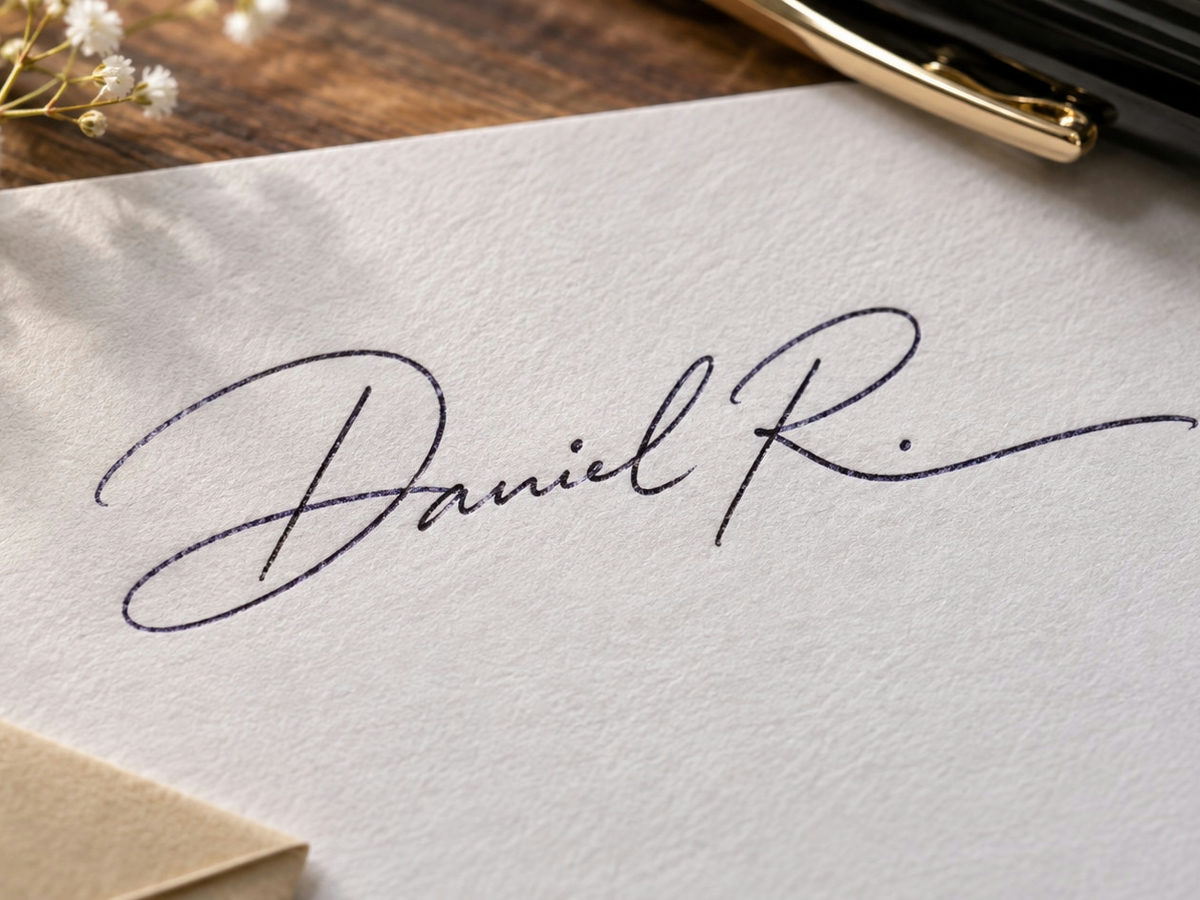
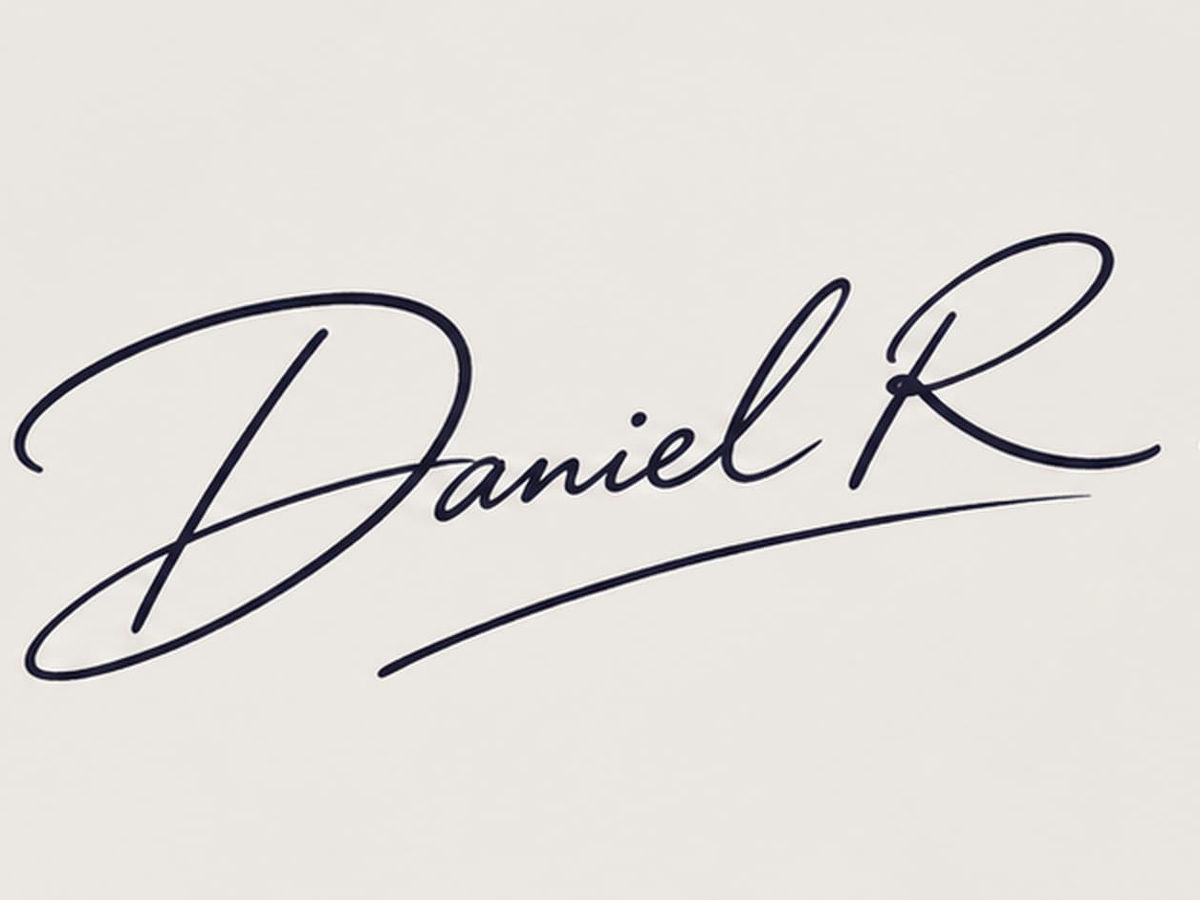
Sign on paper once and use the result everywhere. The paper, the shadows and the coffee ring go transparent, the strokes stay.
SOURCE PHOTO
Drop a photo here, or click to browse
PNG / JPG, up to 5 MB
Your result lands here
Upload a photo, then hit generate.
- A PHOTO OR SCAN OF THE SIGNATURE
- UPLOAD
- FINE STROKES AND DOTS SURVIVE
- CUT
- NATIVE ALPHA, UP TO 4K
- KEEP
- DOCS, EMAILS AND PDFS, READY
- SIGN
UP-FRONT PRICING
Packs start at $1.99 and stay valid while your account is active. Memberships start at $4.99 a month. One balance covers every image and video tool. The console prices every run before you commit.
Starter Pack
$1.99
100CREDITS
≈ 50images
≈ 4SOTA images
≈ 8svideo
≈ 6sSOTA video
A quick test run.
ONE PAYMENT · NEVER EXPIRE
Standard Pack
$9.99
700CREDITS
≈ 350images
≈ 30SOTA images
≈ 88svideo
≈ 43sSOTA video
A full issue's worth of art, plus videos for the launch.
ONE PAYMENT · NEVER EXPIRE
Pro Pack
$19.99
1,600CREDITS
≈ 800images
≈ 69SOTA images
≈ 208svideo
≈ 100sSOTA video
Batch season. Whole chapters and the videos that sell them.
ONE PAYMENT · NEVER EXPIRE
STANDARD MEMBERSHIP
$4.99/ month
1,000CREDITS EVERY MONTH
For weekly creators and side projects.
≈ 500images
≈ 43SOTA images
≈ 128svideo
≈ 62sSOTA video
NO LOCK-IN · CANCEL ANY TIME
Membership credits are available while the membership is active. Unused membership credits expire when the membership ends.
Image estimates use Flux 3 Klein at 1K, the lowest-priced run on the site. Video estimates use 8-second Veo 3.1 Lite videos at 720p, or Wan 3.0 at 480p for the SOTA row. The console shows the exact cost before every run.
INK, LIFTED OFF THE PAGE
Real signatures photographed on real paper. Slide each pair and check the stroke edges.
A long underline and looping capitals on textured paper. The strokes stay continuous and the paper grain goes transparent.


Hard edges and flat color cut the cleanest. The marble goes, and the mark drops onto any deck, storefront or packaging mockup.


Stray hair against a busy mountain backdrop is where most removers melt. Here the boundary is re-rendered before the cut, so the strands survive.
WHERE SIGNATURE CUTOUTS GO
CONTRACTS AND FORMS
Place the transparent PNG onto signature lines in PDFs and office documents instead of printing to sign.
EMAIL SIGN-OFFS
A handwritten close above the typed name reads personal without a rectangle of paper texture.
INVOICES AND ESTIMATES
Approved estimates carry the mark cleanly on any template color.
CERTIFICATES AND AWARDS
Certificate templates take a transparent signature without a white box.
ART AND COMMISSIONS
Artists place their signature mark on finished work at any size without re-signing each piece.
REPEATED DOCUMENTS
Cut once, reuse across the hundred forms that need the same sign-off.
A CUTOUT ENGINE, NOT A REDRAW.
Signature photos carry shadows, paper grain and the hand that cast them. A dedicated engine segments the ink instead of guessing strokes.
THE WHITE-BACKDROP APPROACH
- Repaints the page on white and deletes the paper after
- Ballpoint hairlines read as noise and leave with the grain
- The shadow under your hand comes back as part of the mark
- Thin strokes soften at a smaller output and fail in print
THE DEDICATED CUTOUT ENGINE
- Segments the ink itself and returns native alpha
- Pen-pressure fades and the tail of the last stroke stay intact
- Paper grain, coffee rings and hand shadows all go transparent
- Your scan's own resolution comes back, up to 4K
EVERY TOOL, ONE BALANCE
Background removal is usually one step of the job. Every other tool shares your uploads and credits.
UPLOAD, CUT, DOWNLOAD
DROP A PHOTO HERE, OR CLICK TO BROWSE
PNG / JPG · UP TO 5 MB
UPLOAD THE PHOTO
Any JPG or PNG up to 5 MB, long edge 4096 px or less. One photo is the whole input.
THE ENGINE FINDS THE SUBJECT
THE ENGINE CUTS
The engine isolates the ink from paper, texture and shadow, thin strokes included.
signature-cutout.png✓ PNG · TRANSPARENT
DOWNLOAD THE PNG
About 5 to 20 seconds later you have a transparent PNG at the same resolution as your upload, up to 4K.
CUTOUTS THAT SHIP
FINE STROKES SURVIVE
Ballpoint hairlines, fading pen pressure and the tail of the last letter are segmented as ink, not erased with the paper.
PRESSURE FADES KEPT
A signature is thinnest exactly where it ends. Those tapering strokes are segmented as ink rather than dropped with the paper.
PRINTS WITHOUT A BOX
Native alpha at your scan's resolution means the mark lands on a PDF signature line with no rectangle of paper around it.
SIGN ONCE, REUSE IT
One photographed signature becomes a file you place on contracts, invoices, estimates and certificates.
NO WATERMARK, EVER
Results download clean. Nothing gets stamped on your image, free credits or paid.
HONEST BILLING
The price shows before the run, and failures on our side refund automatically.
SHARPER CUTOUTS
- 01Use black ink on plain white paper. Blue and gel pens photograph thin, and thin strokes are what a cut is judged on.
- 02Sign larger than you need to. You can scale the mark down later; you cannot recover a stroke that was only a few pixels wide.
- 03Keep files under 5 MB. A high-quality JPG usually fits even at 4K.
- 04The checkerboard preview is your friend: gray squares mean real transparency.
- 05Leave the shadow under your hand out of the frame if you can. Shadows cut as ink otherwise.
- 06Check the counters of letters like e and o on the checkerboard before downloading.
SIGN ONCE, PLACE ANYWHERE
The usual signature workflow is absurd: print the document, sign it, scan it, hope the scan is clean. PixQuill's signature background remover short-circuits it. Sign on paper once, photograph it, and the engine returns the ink as a transparent PNG that drops onto every document you will ever sign digitally.
The hard part is that ink is thin. Segmentation keeps hairline strokes and the dot over an i because they are part of the subject, while the paper, its grain and its shadows go transparent. Output follows the source resolution up to 4K, so scan quality carries through to print.
One privacy note worth making: only cut signatures you have the right to use, starting with your own. Rights in uploads stay where they were, and the [Copyright page](/copyright) spells out the terms. Runs cost credits shown upfront, and new accounts start with free credits.
STRAIGHT ANSWERS
▸ How do I make my handwritten signature transparent?
Sign on paper, photograph or scan it, upload, and generate. The result is a transparent PNG at the source resolution, up to 4K.
▸ Will thin pen strokes survive the cut?
Yes. Segmentation treats the ink as the subject, so ballpoint hairlines and pen-pressure fades hold up instead of being erased with the paper.
▸ Is it safe to upload my signature?
Uploads are processed as your images and rights stay with you; only process signatures you have the right to use, which for most people means your own. The Copyright page covers the terms.
▸ Is the result really transparent?
Yes. What you download is a PNG with a native alpha channel produced by the cutout engine, so the edges composite cleanly onto any color. The checkerboard in the result view shows the transparency directly.
▸ Is it free to try?
Yes. New accounts start with free credits and the daily check-in adds more, so you can run real images before paying anything. The console shows the exact credit cost of every run upfront, and results come with no watermark.
▸ What files can I upload, and at what size?
Any JPG or PNG up to 5 MB, with a long edge of 4096 px or less and a short edge of at least 256 px. The cutout comes back at the same resolution as your upload, up to 4K, usually in 5 to 20 seconds.
▸ Can I use the cutout commercially?
Images you generate are yours to use, including in commercial projects, within our terms. Rights in anything you upload stay where they were, so only process images you own or have permission to use. Details live on the Copyright page.
SIGN ONCE. PLACE IT EVERYWHERE.
Photograph your signature and drop the transparent mark on any document. New accounts start with free credits.