✦ PROMPT GALLERY
AI IMAGE PROMPT GALLERY, FREE TO COPY
Five hundred curated prompts, each shown with the picture it produced. Copy one as is, or send it straight to the console and make it yours.
500+ CURATED PROMPTSCOPY OR SEND TO CONSOLEFREE CREDITS TO START
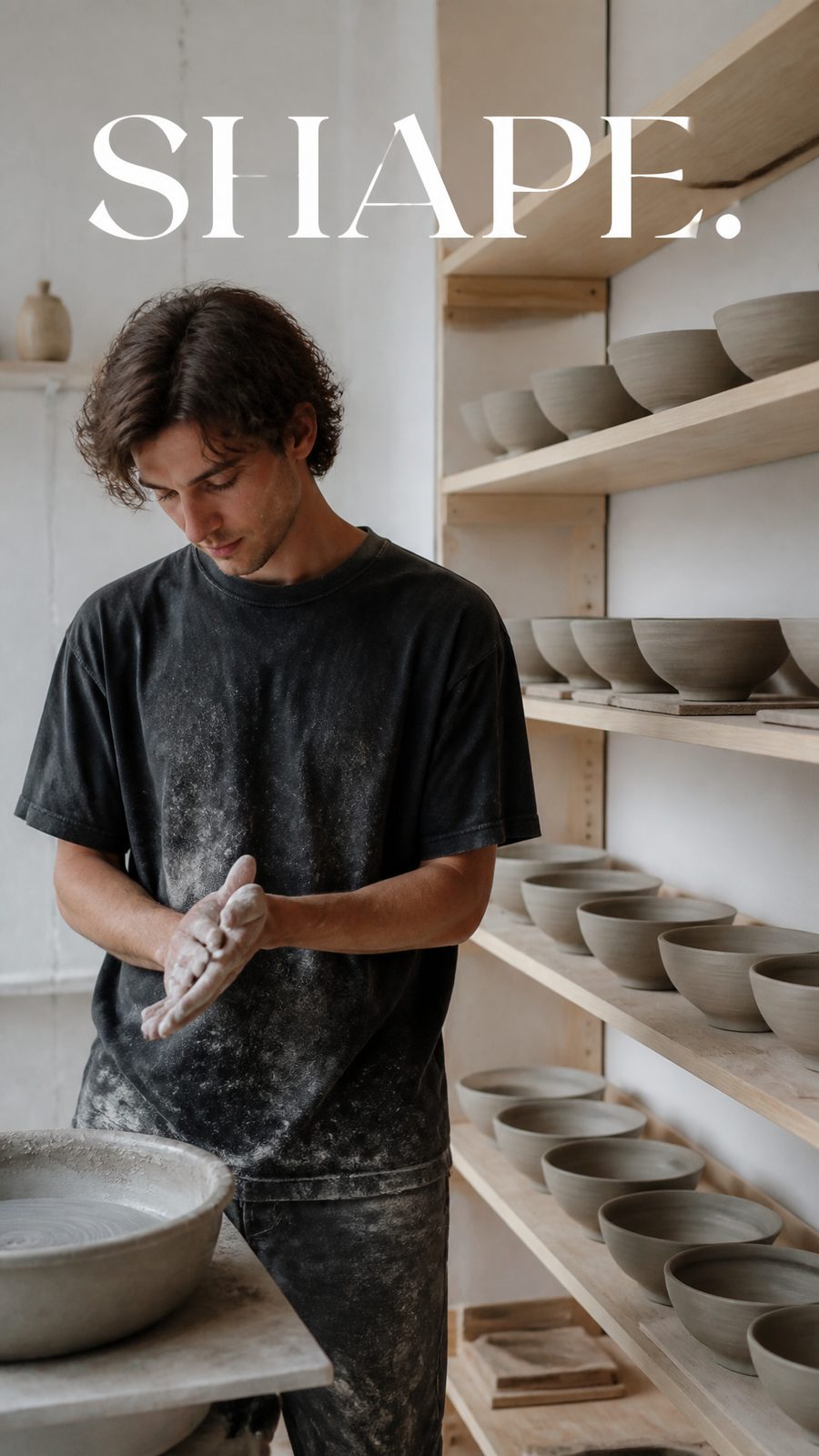
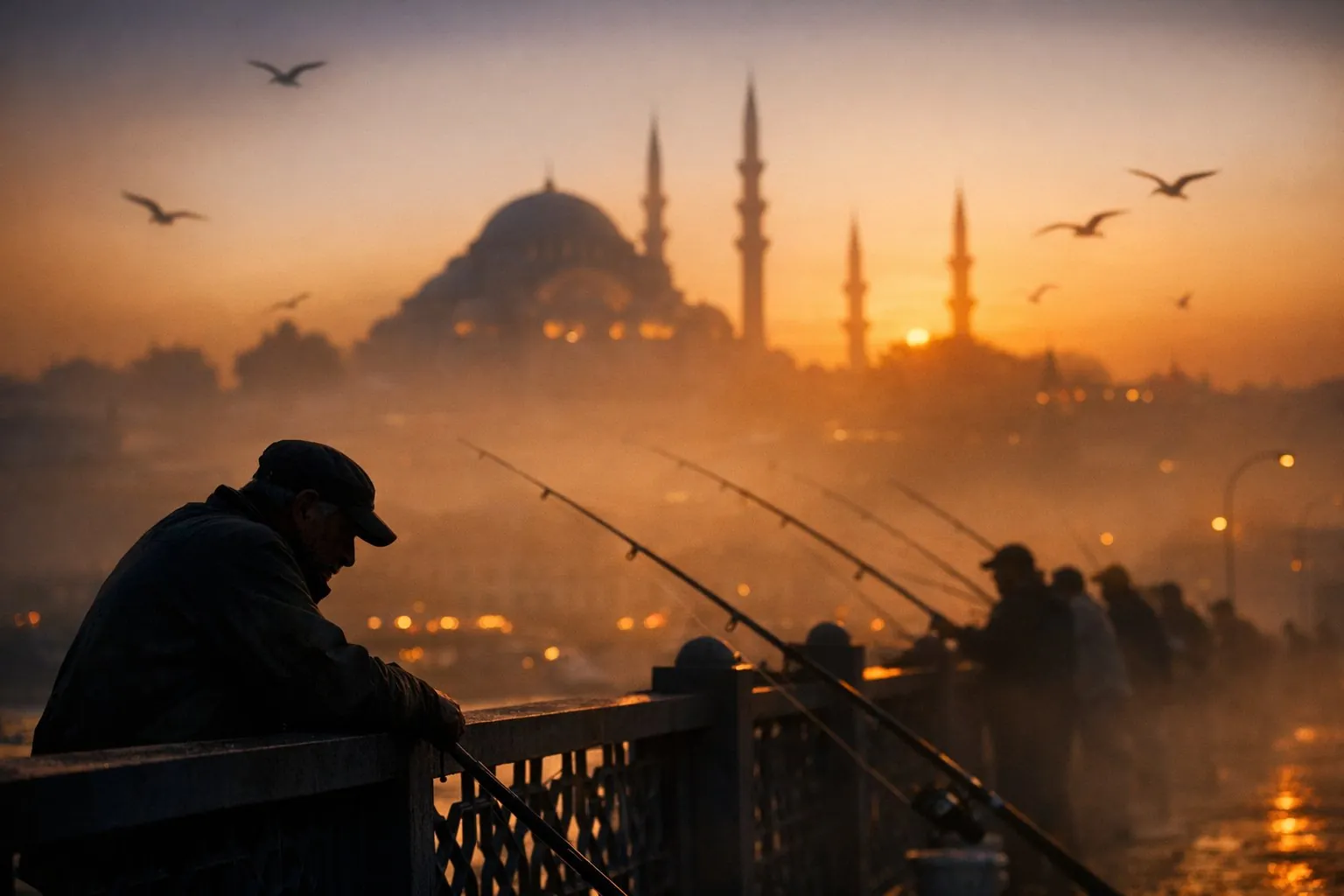
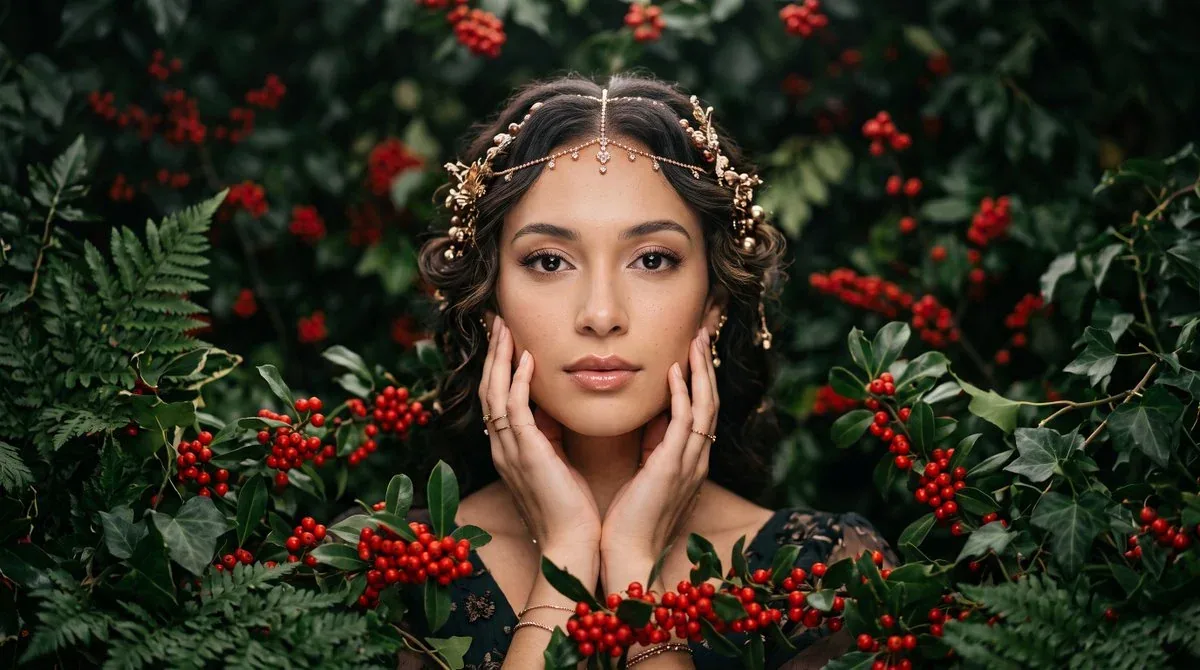
- THE LIBRARY
- 500+ PROMPTS, ALL WITH RESULTS
- BROWSE BY
- 9 CATEGORIES + ALL
- THE WORKFLOW
- COPY OR ONE-CLICK TRY
- A RUN TAKES
- ABOUT 30 TO 60 SECONDS
PICK A PROMPT, MAKE IT YOURS
Every card pairs a prompt with the image it generated. Open one to read the full text, copy it, or send it to the console prefilled.
WHAT THE GALLERY GIVES YOU
SEE THE RESULT FIRST
Every prompt ships with the image it generated. You judge the prompt by its output, not by its wording.
THE FULL TEXT, ALWAYS
The panel shows the whole prompt: camera, lighting, color codes, the lot. Nothing hidden behind a login or a paywall.
ONE CLICK TO TRY
Try this prompt sends the text straight into the PixQuill console, prefilled and ready to generate. Your credits price the run before it starts.
BROWSE BY WHAT YOU MAKE
Nine categories cover portraits, posters, product shots, anime, food, spaces and more. Filter the wall down to the job at hand.
HONEST MODEL BADGES
Each card keeps the model tag from where the prompt was first shared, so you know what it was written for. The console runs the idea on our own engines.
ONE AGENT BEHIND IT
Generating happens in the PixQuill console with 30 image engines. Credits work across every tool, and new accounts start with free credits.
EVERY TOOL, ONE BALANCE
The gallery feeds the rest of PixQuill: send a prompt to the console, then take the result into another tool with the same credit balance.
FROM BORROWED PROMPT TO YOUR IMAGE
BROWSE THE WALL
Scroll the masonry or filter by category. Every card already shows the image, so you can tell in a second whether the style fits.
OPEN AND COPY
Click a card to read the full prompt. Copy the text, or press try and the console opens with it prefilled.
GENERATE YOUR VERSION
Swap the subject or the mood, pick an engine, and generate. Runs take about 30 to 60 seconds, and the price shows before you spend a credit.
READ PROMPTS LIKE A WRITER
- 01Borrow the structure, not just the words. Most prompts here follow subject, action, camera, then light. Keep the skeleton and swap the nouns.
- 02Watch for bracketed placeholders like [Subject] or [Brand]. They are deliberate gaps, and filling them with your own details is what makes the prompt yours.
- 03Color codes travel well. A prompt that says #C28B6B skin tone or #21468B linen shirt will hold its palette on any engine that reads hex values.
- 04Camera language is the reusable part. '85mm at f/1.8' or 'low one-point perspective' will steady a portrait even after you replace everything else.
- 05Start with what the image already proves. If the card shows a clean product shot, expect product-shot behavior, and change one variable at a time.
- 06Iterate in the cheapest slot first. Generate one image, check the composition, then scale up the count or the resolution once the prompt behaves.
WHAT THIS GALLERY IS
This gallery is a working library of AI image prompts. Each entry pairs one prompt with the image it produced, so you can see exactly what the words deliver before you run them. The collection was gathered from public prompt galleries and credited to the authors who shared them.
The model badge on a card records where a prompt was first written, whether that is GPT Image, Nano Banana or Midjourney. Prompts translate: describe the subject, the light and the camera, and any modern engine can follow. When you press try, the text lands in the PixQuill console, which runs it on our own engines, from Seedream to Nano Banana class models to Flux, thirty of them in the picker.
Browsing and copying costs nothing. Generating spends credits, and the console shows the price of a run before it starts, usually about 30 to 60 seconds of wait. New accounts start with free credits, and if a run fails on our side, the credits come back on their own.
THE GALLERY, ANSWERED
▸ What is the AI image prompt gallery?
A library of curated prompts for AI image generation, each paired with the image it produced. You browse the wall, open a card, and copy the full prompt text for free.
▸ Are the prompts free to copy?
Yes. Browsing and copying prompts costs nothing and needs no account. Generating an image from a prompt spends credits, and new accounts start with free credits.
▸ Which models do these prompts work with?
The badge on each card records the model the prompt was first shared for, like GPT Image or Midjourney. The prompts themselves translate across engines. The PixQuill console runs 30 image engines, including Seedream, Nano Banana class models, GPT Image models and Flux.
▸ How do I use a prompt on PixQuill?
Open a card and press try this prompt. The console opens with the text prefilled, you pick an engine and settings, and generate. A run takes about 30 to 60 seconds.
▸ Can I edit the prompts?
Please do. The prompts are starting points. Swap the subject, change the mood, replace bracketed placeholders with your own details, and keep the camera and lighting language that makes the frame work.
▸ Where do these prompts come from?
They were collected from public prompt galleries and are credited to the authors who shared them. Each card keeps its source, and the gallery adds twenty PixQuill originals from our own showcase.
▸ What do the brackets in some prompts mean?
They are placeholders the original author left for you to fill, like [Subject] or [Brand Name]. Replace them with your own words before generating, or the model will render the brackets literally.
▸ What if a generation fails?
Runs usually finish in about 30 to 60 seconds. If a run fails on our side, the credits return to your balance on their own, in full.
▸ Can I use the images I generate commercially?
Images you generate are yours to use, including in commercial projects, within our terms of service. Rights in anything you upload stay where they were. More on the Copyright page.
PICK A PROMPT, PRESS GENERATE
Send any card to the console, tweak the details, and the engines do the rest. New accounts get free credits.