✦ PAVO AI
PAVO AI VIDEO GENERATOR, FREE TO START
Type a prompt or drop in an image and Pavo AI video generator renders the video in minutes. Free credits to start, 10+ engines to pick from.
FREE CREDITS TO STARTTEXT OR IMAGE TO VIDEO10+ ENGINES
Start Creating
0 / 2000
- INPUT
- A TEXT PROMPT OR AN IMAGE
- OUTPUT
- VIDEOS, 4 TO 30 SECONDS
- A RUN TAKES
- 1 TO 3 MINUTES
- THE ENGINES
- MINIMAX H3 DEFAULT, 10+ MORE
UP-FRONT PRICING
Recommended packs start at $9.99 and stay valid while your account is active. Memberships start at $4.99 a month. One balance covers every image and video tool. Every video shows its credit price in the console before you render.
Standard Pack
$9.99
700CREDITS
≈ 350images
≈ 30SOTA images
≈ 88svideo
≈ 43sSOTA video
A full issue's worth of art, plus videos for the launch.
ONE PAYMENT · NEVER EXPIRE
Pro Pack
$19.99
1,600CREDITS
≈ 800images
≈ 69SOTA images
≈ 208svideo
≈ 100sSOTA video
Batch season. Whole chapters and the videos that sell them.
ONE PAYMENT · NEVER EXPIRE
STANDARD MEMBERSHIP
$4.99/ month
1,000CREDITS EVERY MONTH
For weekly creators and side projects.
≈ 500images
≈ 43SOTA images
≈ 128svideo
≈ 62sSOTA video
NO LOCK-IN · CANCEL ANY TIME
PRO MEMBERSHIP
$19.99/ month
5,000CREDITS EVERY MONTH
For daily image and video production.
≈ 2,500images
≈ 217SOTA images
≈ 664svideo
≈ 312sSOTA video
NO LOCK-IN · CANCEL ANY TIME
Membership credits are available while the membership is active. Unused membership credits expire when the membership ends.
Image estimates use Flux 3 Klein at 1K, the lowest-priced run on the site. Video estimates use 8-second Veo 3.1 Lite videos at 720p, or Wan 3.0 at 480p for the SOTA row. The console shows the exact cost before every run.
WHAT THE ENGINES MAKE
Sample videos from the engines behind Pavo AI. They play as you scroll, and any card opens the full video.
WHAT PAVO AI DOES
TEXT TO VIDEO
Write what happens, who is in it and where the camera sits. The default engine turns that line into a short video, sound included.
IMAGE TO VIDEO
Upload one frame and it becomes the opening shot. The subject, the light and the framing carry into the motion.
START AND END FRAMES
Pin two stills and the engine animates the move between them, so the video lands on the shot you chose.
THE SAME FACE, EVERY TIME
Attach a few reference images and the character holds through the run instead of drifting after the first second.
10+ ENGINES, ONE PICKER
MiniMax H3 opens the console. Veo, Kling, Seedance, Wan and more sit in the same picker, each with its own length, resolution and price.
FREE TO START, PRICED UP FRONT
New accounts get free credits. Every run shows its credit cost before you press generate, and a run that fails on our side refunds itself.
EVERY TOOL, ONE BALANCE
Pavo AI runs inside PixQuill, so the credits and uploads you use here work in every other tool.
PROMPT IN, VIDEO OUT
- TEXT TO VIDEO
- FIRST FRAME
- START + END FRAMES
- MULTI-IMAGE REF
PICK A MODE
The console opens on text to video. Switch to first frame when you have an image to animate, pin a start and an end, or add reference images to hold a character.
A cyclist rolls down a mountain road at dawn, drone camera following from behind
MODELMINIMAX H3DURATION5SRATIO3:4RESOLUTION768PWRITE THE PROMPT
Describe the subject, the action and the camera in plain words. Set the length and ratio, then check the credit price the console shows under the button.
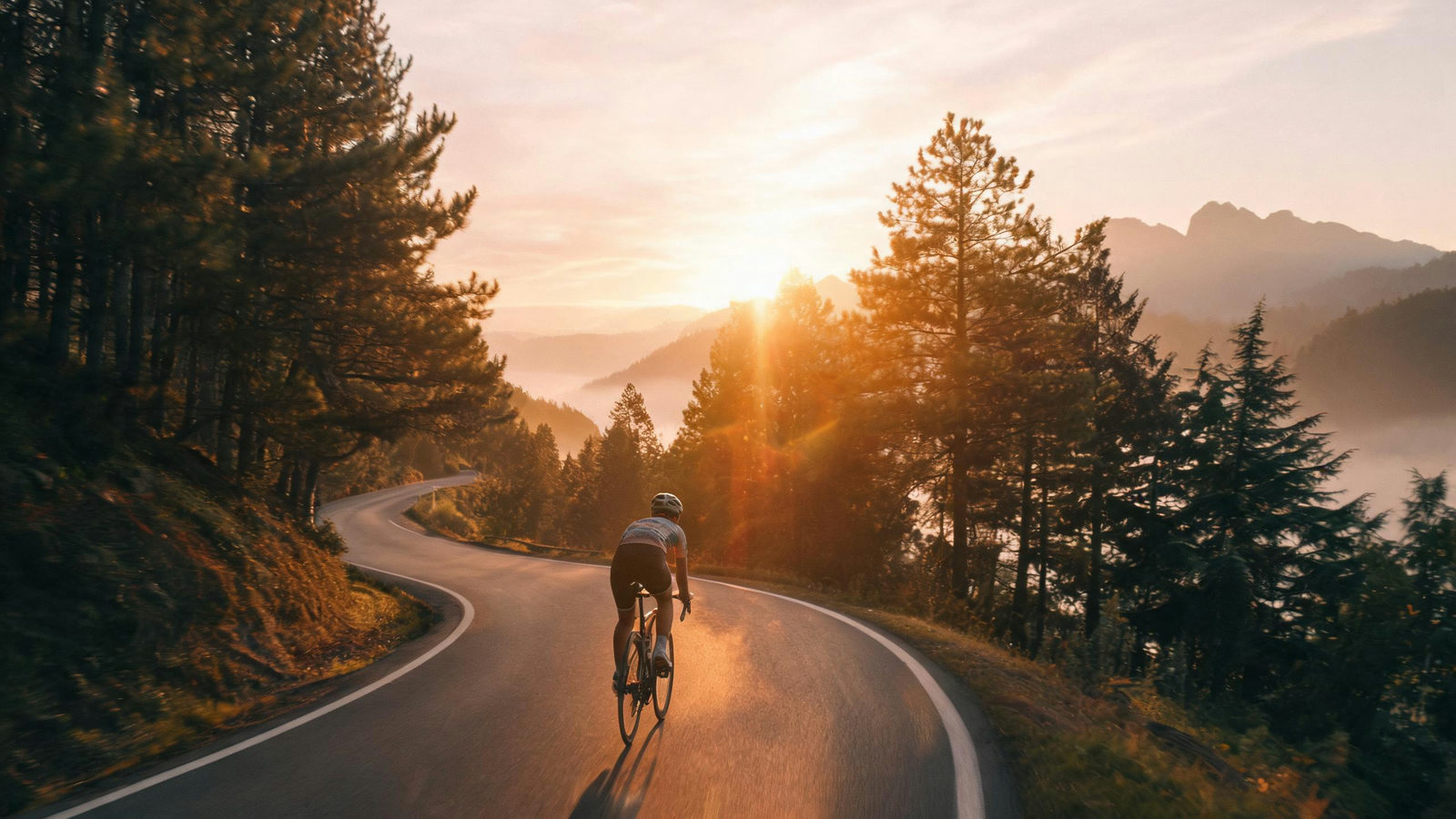
pavo-cyclist-dawn.mp4✓ 5S · 768P · READY
GET THE VIDEO
A run usually takes 1 to 3 minutes. The finished video appears in the console and in your library, ready to download or reuse as a frame.
PROMPTS THAT RENDER
- 01Name the subject, the action and the camera. 'A fox crosses a frozen lake, low tracking shot' gives the model three things to hold instead of one.
- 02One action per video. Five seconds fits a turn, a pour or a walk through a door. Save the plot for a second run.
- 03For image to video, upload a clean frame with the subject already placed. The engine animates what it sees, so blur and watermarks come along.
- 04Pick 9:16 for feeds and stories before you render. Changing the ratio later means rendering again, so decide it first.
- 05Draft at 5 seconds and 768p before committing to a longer or sharper run. The cheap version tells you whether the prompt works.
- 06Say the light and the mood in plain words. 'Overcast afternoon, soft shadows' lands more reliably than a film reference the model may not know.
WHAT PAVO AI IS
Pavo AI video generator is a text to video and image to video tool: you type a prompt or upload a picture, and an AI model renders a short video from it. This page is PixQuill's version. The console opens on MiniMax H3, a budget engine that runs 4 to 15 seconds at 768p or 2K, and the site's other video engines sit in the same picker.
Start from whatever you have. A sentence is enough for text to video. One image sets the first frame, two images pin the start and the end, and reference images, up to five on the default engine, keep a character steady across the run. Everything renders on our servers, so there is nothing to install, and the console shows the credit price before you commit.
A run usually takes 1 to 3 minutes. Longer renders finish in the background and land in your library, and a run that fails on our side refunds its credits automatically. New accounts start with free credits, and the same balance works across every PixQuill tool, so a still from the Image Maker can become the first frame of your next video.
PAVO AI, ANSWERED
▸ What is Pavo AI video generator?
An AI video generator that turns a text prompt or an image into a short video. On PixQuill it opens the video console on MiniMax H3, and you can switch to any other engine in the picker without leaving the page.
▸ Is Pavo AI video generator free?
New accounts start with free credits, and the console shows the exact credit price before each run. When the free credits run out, packs and memberships are on the pricing page.
▸ How do I make a video with Pavo AI?
Pick text to video, write what happens in the shot, set the length and ratio, and press generate. The console prices the run before it starts, and the finished video lands in the console and in your library.
▸ Can I turn an image into a video?
Yes. Upload one image as the first frame and the engine animates from it, or upload two to pin the start and the end. The default engine keeps the input image's proportions.
▸ How long can the videos be?
The default engine, MiniMax H3, runs 4 to 15 seconds. Other engines in the console go up to 30 seconds, and the duration control only offers what the picked model supports.
▸ What resolution and aspect ratio do I get?
MiniMax H3 renders at 768p or 2K in 16:9, 9:16, 1:1, 4:3, 3:4 or 21:9. Switch to a Veo engine for 1080p or 4K. The options update as soon as you change the model.
▸ How long does a render take, and what if it fails?
Usually 1 to 3 minutes. Longer renders keep going in the background and show up in your library. If a run fails on our side, the credits come back automatically, in full.
▸ Do I need to install anything?
No. Pavo AI runs in the browser and the video renders on our servers, so you can close the tab and come back. The result waits in your library under Works.
▸ Can I use the videos commercially?
Videos you generate are yours to use, including in commercial projects, within our terms of service. Rights in anything you upload stay where they were, so only attach material you own or have permission to use. Details are on the Copyright page.
MAKE YOUR FIRST VIDEO
Write the shot, pick the length, and let the console price the run. New accounts start with free credits.