✦ BG REMOVER · PRODUCT
PRODUCT BACKGROUND REMOVER, LISTING READY
One photo on the kitchen table becomes every asset the shop needs: white-background listing, branded banner, ad creative.

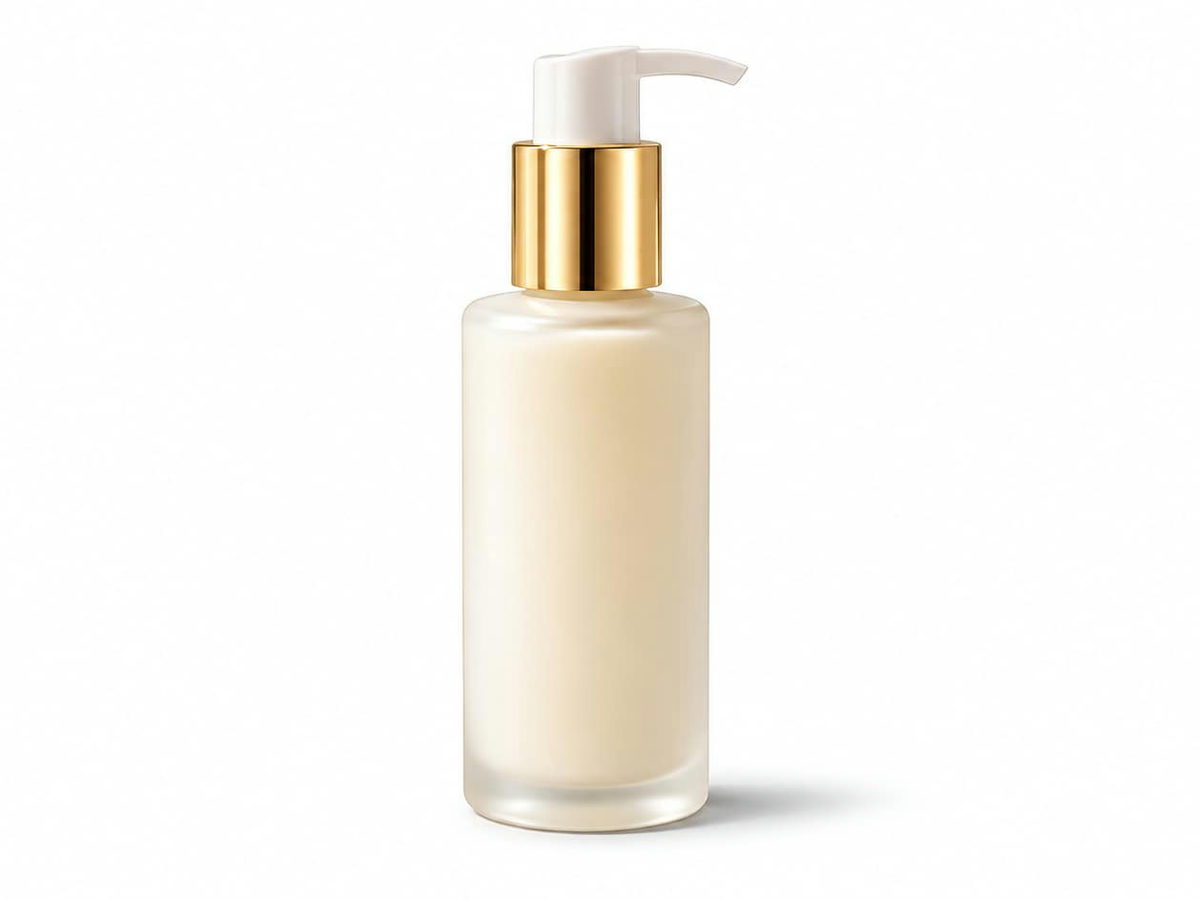
SOURCE PHOTO
Drop a photo here, or click to browse
PNG / JPG, up to 5 MB
Your result lands here
Upload a photo, then hit generate.
- PHONE PHOTOS ARE THE NORMAL CASE
- UPLOAD
- LABELS, STRAPS AND EDGES KEPT
- CUT
- COLORS TRUE TO THE ITEM
- KEEP
- MARKETPLACE AND ADS, SAME DAY
- LIST
UP-FRONT PRICING
Packs start at $1.99 and stay valid while your account is active. Memberships start at $4.99 a month. One balance covers every image and video tool. The console prices every run before you commit.
Starter Pack
$1.99
100CREDITS
≈ 50images
≈ 4SOTA images
≈ 8svideo
≈ 6sSOTA video
A quick test run.
ONE PAYMENT · NEVER EXPIRE
Standard Pack
$9.99
700CREDITS
≈ 350images
≈ 30SOTA images
≈ 88svideo
≈ 43sSOTA video
A full issue's worth of art, plus videos for the launch.
ONE PAYMENT · NEVER EXPIRE
Pro Pack
$19.99
1,600CREDITS
≈ 800images
≈ 69SOTA images
≈ 208svideo
≈ 100sSOTA video
Batch season. Whole chapters and the videos that sell them.
ONE PAYMENT · NEVER EXPIRE
STANDARD MEMBERSHIP
$4.99/ month
1,000CREDITS EVERY MONTH
For weekly creators and side projects.
≈ 500images
≈ 43SOTA images
≈ 128svideo
≈ 62sSOTA video
NO LOCK-IN · CANCEL ANY TIME
Membership credits are available while the membership is active. Unused membership credits expire when the membership ends.
Image estimates use Flux 3 Klein at 1K, the lowest-priced run on the site. Video estimates use 8-second Veo 3.1 Lite videos at 720p, or Wan 3.0 at 480p for the SOTA row. The console shows the exact cost before every run.
PRODUCTS, LIFTED OFF THE TABLE
Home-shot products, cut for listings. Slide each pair and check the edges.
Shot on a wooden table with props around it. The strap line and stitching stay sharp while the props go transparent.


Hard edges and flat color cut the cleanest. The marble goes, and the mark drops onto any deck, storefront or packaging mockup.


Stray hair against a busy mountain backdrop is where most removers melt. Here the boundary is re-rendered before the cut, so the strands survive.
WHERE PRODUCT CUTOUTS GO
MARKETPLACE LISTINGS
Most platforms want a clean main image. The cutout composites onto pure white in any editor or template.
SHOP COLLECTION GRIDS
One cutout per product makes the whole grid read consistent, whatever the original photos looked like.
AD CREATIVE
Drop the product onto brand colors, sale badges and campaign scenes without reshooting.
EMAIL AND CATALOG
Transparent products float on any layout color, so seasonal redesigns never need new photography.
PRINT MATERIALS
Flyers, packaging inserts and price cards all take the same cutout.
BUNDLE SHOTS
Cut each item separately and assemble bundle images without juggling props again.
A CUTOUT ENGINE, NOT A REDRAW.
Products photographed with props, reflections or similar-colored surfaces are where generic picks slip. A dedicated engine segments the item itself.
THE WHITE-BACKDROP APPROACH
- Repaints the item on white and erases the tabletop after
- Reflections in metal and glass are deleted with the scene
- A prop touching the product gets absorbed into the silhouette
- Small print on packaging re-renders smaller and blurs
THE DEDICATED CUTOUT ENGINE
- Segments the item itself and returns native alpha
- Reflections and transparent sections stay as photographed
- Your own resolution comes back, up to 4096 px for the zoom
- One cutout covers white, brand color and lifestyle plates
EVERY TOOL, ONE BALANCE
Background removal is usually one step of the job. Every other tool shares your uploads and credits.
UPLOAD, CUT, DOWNLOAD
DROP A PHOTO HERE, OR CLICK TO BROWSE
PNG / JPG · UP TO 5 MB
UPLOAD THE PHOTO
Any JPG or PNG up to 5 MB, long edge 4096 px or less. One photo is the whole input.
THE ENGINE FINDS THE SUBJECT
THE ENGINE CUTS
The engine segments the item from the tabletop, props and background, labels intact.
product-cutout.png✓ PNG · TRANSPARENT
DOWNLOAD THE PNG
About 5 to 20 seconds later you have a transparent PNG at the same resolution as your upload, up to 4K.
CUTOUTS THAT SHIP
LABEL AND TEXT SAFE
Product labels sit close to the silhouette edge. Native segmentation keeps the text readable instead of smearing it.
REFLECTIVE SURFACES OK
Metal, glass and gloss plastic show their surroundings. Those reflections are treated as the product, not as background to clear.
EVERY ASSET, ONE CUT
The transparent master goes onto flat white for the listing, a brand color for the ad and a scene for the banner.
PACKAGING TYPE READABLE
Small print sits right at the silhouette edge. It keeps its own pixels instead of being repainted at a smaller size.
NO WATERMARK, EVER
Results download clean. Nothing gets stamped on your image, free credits or paid.
HONEST BILLING
The price shows before the run, and failures on our side refund automatically.
SHARPER CUTOUTS
- 01Keep props clear of the product. Anything touching it inside the frame tends to come out as part of it.
- 02Shoot one frame per colorway. A cut made from the right variant keeps every color true in the listing.
- 03Keep files under 5 MB. A high-quality JPG usually fits even at 4K.
- 04The checkerboard preview is your friend: gray squares mean real transparency.
- 05Decide shadows deliberately: crop them out before upload if the listing style uses no floor shadow.
- 06Check the silhouette against pure white before uploading the listing; that is where flaws show first.
THE KITCHEN TABLE STUDIO
Product photography used to be the wall between a good product and a live listing: white sweep, lights, retouching. PixQuill's product background remover replaces most of that with one upload. Photograph the item wherever it sits, and the tabletop, props and clutter go transparent.
The part that matters for commerce is edge fidelity. A cutout with a gray fringe looks dirty on a white listing, so the alpha comes from segmentation on your own pixels rather than a repaint. Product colors are untouched, which keeps the listing honest to what arrives in the mail.
Runs are priced in credits and shown before they start, and new accounts start with free credits, enough to test the whole flow on real inventory. When the product needs a new scene instead of a clean plate, the Image Generator shares the same account and credits.
STRAIGHT ANSWERS
▸ How do I remove the background from a product photo?
Upload the photo and generate. The engine segments the product and returns a transparent PNG at the photo's resolution, up to 4K, ready to composite on white.
▸ Will the result work for marketplace main images?
Yes. The cutout is a clean transparent PNG, so it composites onto pure white at marketplace dimensions. Check each platform's own size and framing rules before upload.
▸ What about the product shadow?
The shadow is part of the image. Crop it out before upload if you want a pure white plate, or keep the framing that includes it.
▸ Is the result really transparent?
Yes. What you download is a PNG with a native alpha channel produced by the cutout engine, so the edges composite cleanly onto any color. The checkerboard in the result view shows the transparency directly.
▸ Is it free to try?
Yes. New accounts start with free credits and the daily check-in adds more, so you can run real images before paying anything. The console shows the exact credit cost of every run upfront, and results come with no watermark.
▸ What files can I upload, and at what size?
Any JPG or PNG up to 5 MB, with a long edge of 4096 px or less and a short edge of at least 256 px. The cutout comes back at the same resolution as your upload, up to 4K, usually in 5 to 20 seconds.
▸ Can I use the cutout commercially?
Images you generate are yours to use, including in commercial projects, within our terms. Rights in anything you upload stay where they were, so only process images you own or have permission to use. Details live on the Copyright page.
THE PRODUCT STAYS. THE TABLE GOES.
Upload the shot and build every listing asset from one cutout. New accounts start with free credits.