✦ INVIDEO AI
INVIDEO AI VIDEO GENERATOR, NO WATERMARK
InVideo AI builds a video from a script, stock footage and voiceover. PixQuill takes a shorter route: type a shot or add a still, pick an engine, and render. No watermark added, free credits to start.
FREE CREDITS TO STARTNO WATERMARK ADDEDPROMPT OR IMAGE IN10+ ENGINES
Start Creating
0 / 2000
- INPUT
- A PROMPT OR A STILL IMAGE
- OUTPUT
- VIDEOS, 4 TO 30 SECONDS
- A RUN TAKES
- ABOUT 30 TO 60 SECONDS
- THE ENGINES
- MINIMAX H3 DEFAULT, 10+ MORE
UP-FRONT PRICING
Credit packs start at $9.99 and stay valid while your account is active. Memberships start at $4.99 a month. One balance covers every image and video tool. The console shows the credit price for every video before you render it.
Standard Pack
$9.99
700CREDITS
≈ 350images
≈ 30SOTA images
≈ 88svideo
≈ 43sSOTA video
A full issue's worth of art, plus videos for the launch.
ONE PAYMENT · NEVER EXPIRE
Pro Pack
$19.99
1,600CREDITS
≈ 800images
≈ 69SOTA images
≈ 208svideo
≈ 100sSOTA video
Batch season. Whole chapters and the videos that sell them.
ONE PAYMENT · NEVER EXPIRE
STANDARD MEMBERSHIP
$4.99/ month
1,000CREDITS EVERY MONTH
For weekly creators and side projects.
≈ 500images
≈ 43SOTA images
≈ 128svideo
≈ 62sSOTA video
NO LOCK-IN · CANCEL ANY TIME
PRO MEMBERSHIP
$19.99/ month
5,000CREDITS EVERY MONTH
For daily image and video production.
≈ 2,500images
≈ 217SOTA images
≈ 664svideo
≈ 312sSOTA video
NO LOCK-IN · CANCEL ANY TIME
Membership credits are available while the membership is active. Unused membership credits expire when the membership ends.
Image estimates use Flux 3 Klein at 1K, the lowest-priced run on the site. Video estimates use 8-second Veo 3.1 Lite videos at 720p, or Wan 3.0 at 480p for the SOTA row. The console shows the exact cost before every run.
OUTPUT FROM THE PICKER
Nine samples from the engines this page runs. They loop as you scroll, and a click opens the full video.
WHAT THIS INVIDEO AI ALTERNATIVE DOES
A SHOT, NOT A TIMELINE
InVideo AI assembles a draft from a script and stock footage. Here you describe one shot, or hand over one still, and an engine renders it. There are no bins to search and no cuts to line up.
NO WATERMARK ON YOUR FILE
PixQuill adds no watermark to the video you download, and there is no paid unlock for a clean file. Marks already in an uploaded image can carry into the motion.
10+ ENGINES, ONE PICKER
MiniMax H3 opens the console. Veo 3.1, Seedance, Kling, Wan, Vidu and PixVerse sit in the same list, each with its own lengths, resolutions and credit price.
FREE CREDITS BEFORE YOU PAY
New accounts start with free credits. Every run shows its credit cost before you press generate, and a run that fails on our side refunds in full.
FRAMES AND REFERENCES
Start from a text prompt, a first frame, a start and end pair, or up to five reference images on the default engine. Other engines allow more.
CLOSE THE TAB AND COME BACK
Rendering happens on our servers, so there is nothing to install. A run usually finishes in about 30 to 60 seconds and lands in your library.
EVERY TOOL, ONE BALANCE
This InVideo AI alternative runs inside PixQuill, so the credits, uploads and finished videos you use here work in every other tool.
FROM A LINE TO A FINISHED VIDEO
- TEXT TO VIDEO
- FIRST FRAME
- START + END FRAMES
- MULTI-IMAGE REF
PICK A MODE
Text to video opens by default. Switch to first frame for a still, start and end frames to pin a move, or reference images to hold a character.
Bioluminescent jellyfish drift through deep blue light, slow tilt up, no cuts
MODELMINIMAX H3DURATION5SRATIO3:4RESOLUTION768PWRITE THE SHOT
Name the subject, the action and the camera. Set the length and ratio, then read the credit price under the generate button.
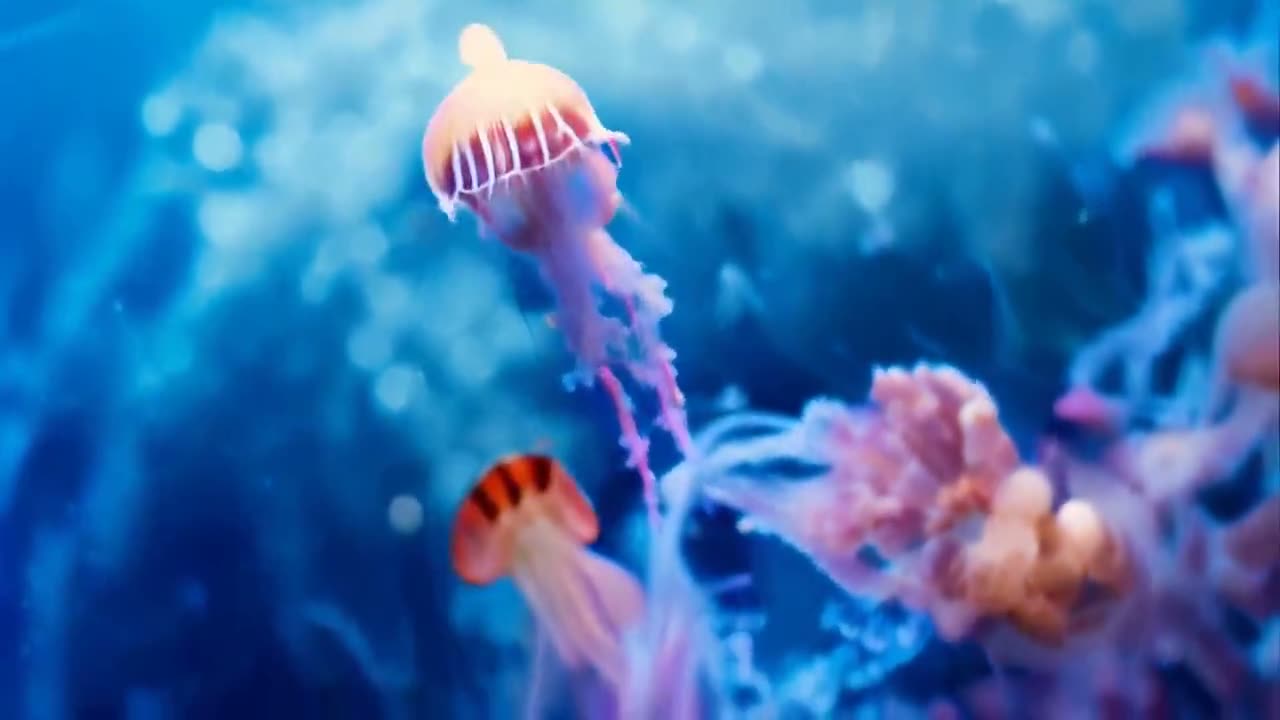
invideo-jellyfish-drift.mp4✓ 5S · 768P · READY
GET THE VIDEO
A run usually takes about 30 to 60 seconds. The finished video lands in the console and in your library, ready to download without a PixQuill watermark.
PROMPTS THAT GIVE THE ENGINE SOMETHING TO HOLD
- 01Write the shot, not the screenplay. One subject, one action, one camera move. A 5-second run tells you whether the idea works.
- 02InVideo's stock library is not part of this console. If you need a specific real place or product, upload a still and animate it instead of describing it from memory.
- 03Say where the camera sits. A low tracking shot beside a runner gives the engine a path. 'Epic video' gives it nothing.
- 04For image to video, start from a clean frame. The engine animates what it sees, including logos, blur and watermarks already in the file.
- 05Pick the ratio first. 9:16 for feeds and stories, 16:9 for a player, 1:1 for a grid. Changing it later means another render.
- 06Draft at 5 seconds and 768p before paying for a longer or sharper run. The cheap version answers the only question that matters: does the prompt work?
WHAT INVIDEO AI IS
InVideo AI is an AI video platform built around a script. You describe the video, and it pulls stock footage, adds voiceover and captions, and returns a draft. This page is PixQuill's alternative, not an InVideo product. It skips the timeline and gives you one job: turn a prompt or a still into a generated video.
The console opens on MiniMax H3, which runs 4 to 15 seconds at 768p or 2K and renders sound with the picture. Thirteen more engines sit in the picker, including Veo 3.1, Kling 4.0, Seedance and Wan, with runs up to 30 seconds and 4K on the models that reach it. Up to five reference images hold a character on the default engine, and start and end frames pin where a move lands.
Everything renders on our servers, so there is nothing to install. A run usually takes about 30 to 60 seconds, longer renders keep going after you close the tab, and the finished video lands in your library. PixQuill adds no watermark to the file. New accounts start with free credits, the console prices every run before it starts, and a run that fails on our side refunds automatically.
INVIDEO AI, ANSWERED
▸ What is InVideo AI?
An AI video platform that builds a draft from a script, stock footage, voiceover and captions. It also runs AI models for generated shots. This page is PixQuill's alternative: a prompt or a still goes into the video console, and an engine renders the result.
▸ Is InVideo AI free?
InVideo has a free tier with limits, and watermark-free export is a paid feature there. PixQuill is a separate product: new accounts start with free credits, and no watermark is added to your videos.
▸ Is this an official InVideo product?
No. PixQuill is an independent AI image and video maker. This page is our video console, set up for people searching for an InVideo AI video generator. The InVideo name belongs to its owner.
▸ Does PixQuill add a watermark?
No. Videos you generate here download without a PixQuill watermark, and you do not need a paid plan to remove one. If you start from an uploaded image, marks already in that image can carry into the motion.
▸ How is this different from InVideo AI?
InVideo AI is built around a script and a stock-footage timeline. This console is built around one generated shot: a prompt, a still, two frames or a set of references. There is no stock library to search and no timeline to cut. If you need scripted narration over licensed stock, InVideo is the closer fit.
▸ Does it generate a voiceover?
No. The engine renders sound with the picture: ambience, effects and music-like audio. There is no scripted narration or cloned voice. If you need a spoken voiceover, record it separately and add it in your editor.
▸ How long can the videos be?
MiniMax H3, the default engine, runs 4 to 15 seconds. Switch engines for runs up to 30 seconds. The duration control only offers what the selected model supports.
▸ What resolution and aspect ratio do I get?
MiniMax H3 renders at 768p or 2K in 16:9, 9:16, 1:1, 4:3, 3:4 or 21:9. Veo 3.1 engines reach 1080p or 4K. The options refresh when you change the model.
▸ How much does a run cost, and what if it fails?
The console shows the credit price before you generate. Prices depend on the engine, length and resolution. If a run fails on our side, the credits return in full automatically. Packs and memberships are on the pricing page.
▸ Can I use the videos commercially?
Videos you generate are yours to use, including in commercial projects, within our terms of service. Rights in anything you upload stay where they were, so only attach material you own or have permission to use. Details are on the Copyright page.
MAKE THE CUT WITHOUT A TIMELINE
Write the shot or add a still, check the price, and render. New accounts start with free credits.