✦ BACKGROUND REMOVER
REMOVE THE BACKGROUND, KEEP THE SUBJECT
Brush over what you want to keep. The result is a real transparent PNG at 2K, with clean edges through hair and fur.
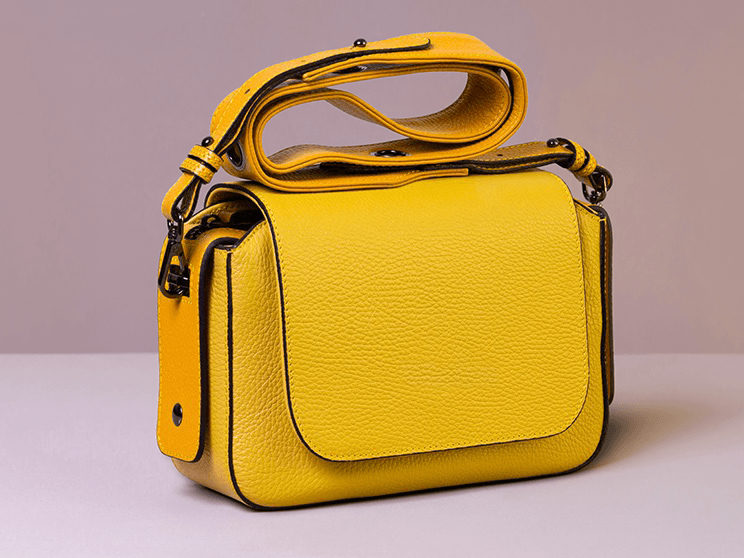
SOURCE PHOTO
Drop a photo here, or click to browse
PNG / JPG, up to 5 MB
MODEL
Your result lands here
Pick a model and resolution, then hit generate.
- TELL THE AI EXACTLY WHAT STAYS
- BRUSH
- EDGES CLEAN THROUGH HAIR AND FUR
- CUT
- REAL ALPHA ON A TRANSPARENT PNG
- ISOLATE
- 2K CUTOUTS READY FOR LISTINGS AND DECKS
- SHIP
SUBJECT, ISOLATED
Hard cases, cut for real. The subject lands on a real transparent canvas, shown on checkerboard.
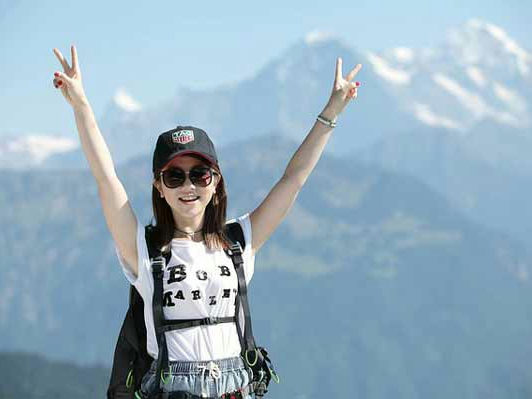
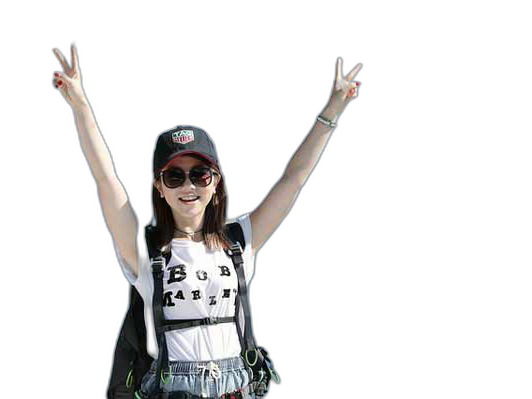
Raised arms and stray hair against a mountain backdrop. The boundary gets re-rendered before the cut, so the strands survive.
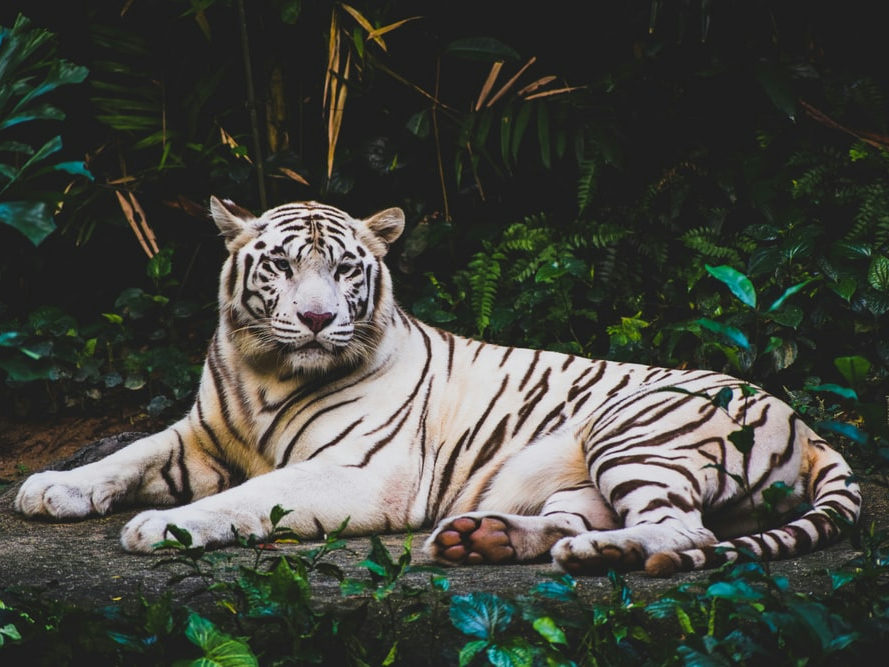
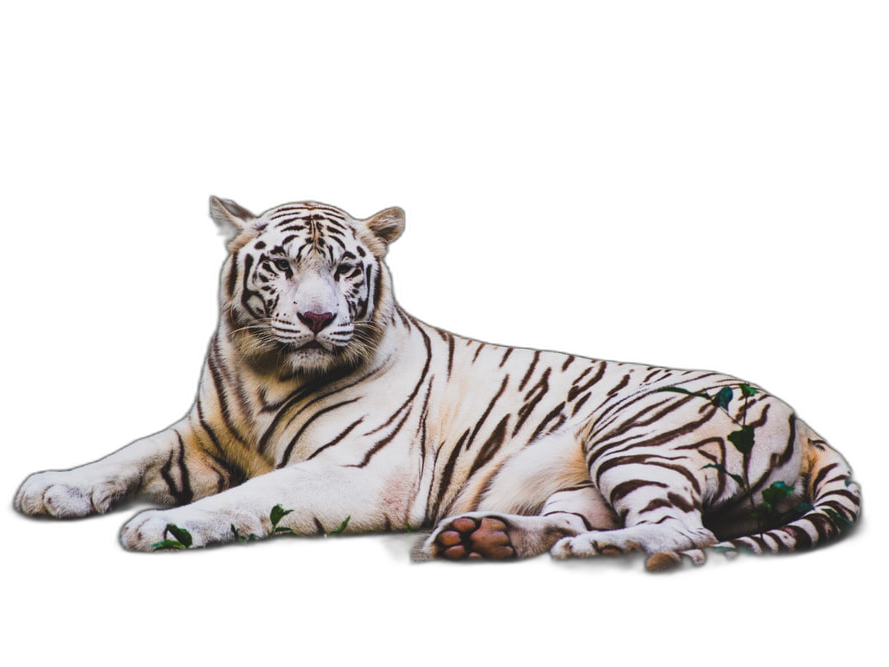
White fur against dense jungle is the worst case for auto removers. Here the fur stays fur and the foliage goes transparent.
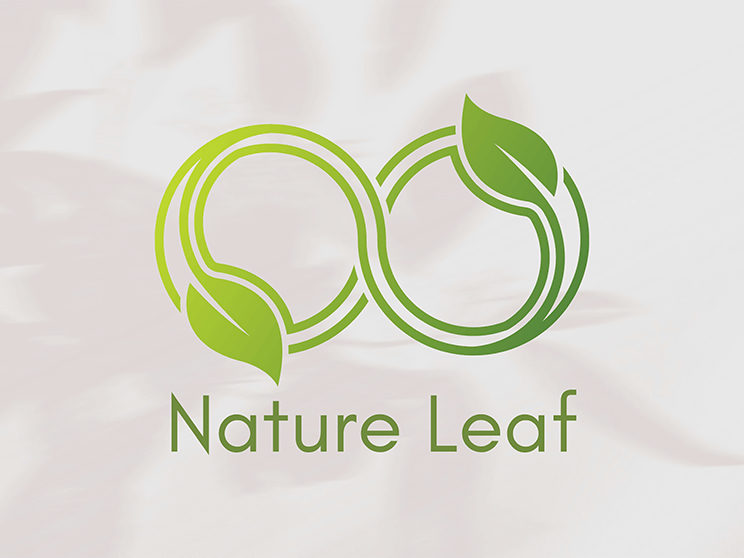
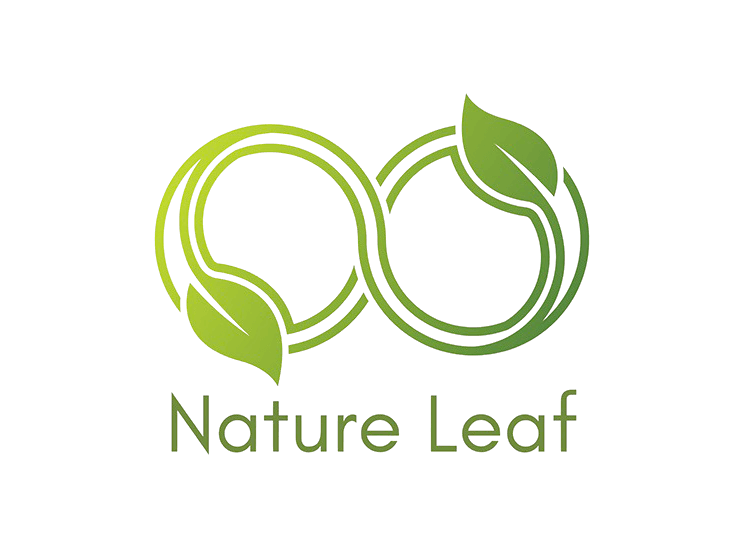
Hard edges and flat color cut the cleanest. The marble goes, and the leaf drops onto any deck or storefront.
WHERE THE CUTOUT GOES
PRODUCT LISTINGS
Amazon, eBay and Shopify all want a clean hero image. Cut the product once, drop it on white for the listing and on brand colors for the ad.
PORTRAITS AND HEADSHOTS
LinkedIn, team pages, speaker bios. Isolate the person from the office clutter and composite them onto any backdrop.
LOGOS AND GRAPHICS
A logo shot on paper or marble becomes a real overlay. Transparent PNG means it sits clean on decks, sites and packaging mockups.
STICKERS AND MERCH
Cut a character, a pet or a meme into a die-cut-ready PNG for sticker sheets, chat packs and print-on-demand.
PETS AND WILDLIFE
Fur is where automatic removers give up. Here the boundary is re-rendered before the cut, so whiskers and fluff stay intact.
SOCIAL AND ADS
Thumbnails, stories, banner creatives. Cut the subject once and drop it onto a new backdrop for every channel without a reshoot.
AUTO PICKS. YOUR MARK DECIDES.
Skip the brush and the AI picks the subject. Brush it and the pick is yours.
THE AUTO PICK (NO MARKS)
- Zero brushing: the model reads the main subject itself
- Best on clean shots with one obvious subject
- Ambiguous scenes can land on the wrong subject
- A miss costs one re-run, this time with a mark
THE MARKED CUTOUT (YOUR BRUSH)
- You brush over what stays, so the subject is never a guess
- One rough stroke settles ambiguous and busy scenes
- Adjust the mark and re-run; the image stays loaded
- Edges come back re-rendered, feathered and de-fringed on the server
EVERY TOOL, ONE BALANCE
Background removal is usually one step of the job. The rest of the studio shares your uploads and credits.
BRUSH, CUT, DOWNLOAD
DROP AN IMAGE HERE, OR CLICK TO BROWSE
PNG / JPG · UP TO 5 MB
UPLOAD THE IMAGE
Any JPG or PNG up to 5 MB. Product shots, portraits, logos: anything with a subject.
BRUSH OVER WHAT STAYS
BRUSH THE SUBJECT
Brush over what stays. You don't need surgical edges. Rough but complete coverage is enough. Or skip the brush and let the AI pick the subject.
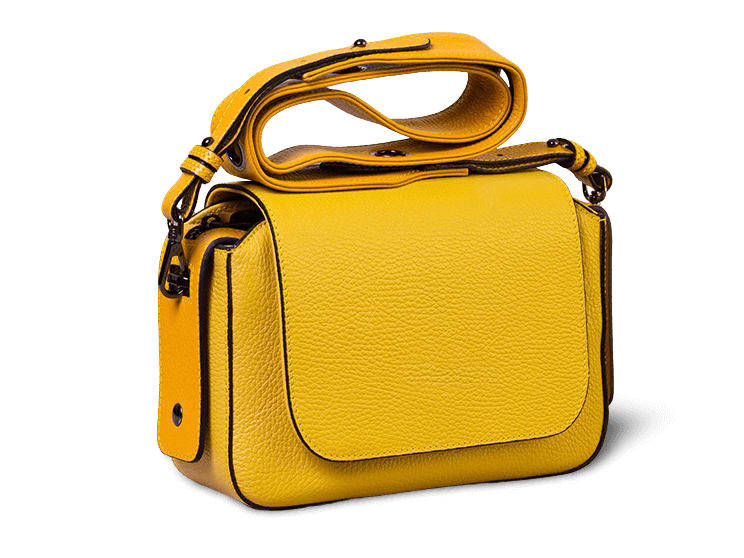
handbag-cutout-2k.png✓ 2K · PNG · TRANSPARENT
GET THE PNG
Runs take 30 to 60 seconds. The result is a transparent PNG at 2K, shown on a checkerboard so the cut is obvious.
CUTOUTS THAT SHIP
HAIR AND FUR SAFE
The model re-renders the boundary before the cut, so fine strands and fluff survive the transition.
THE SUBJECT IS YOUR CALL
Let the AI pick the subject, or brush over it yourself. Either way, ambiguous scenes stop being a gamble.
TRUE ALPHA PNG
Edges are flood-filled, feathered and de-fringed server-side. Not a white background pretending.
2K OUTPUT
One tier, big enough for product pages, print and hero slots.
THE MODELS BEHIND THE CUT
Nano Banana 2.1 leads a picker of 20+ models from Google, ByteDance, OpenAI and more. JPG-only models stay out of this tool on purpose.
HONEST BILLING
The price shows before the run, and failures on our side refund automatically.
SHARPER CUTOUTS
- 01Cover the whole subject, including hair and edges. Anything unmarked goes transparent.
- 02A loose, complete mark beats a careful incomplete one.
- 03For overlapping subjects, brush over only the one you keep.
- 04The checkerboard preview is your friend: gray squares mean real transparency.
- 05Judge the cutout on both a light and a dark surface before you publish. De-fringed edges hold up on either.
- 06Need one object gone but the background kept? That is the Object Remover's job, not this one's.
A REMOVER THAT LISTENS
Automatic background removers work until the subject is ambiguous: a hand holding the product, two people overlapping, a pet on a patterned rug. Run PixQuill's Background Remover without marks and it makes the same auto pick; add one brush stroke over what stays, and the guesswork disappears.
The pipeline is deliberate about the last mile: the model renders the subject on white, then the server converts that to a real alpha channel with feathered, de-fringed edges. What you download composites cleanly onto any color, any deck, any storefront.
The engines behind the console cover different jobs. Nano Banana 2.1 is the default: quick and steady on edges. Nineteen models share the picker, from 2-credit Flux 3 Klein to flagships that spend longer on a single image. Everything caps at 2K here, because converting to real transparency means decoding the full bitmap on our servers. The console names the engine and the price before every run. And when the job is the opposite (one object gone, background kept), the Object Remover shares your uploads and credits.
STRAIGHT ANSWERS
▸ How do I remove the background from an image?
Upload the image, brush over the subject you want to keep, and generate. You get a transparent PNG at 2K, usually in 30 to 60 seconds.
▸ Why brush over the subject myself?
Because you know what the subject is. One rough stroke removes the ambiguity that trips automatic picks on busy or unusual scenes. Rather not brush? Run it without marks and the AI picks the main subject for you.
▸ Can the AI pick the subject without any marks?
Yes. Upload and generate without brushing, and the model cuts out what it reads as the main subject. For ambiguous scenes like a hand holding the product or two people overlapping, one rough brush stroke is still the surest way to get exactly what you want.
▸ Is the result really transparent?
Yes. A real alpha-channel PNG with feathered, de-fringed edges. The checkerboard in the result view shows transparency directly.
▸ Can it handle hair, fur and fine edges?
Yes, that is the point of the pipeline. The model re-renders the boundary before the cut, and the server feathers and de-fringes the edge, so strands and fluff survive instead of melting into a halo.
▸ Is the Background Remover free to try?
Yes. New accounts start with free credits and the daily check-in adds more, so you can cut out real images before spending anything. The console shows the exact price of every run upfront.
▸ What files can I upload, and what do I get back?
Upload any JPG or PNG up to 5 MB. The result always comes back as a transparent-background PNG at 2K.
▸ Will I lose image quality? Why not 4K?
No quality is lost on the subject: it is re-rendered at 2K and the transparent conversion runs at full resolution on our servers. The 2K cap exists because decoding the full bitmap is what makes the alpha channel real instead of faked, and it keeps runs fast and reliable.
▸ Can I get a white background instead of a transparent one?
The tool outputs transparency on purpose: a transparent PNG composites onto white, brand colors or any photo. Drop it onto a white layer in any editor, deck or storefront template and you have the white-background version.
▸ Can I use the cutout commercially?
Images you generate are yours to use, including in commercial projects, within our terms. Rights in anything you upload stay where they were, so only process images you own or have permission to use. Details live on the Copyright page.
▸ How is this different from remove.bg and other one-click removers?
They only pick the subject for you, which is fast until they pick wrong. Here you can take the auto pick, or brush the subject first so tricky scenes like a cluttered product table come out the way you intended. You also see the exact price before every run.
▸ Does it work on my phone?
Yes. Nothing to install: upload from your phone, the removal runs on our servers, and the transparent PNG downloads back.
▸ What if the cutout fails?
Failures on our side refund their credits automatically. Adjust the mark and re-run. The image stays loaded.
▸ What if I only need one object gone, not the background?
That's the Object Remover: brush over what should disappear and the model rebuilds the scene behind it.
EVERY BACKGROUND IS OPTIONAL
Upload an image, brush over the subject, and check the result on the checkerboard. New accounts start with free credits.