✦ IMAGE UPSCALER
UPSCALE ANY IMAGE TO 4K WITHOUT THE MUSH
The AI image upscaler that rebuilds what resizing destroys: text, edges, texture. Small file in, crisp 4K out.
SOURCE PHOTO
Drop a photo here, or click to browse
PNG / JPG, up to 5 MB
MODEL
Your result lands here
Pick a model and resolution, then hit generate.
- DETAIL THAT RESIZING DESTROYS
- REBUILD
- SMALL FILES UP TO CRISP 4K
- UPSCALE
- OLD SCANS AND SMALL ORIGINALS
- RESCUE
- FILES READY FOR PRINT AND POST
- SHIP
THE FILES YOU CAN'T RESHOOT
The jobs that land here most. Drag the handle: left is what went in, right is what the model rebuilt.
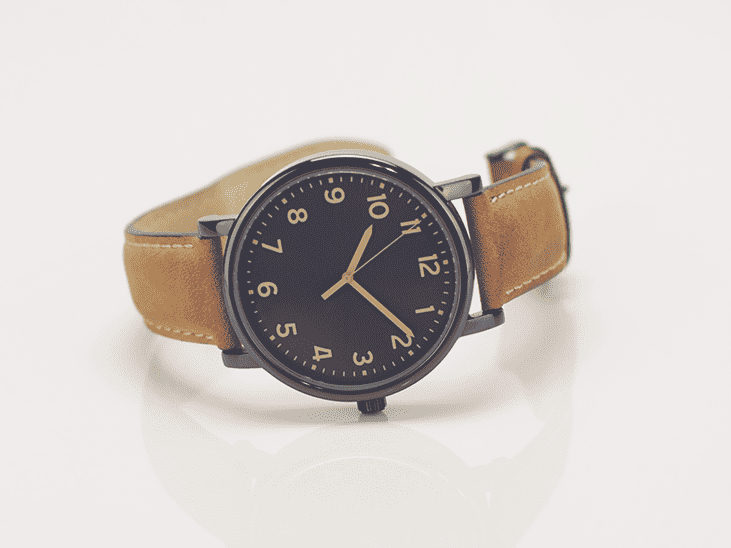
The marketplace wants a zoomable hero and the supplier sent 600 pixels. Dial, stitching and strap hold up under close inspection.
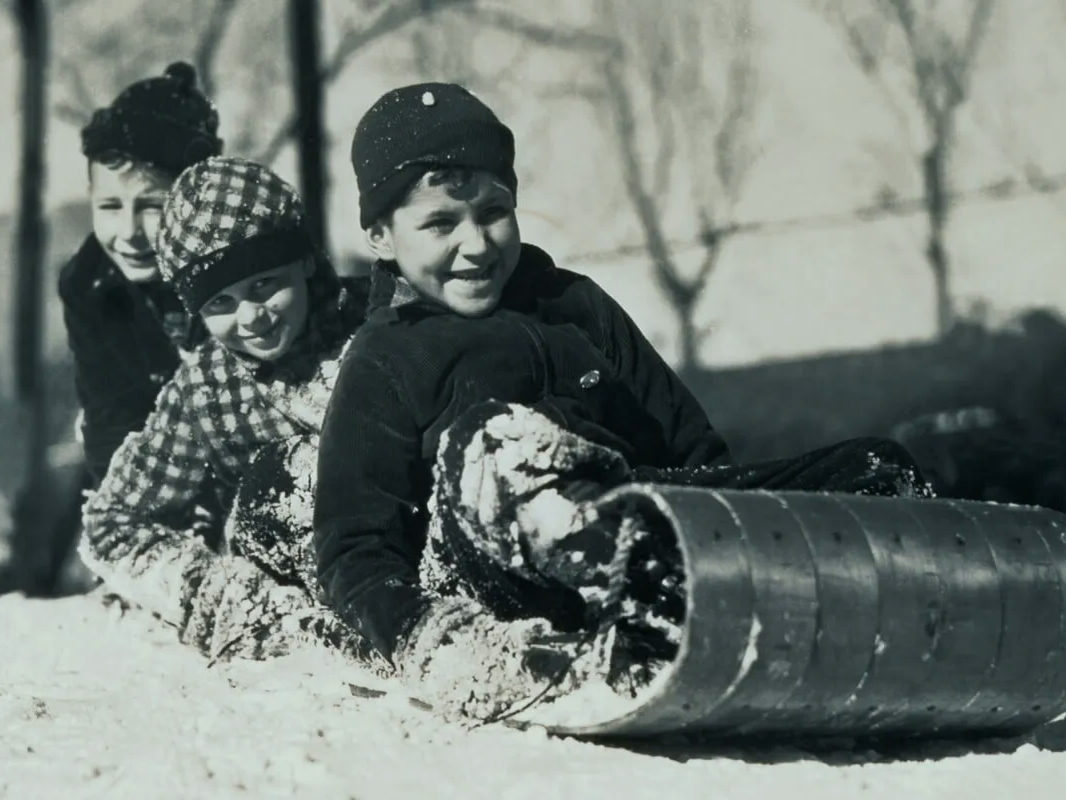
Faces and texture the small file never stored, rebuilt well enough for the reprint.
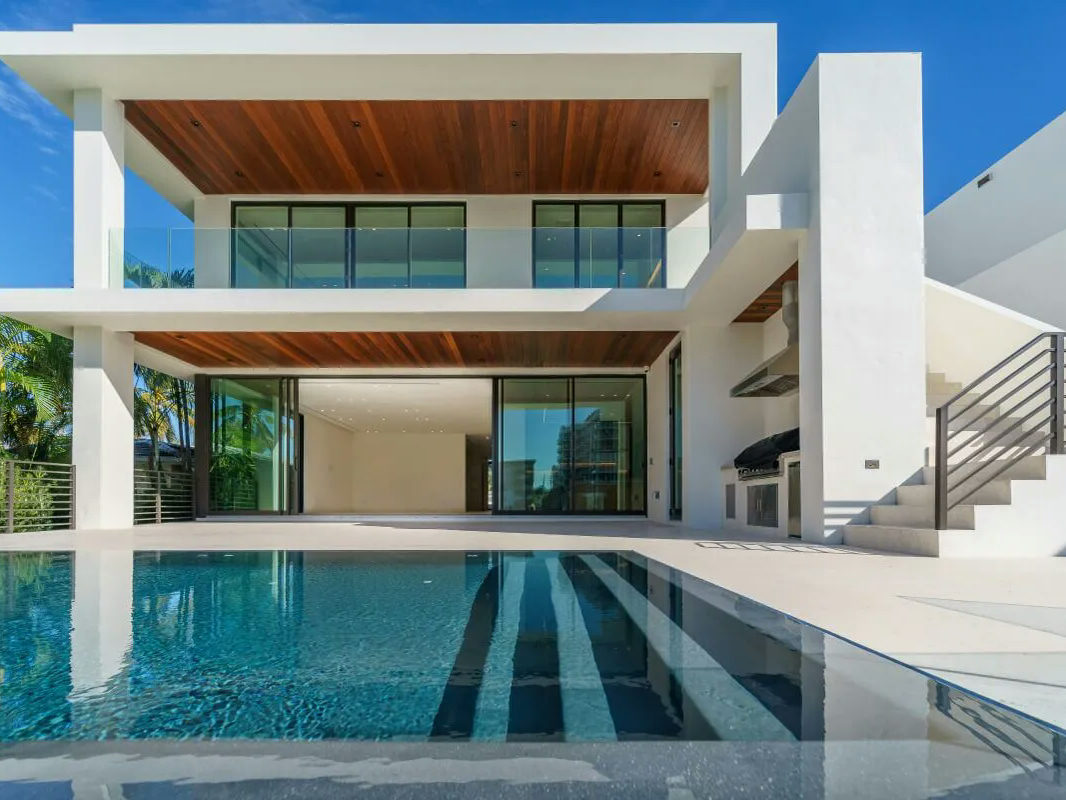
Listing portals compress hard. After one run the walls stop shimmering and the pool reads clean.
RESIZE STRETCHES. THE UPSCALER REBUILDS.
Both make the file bigger. Only one makes the image better.
THE STRETCH (RESIZE)
- Stretches the pixels that exist and invents nothing
- Smears text into gray mush past 2x
- Magnifies JPG blocks and ringing along with everything else
- Softens edges and leaves a halo behind
THE REBUILD (PIXQUILL)
- Re-renders the scene at the target size, with detail inferred from context
- Keeps rebuilt type legible at 100% zoom
- Cleans out compression noise as part of the upscale
- Preserves the snap of logos, line art and UI captures
EVERY TOOL, ONE BALANCE
Upscaling is usually one step of the job. The rest of the studio shares your uploads and credits.
SMALL IN, 4K OUT
DROP AN IMAGE HERE, OR CLICK TO BROWSE
PNG / JPG · UP TO 5 MB
DROP THE IMAGE
Any JPG or PNG up to 5 MB. Your original is the starting point, and it never gets shrunk first.
- MODELNANO BANANA 2.1SIZE4KFORMATJPGPRICESHOWN UPFRONT
PICK MODEL AND SIZE
4K is preselected on the models that reach it; drop to 2K when the destination doesn't need more. The price of the run is on screen before anything happens.
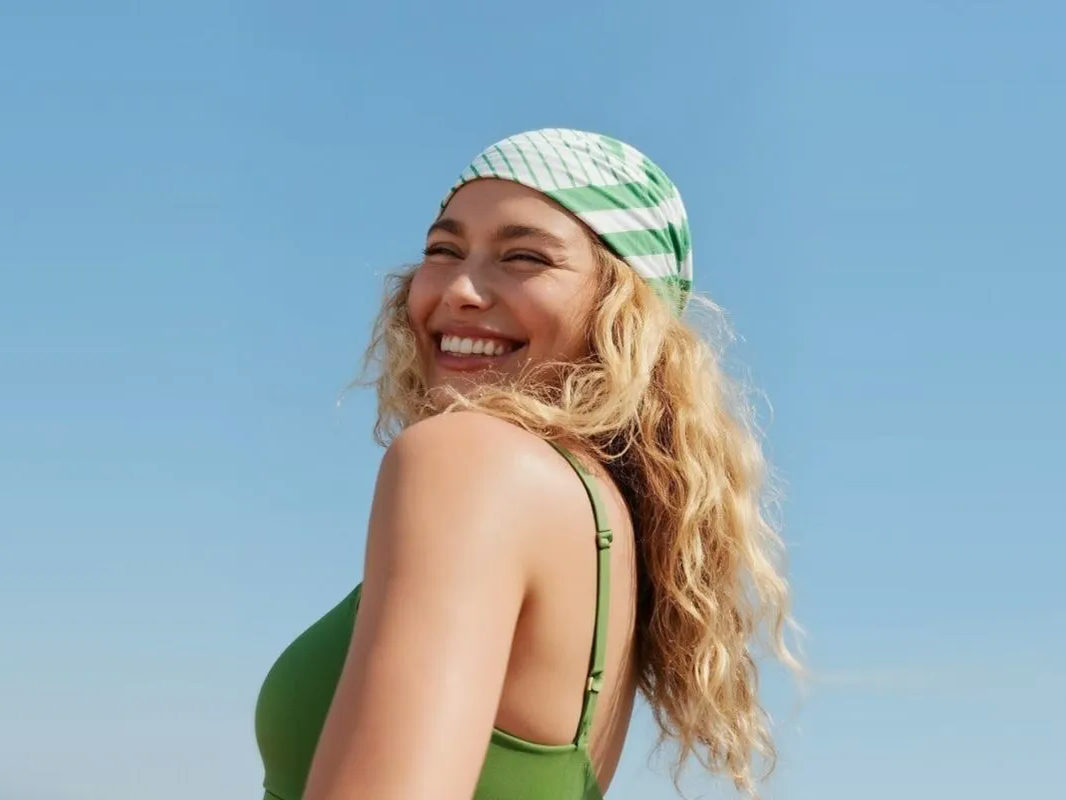
bandana-portrait-4k.jpg✓ 4K · JPG · READY
COMPARE AND KEEP
Runs take 30 to 60 seconds. Drag the slider to judge old against new, then download. JPG everywhere, PNG on the models that offer it.
MORE THAN A RESIZE
DETAIL RECONSTRUCTION
The model re-imagines fine structure, from hair strands to printed type, instead of blurring between neighboring pixels.
4K BY DEFAULT
The console preselects 4K on the models that reach it. Drop to 2K when the destination doesn't need more.
ARTIFACT CLEANUP
Compression noise and ringing get re-rendered away as part of the upscale.
EDGES STAY HARD
Hard edges survive the jump to 4K: a logo or UI capture comes back as crisp as it went in, without the halo a bicubic resize leaves.
HONEST FORMATS
Format options follow the model: JPG or PNG where the model offers the choice. The console only lists what the picked model can write.
HONEST BILLING
The run's price is on screen before you click, and failures on our side refund automatically.
BETTER UPSCALES
- 01Start from the least-compressed version you can find. Every artifact gets upscaled too.
- 02Screenshots, graphics and line art upscale better than noisy low-light photos.
- 03The price follows the model and the size: 4K costs more than 2K on the same engine. The console shows the number before you click.
- 04Check text and faces at 100% zoom before you ship the result.
- 05Soft input gets polish, heavy blur stays heavy. Set expectations with the demo slider.
- 06Flat lighting? Take the result to the AI Image Editor and relight it after the upscale.
WHEN TO UPSCALE WITH AI
Stretching a small image gives you a big blurry image. AI upscaling works differently: the model reads what's in your file, then re-renders the scene at the target size with detail it infers from context. It's how you enhance photo resolution without inventing a fake-looking image: rebuilt text stays legible, rebuilt skin doesn't turn to plastic. Most of the time.
The engines behind the console cover different jobs. Nano Banana 2.1 is the default and reaches 4K at a budget price. Twenty-one more models share the picker, from Seedream 4.5 for cheap JPG jobs to flagships that cost more per run. The console names the engine and the price before every run, so the choice is never a guess.
Use the Upscaler for the assets you can't reshoot: the supplier's tiny product photo, the old scan, the thumbnail that needs to be a hero. Chain it with the rest of the studio when the job is bigger: background removal for cutouts, targeted fixes in the editor. Same credits, same library.
STRAIGHT ANSWERS
▸ How is this different from resizing in an editor?
Resizing interpolates between existing pixels. The Upscaler re-renders the image at the target size and reconstructs detail the original never stored, so edges stay sharp and small text stays readable.
▸ What's the maximum output size?
4K on the models that reach it, Nano Banana 2.1 and Seedream 5.0 Lite among them; the rest of the picker tops out at 2K. The input can be much smaller, because rebuilding the missing detail is the tool's whole job.
▸ Which model should I pick?
Start with Nano Banana 2.1, the default: it reaches 4K at a budget price. Pick Seedream 4.5 when you like its look and JPG is fine. The console shows each engine's price before you commit.
▸ Is the Upscaler free to try?
Yes. New accounts start with free credits and the daily check-in adds more, so you can upscale real images before spending anything. The console shows the exact price of every run upfront.
▸ What images upscale best, and which ones don't?
Screenshots, product shots, graphics and line art respond best: clean edges give the model something to rebuild. Soft photos get polish, but heavy blur stays heavy, and it can't invent a face from ten pixels. The demo slider sets honest expectations.
▸ Can I print the upscaled image?
Yes. At 4K the long edge runs about 3840 pixels, which holds 300 DPI across roughly 13 inches. A full A4 or Letter page prints sharp, and larger pieces hold up at normal viewing distance.
▸ How long does an upscale take?
Usually 30 to 60 seconds. Everything runs on our servers; there's nothing to install.
▸ Can I use the upscaled image commercially?
Images you generate are yours to use, including in commercial projects, within our terms. Rights in anything you upload stay where they were, so only upscale images you own or have permission to use. Details live on the Copyright page.
▸ Does it work on my phone?
Yes. Nothing to install: upload from your phone, the upscale happens on our servers, and the result downloads back.
▸ What if the run fails?
Failures on our side refund their credits automatically. You're only ever charged for results.
▸ Can I fix lighting or remove the background too?
Yes. Take the result through the AI Image Editor for targeted fixes or the Background Remover for a transparent cutout. Your uploads and credits carry over.
GIVE THE SMALL FILE A BIGGER LIFE
Drop the image, keep 4K, judge the result on the slider. New accounts start with free credits.