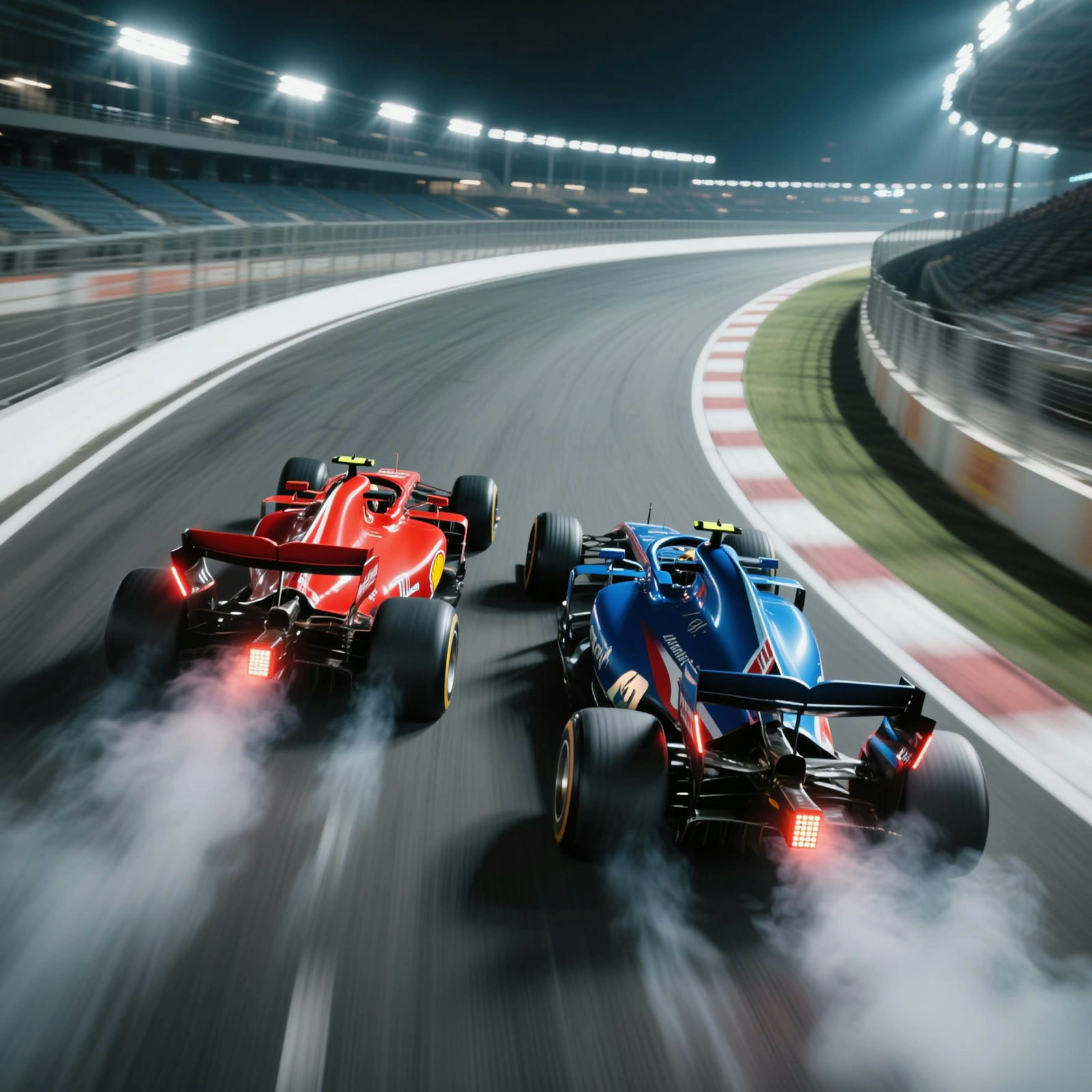
MARKETING VISUALS
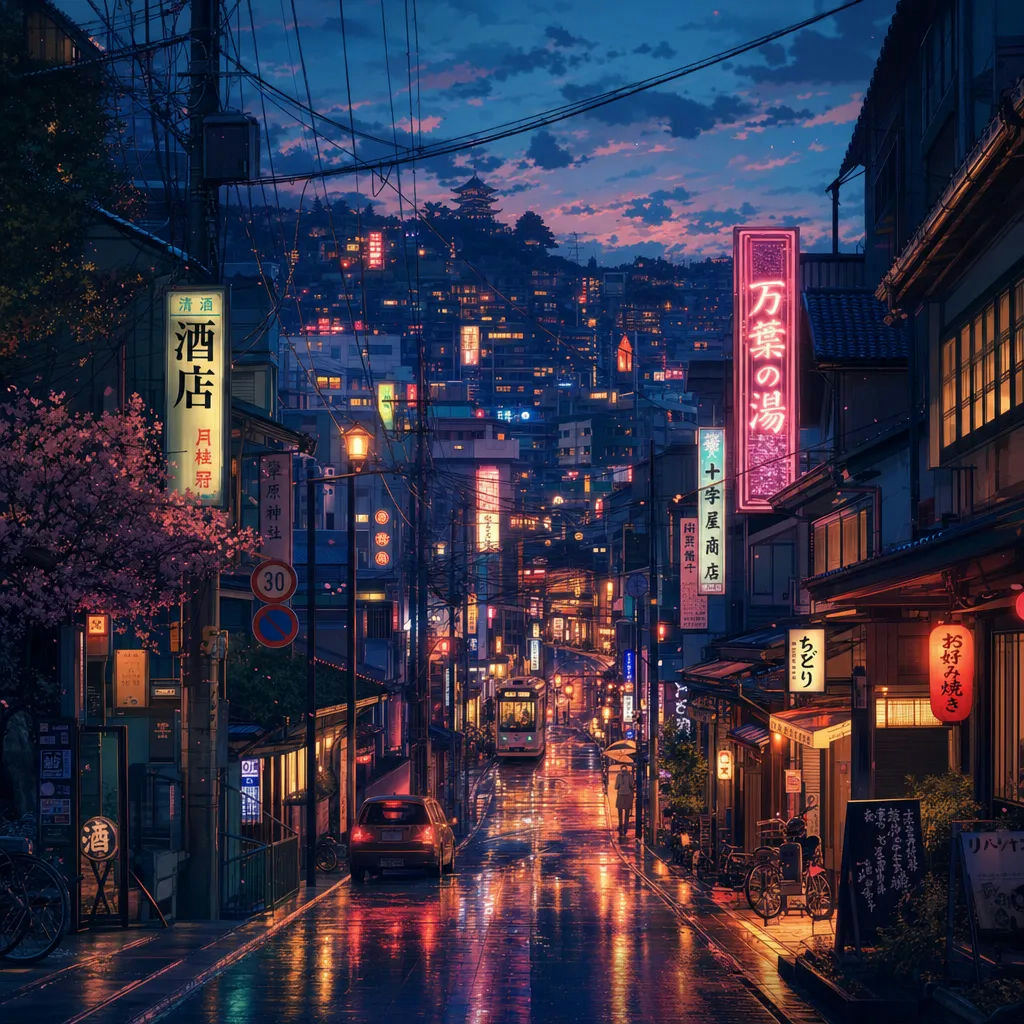
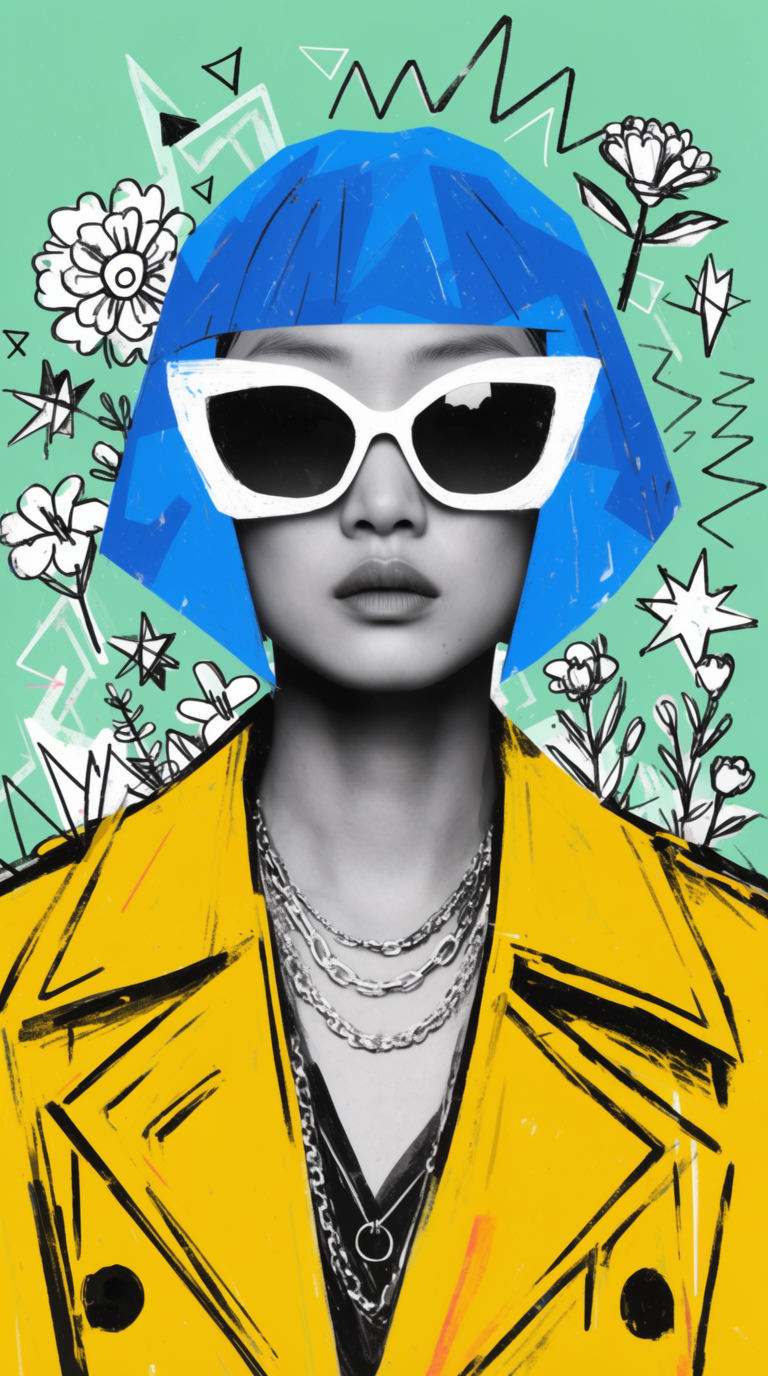
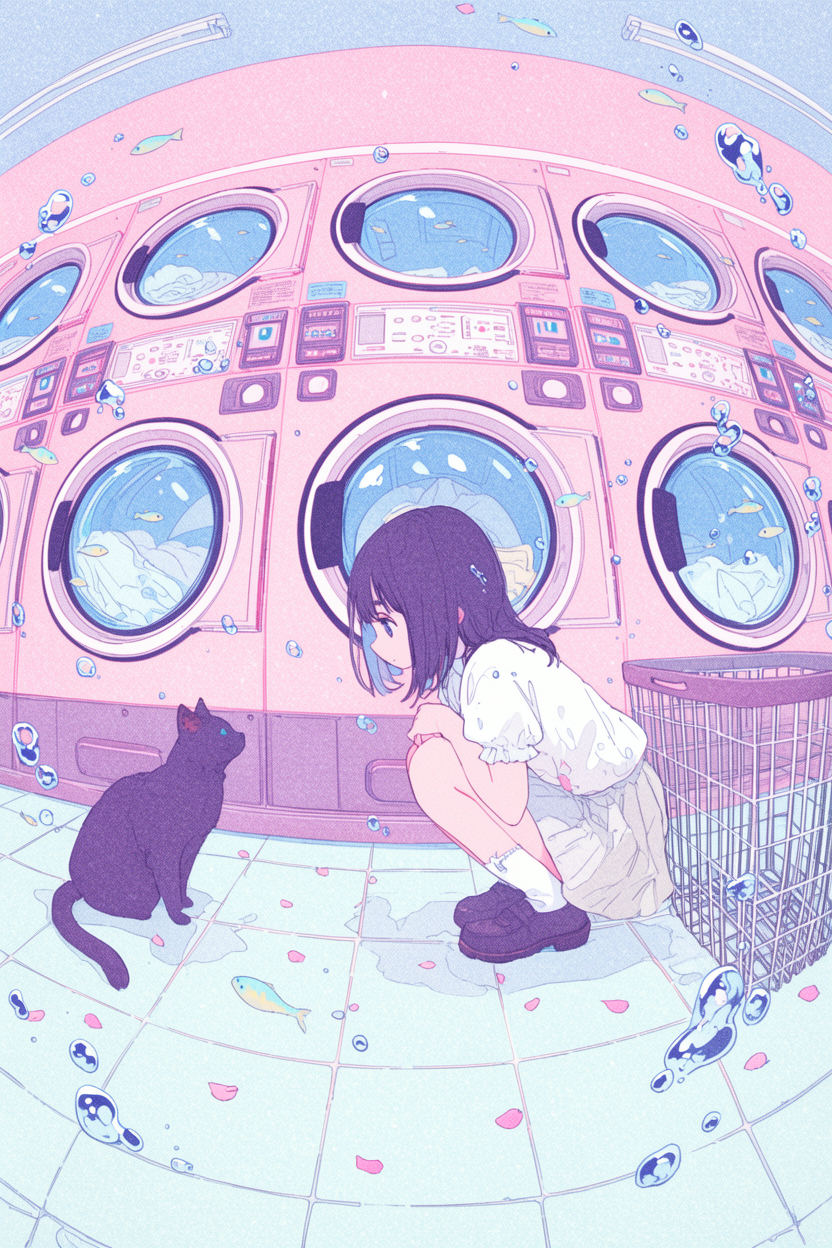
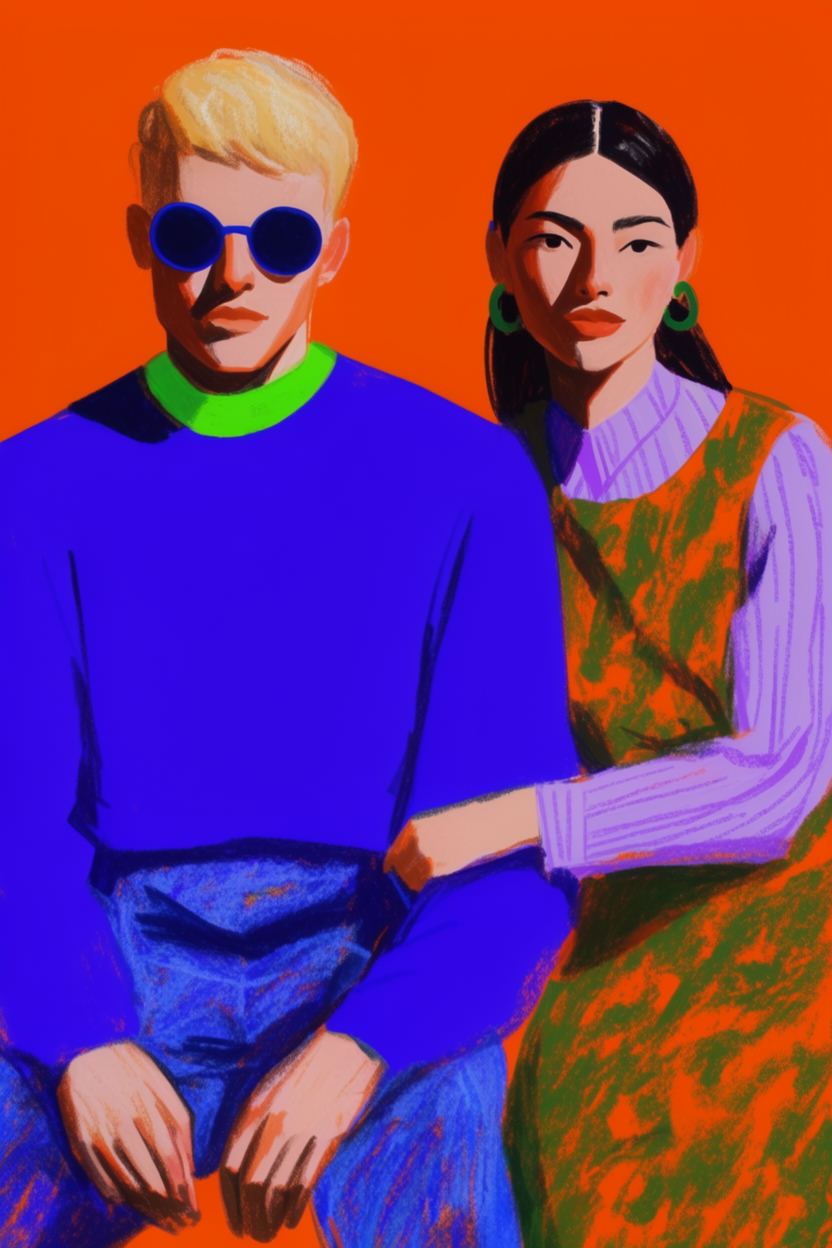
Campaign key visuals and ad concepts without a shoot. Describe the scene once, run a batch of options, and send the frames that survive the review.
10 credits on sign up, 5 credits daily.
PIXQUILL STUDIO · IN YOUR BROWSER
✦ AI IMAGE & VIDEO AGENT
PixQuill is your studio for making images and video. Describe the shot, and the agent makes it real.
5 FREE IMAGES ON SIGNUPNO INSTALLFAILED RUNS REFUND
0 / 2000
Packs start at $1.99 and stay valid while your account is active. Memberships start at $4.99 a month. One balance covers every image and video tool. The console prices every run before you commit.
Starter Pack
$1.99
100CREDITS
≈ 50images
≈ 4SOTA images
≈ 8svideo
≈ 6sSOTA video
A quick test run.
ONE PAYMENT · NEVER EXPIRE
Standard Pack
$9.99
700CREDITS
≈ 350images
≈ 30SOTA images
≈ 88svideo
≈ 43sSOTA video
A full issue's worth of art, plus videos for the launch.
ONE PAYMENT · NEVER EXPIRE
STANDARD MEMBERSHIP
$4.99/ month
1,000CREDITS EVERY MONTH
For weekly creators and side projects.
≈ 500images
≈ 43SOTA images
≈ 128svideo
≈ 62sSOTA video
NO LOCK-IN · CANCEL ANY TIME
Membership credits are available while the membership is active. Unused membership credits expire when the membership ends.
Image estimates use Flux 3 Klein at 1K, the lowest-priced run on the site. Video estimates use 8-second Veo 3.1 Lite videos at 720p, or Wan 3.0 at 480p for the SOTA row. The console shows the exact cost before every run.
Every frame below came out of the console above. One prompt, one run, no retouching.
One console, a lot of different jobs. These are the ones people bring to it most.
Campaign key visuals and ad concepts without a shoot. Describe the scene once, run a batch of options, and send the frames that survive the review.
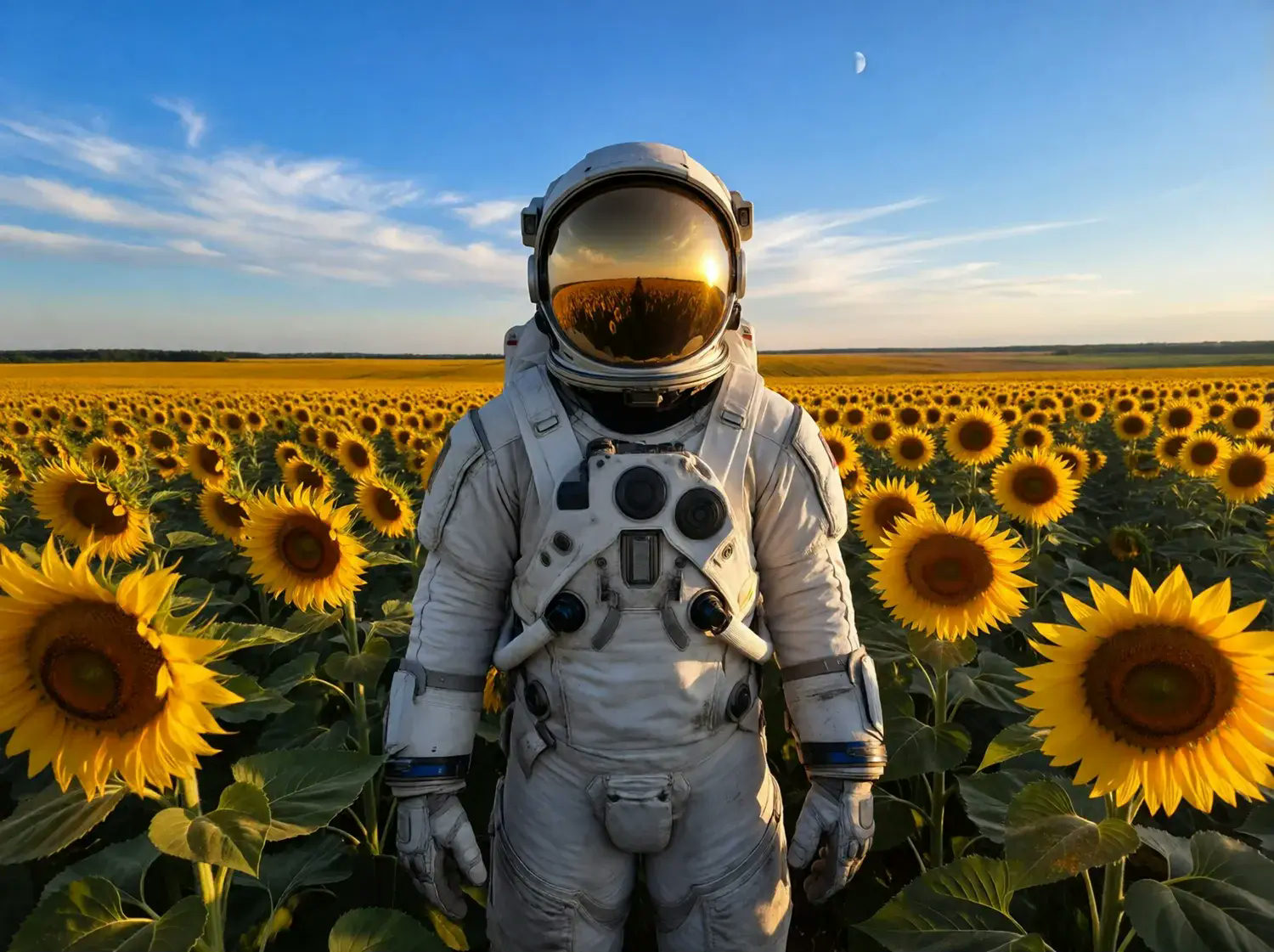
Feed the calendar with frames people stop scrolling for. Frames come out at the ratio each platform wants, and every image is yours to post.
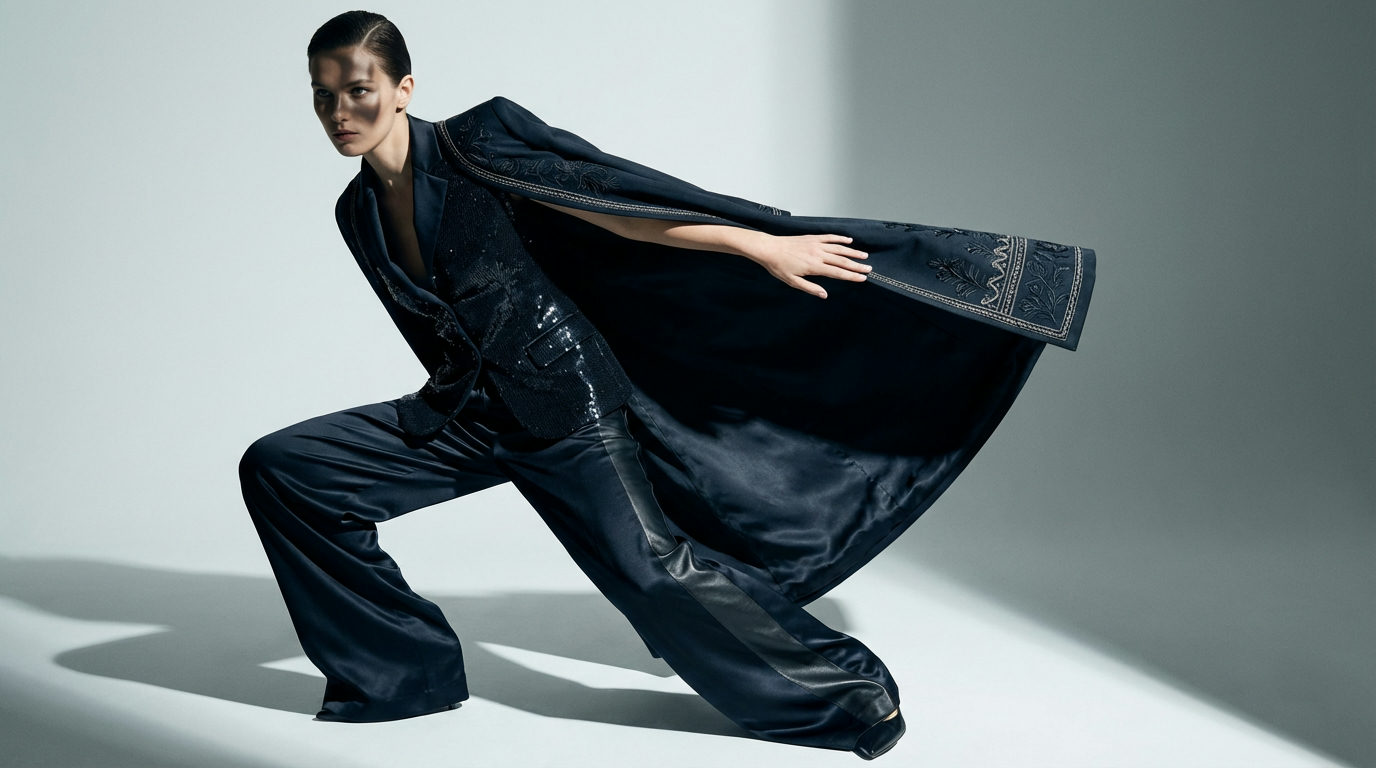
Listings, lookbooks and catalog pages. Stage apparel on studio backdrops, then cut transparent PNGs for the product page.
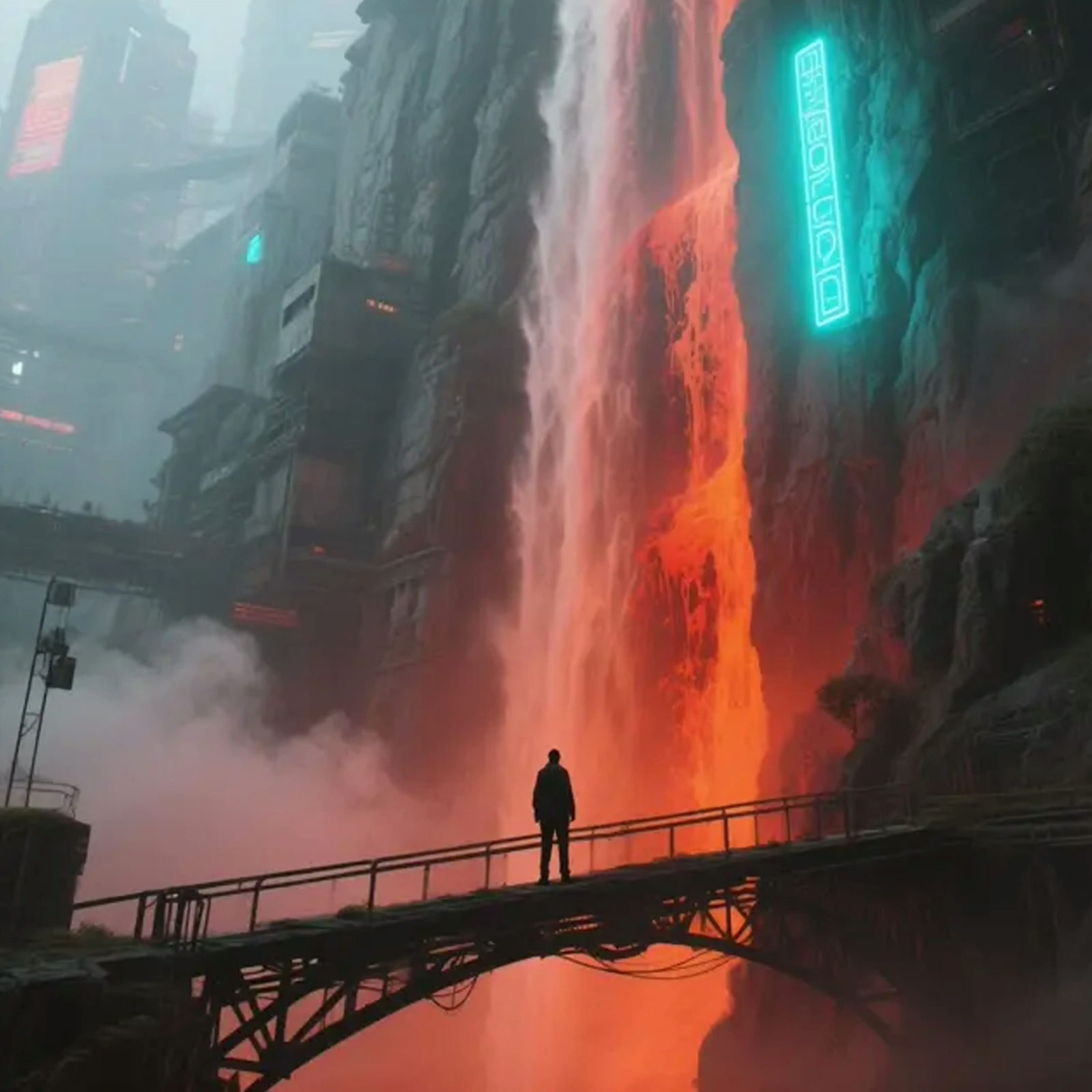
Attach reference sheets and @mention them by number to keep a character steady across a whole set.
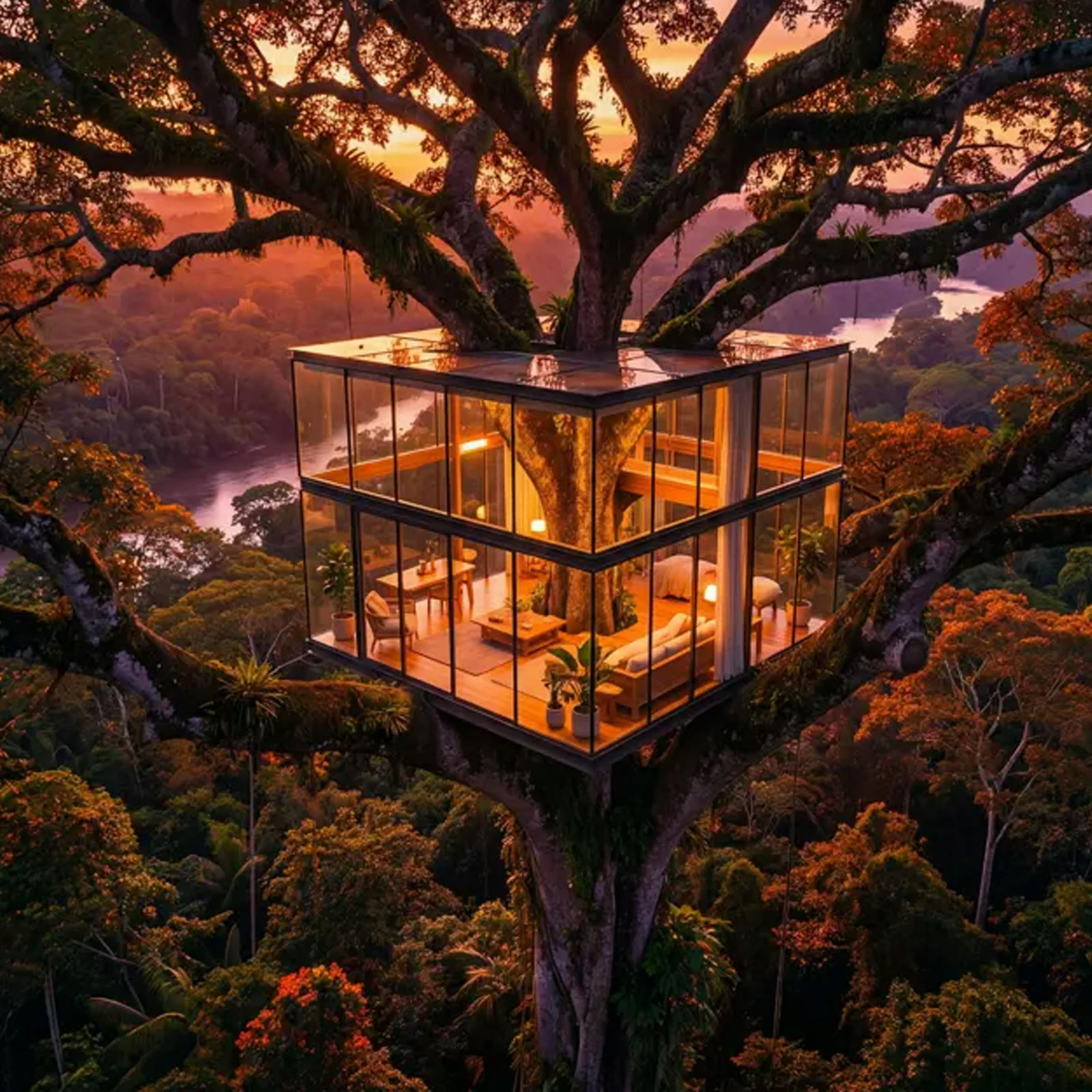
Poster work needs size. Frames render up to 4K in print-friendly ratios, and the keeper downloads as a clean file.
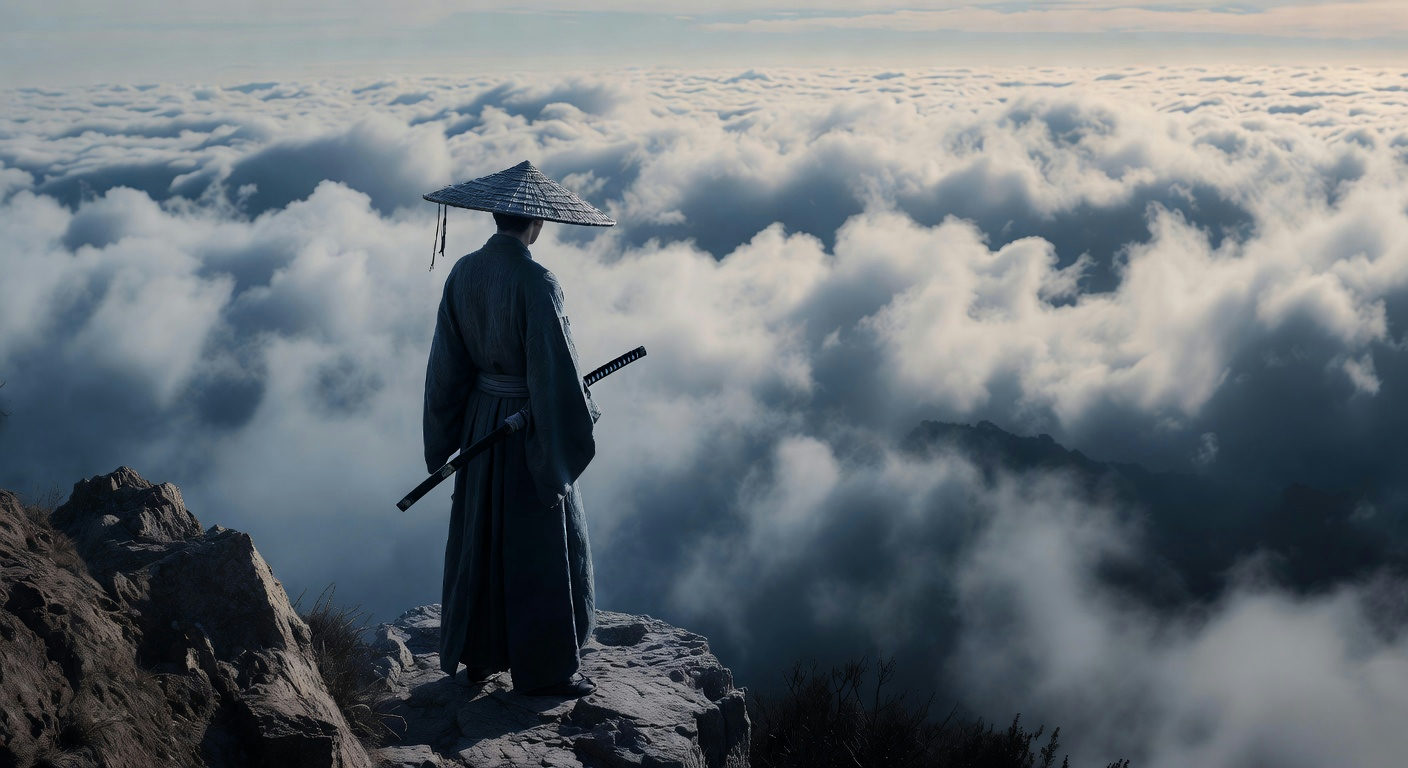
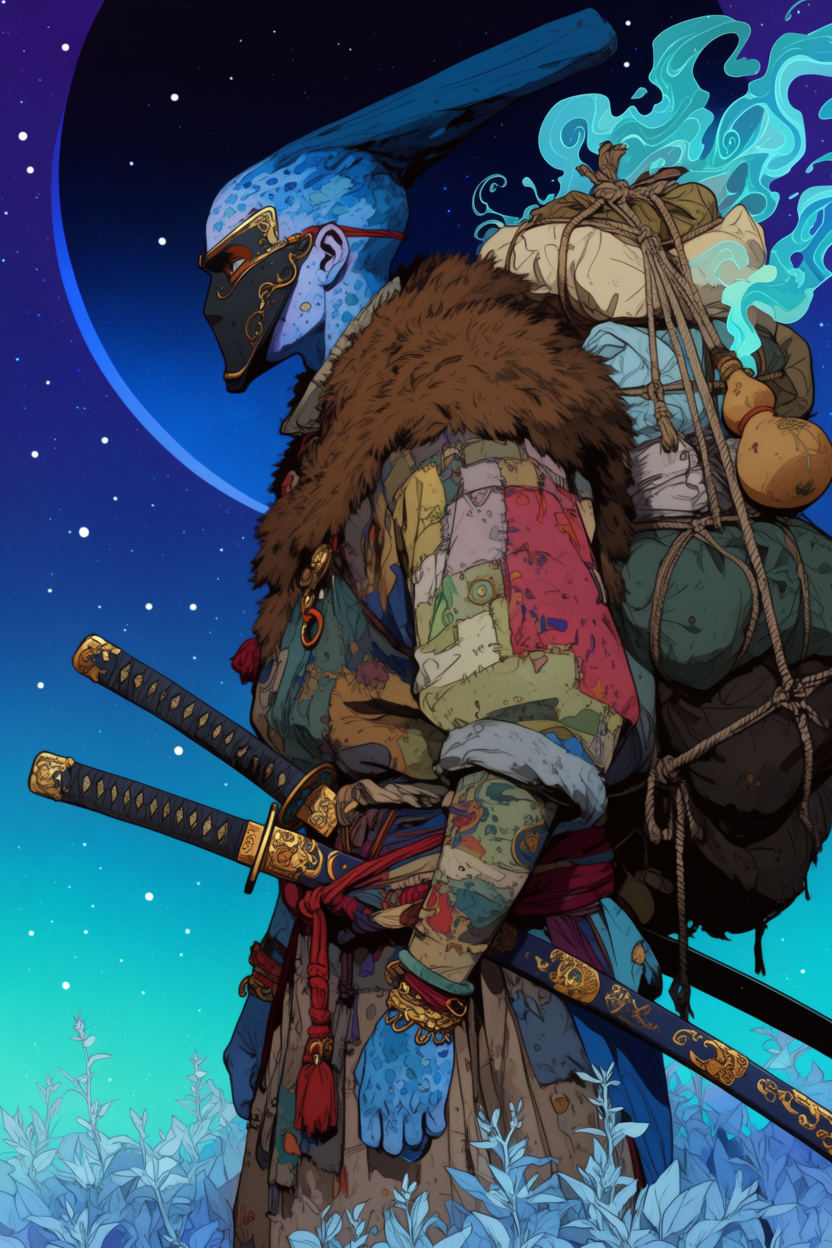
Album covers, book jackets, episode art. Set the mood, run a set, and pick the frame that reads at thumbnail size.
Each tool has its own console and its own job. Your uploads and credits carry over, so nothing gets done twice.
Cinematic still of a lone traveler crossing a neon-lit station at night, 35mm film grain
✦ GENERATEWrite what you want in plain language. Attach references and @mention them so the agent knows exactly which image you mean.
Pick a model, a ratio and a resolution. One exact image when you know what you want, a batch of options when the idea still has room to move.
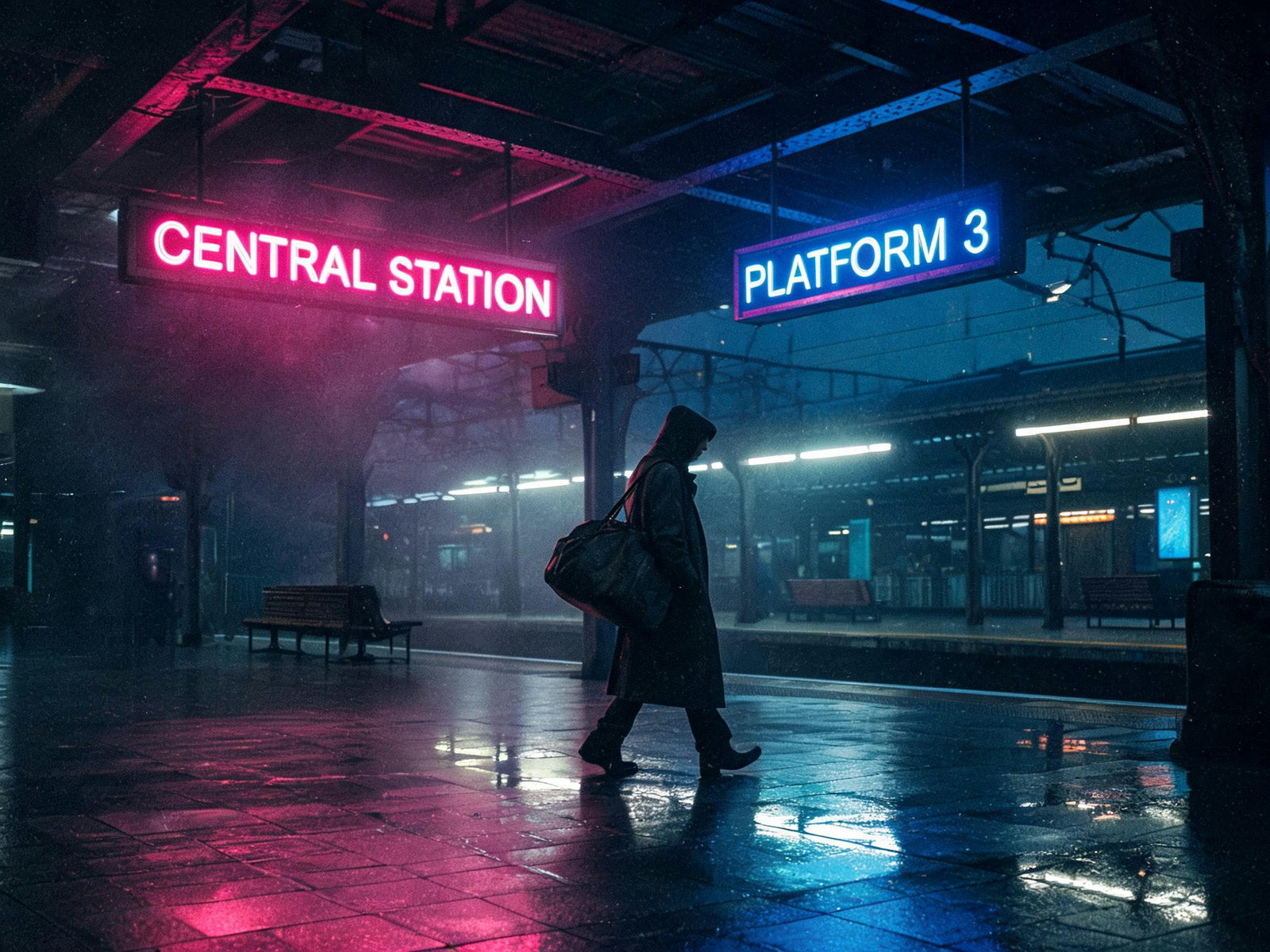
traveler-neon-station.jpg✓ 2K · JPG · READY
Runs take 30 to 60 seconds. Results land in the console and your library, one click per file.
The console runs 20+ image models and names the engine and the price of every run before you commit. These ten cover most jobs, with specs and entry pricing on each card.
EDITS DEFAULT
Google's everyday engine and the default for reference-image runs. It takes up to 10 references, keeps lettering steady inside the frame, and scales from 1K drafts to 4K finals.
1K-4K · 10 REF IMAGES · TEXT + IMAGE IN
FROM 5 CREDITSPER IMAGE
DEFAULT
Black Forest Labs' newest Flux, the console's starting engine for text prompts, and the lowest entry price on the site. It takes up to 10 reference images for edits and outputs up to 4K. A strong pick when speed and price both matter.
1K-4K · 10 REF IMAGES · TEXT + IMAGE IN
FROM 2 CREDITSPER IMAGE
FLAGSHIP
Google's highest-fidelity image model. It renders the sharpest lettering in the lineup, takes 8 reference images, and outputs up to 4K for print-size work.
UP TO 4K · 8 REF IMAGES · TEXT + IMAGE IN
FROM 23 CREDITSPER IMAGE
LATEST OPENAI
OpenAI's newest image model. It follows long written instructions closely, accepts up to 16 reference images, and handles edits described in plain language. Built for detailed briefs.
1K-4K · 16 REF IMAGES · LONG BRIEFS
FROM 8 CREDITSPER IMAGE
BYTEDANCE FLAGSHIP
ByteDance's flagship, tuned for texture and fine detail at up to 2K. References stay faithful to the source, and photographs hold up at full size.
UP TO 2K · 10 REF IMAGES · JPEG + PNG OUT
FROM 10 CREDITSPER IMAGE
TEXT SPECIALIST
Alibaba's top image model and the strongest in this console at rendering words inside the frame. Use it for posters, menus and packaging, where in-frame text has to be spelled right.
UP TO 2K · 3 REF IMAGES · IN-FRAME TEXT
FROM 8 CREDITSPER IMAGE
REALISM PICK
Black Forest Labs' latest generation. It leans toward natural light and believable skin tones, with a film-like grain. The pick when a job wants a photographic look rather than a house style.
UP TO 2K · 8 REF IMAGES · PHOTO LOOK
FROM 6 CREDITSPER IMAGE
WORKHORSE
ByteDance's volume engine. It takes up to 14 references, builds multi-image sets of up to 15 frames, and still reaches 4K. A natural fit for batches and option rounds.
UP TO 4K · 14 REF IMAGES · MULTI-IMAGE SETS
FROM 5 CREDITSPER IMAGE
BUDGET PICK
The low-cost tier of the Nano Banana 2 family. Same look and reference handling as 2.1 at a fixed 2K output, one price per run. Made for drafts, batches and the options round before the final.
2K OUT · 10 REF IMAGES · SINGLE TIER
FROM 5 CREDITSPER IMAGE
VALUE PICK
OpenAI's value tier. It accepts 16 reference images, follows long instructions patiently, and holds quality from 1K up to 2K.
UP TO 2K · 16 REF IMAGES · LONG BRIEFS
FROM 5 CREDITSPER IMAGE
PixQuill is an AI image agent built for people who need finished images, not a new hobby. An AI image generator makes a picture from a prompt. The agent takes the whole job: you describe it in plain language, attach reference photos when words are not enough, and it picks the model and renders the files. There is nothing to install: you work in the browser, the images are processed on our servers, and most runs land in 30 to 60 seconds.
One console carries an image job from first sketch to final file. Draft the idea, upscale the keeper to 4K, cut out the background, fix a corner in the editor. When a frame needs motion, send it to the Video Agent and spend from the same balance. Every file and its prompt stay in your library, so a job you set down today is a job you can pick back up next month.
Designers mock up concepts, sellers dress their product pages, marketers feed the content calendar, photographers rescue real shots. Runs are priced in credits and the cost shows before you commit; if a run fails on our side, the refund is automatic. The console at the top of this page is the fastest way to find out whether PixQuill fits.
An AI image generator that runs the whole job. You describe the task in plain language (with reference photos when words aren't enough), and PixQuill picks the model, renders the result and files it in your library. No parameters to learn unless you want them.
The Image Agent runs more than 20 image models, including Nano Banana, GPT Image, Flux, Qwen, Seedream and Ideogram. Flux 3 Klein is the default for text prompts, and Nano Banana 2.1 is the default all-rounder for reference-image work. The Video Agent adds 10+ video models, including Veo 3.1, Seedance, Kling, Wan, Vidu Q4 and MiniMax H3. You switch models per run, and the console shows the exact credit price before you generate.
Everything runs on credits. Image prices depend on the model and resolution; video prices also depend on duration and mode. The console shows the cost before you click generate. Credit packs and memberships are on the pricing page. No surprise charges.
Credit packs you buy do not expire for as long as your account is active. Membership credits work differently: they are yours to spend while the membership is active, and unused membership credit ends when the membership period ends.
Yes. Attach your photos and mention them inline, like 'the jacket in [Image 1]'. Drag the thumbnails to reorder. That order is the order the model sees.
Yes. Open any result in the AI Image Editor and point, box or brush the change onto the canvas. To remove something completely, the Object Remover does it in one pass.
Yes. Open the Video Agent, choose First Frame, and attach the image. You can also use start and end frames, multiple references, or a text prompt by itself. The same credit balance works in both tools.
Ratios cover square, portrait, landscape and widescreen, plus an auto option that lets the model pick. Resolutions run up to 4K on the models that reach it. Format options follow the model: most write JPG or PNG, a few are JPG only. Files that start too small can still get there: the Image Upscaler takes them to 4K.
Image runs usually take 30 to 60 seconds depending on the model, resolution and batch size. Video runs usually take 1 to 3 minutes and can finish in the background. The console shows live progress while you wait.
No. If a run fails because of something on our side, the credits are refunded automatically. Auto sets are pre-charged at the cap and the difference comes back after the run.
Images and videos you generate are yours to use in commercial projects, within the limits of our terms of service. You're responsible for the references you upload.
No. PixQuill runs in your browser and the images and videos are processed on our servers. Every new account starts with free credits, enough to run real jobs and judge the quality.
Describe the job, watch the console price the run, keep the frames that survive the review. New accounts start with free credits, and runs that fail on our side refund automatically.