


PRODUCT VIDEO
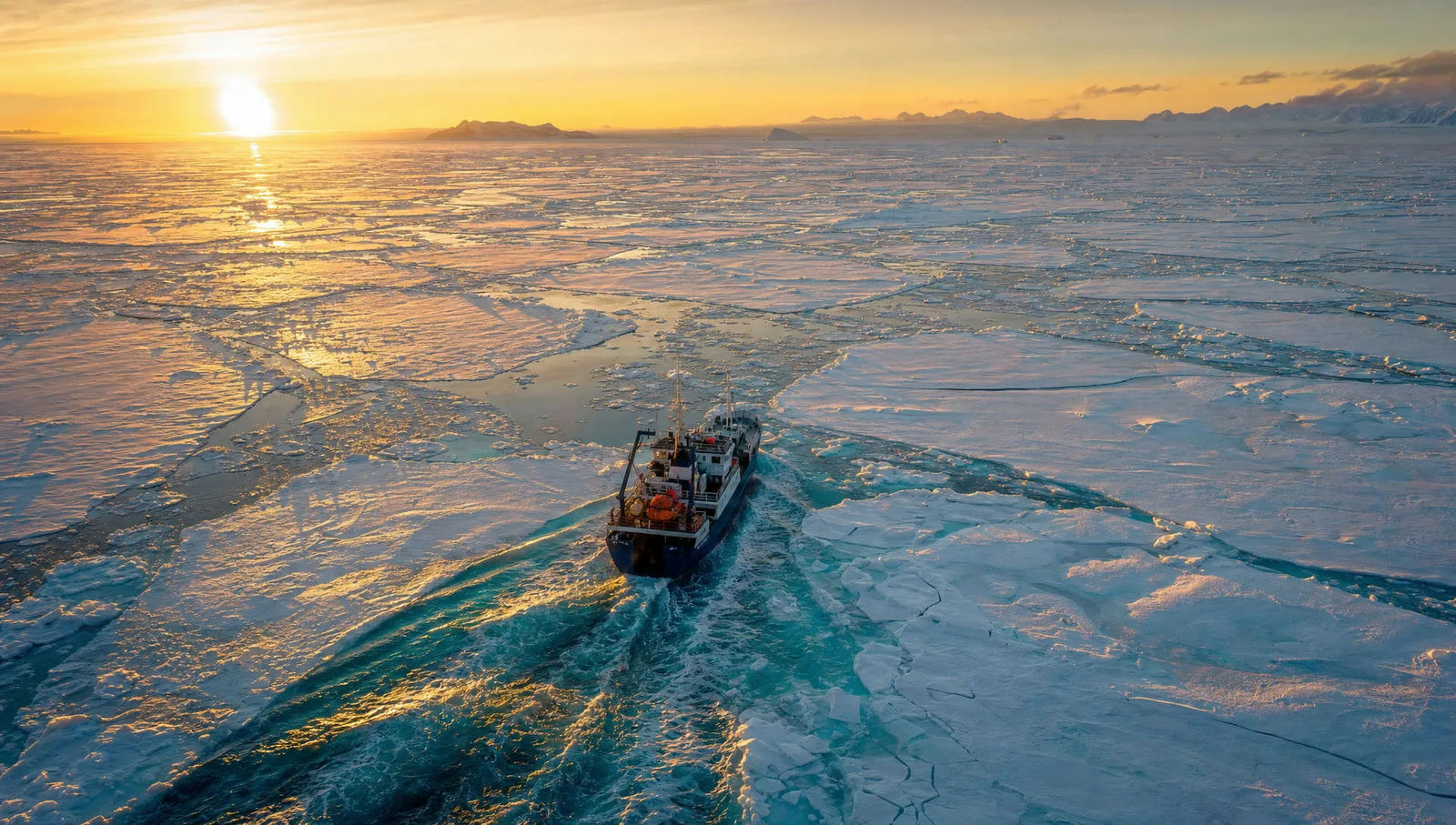
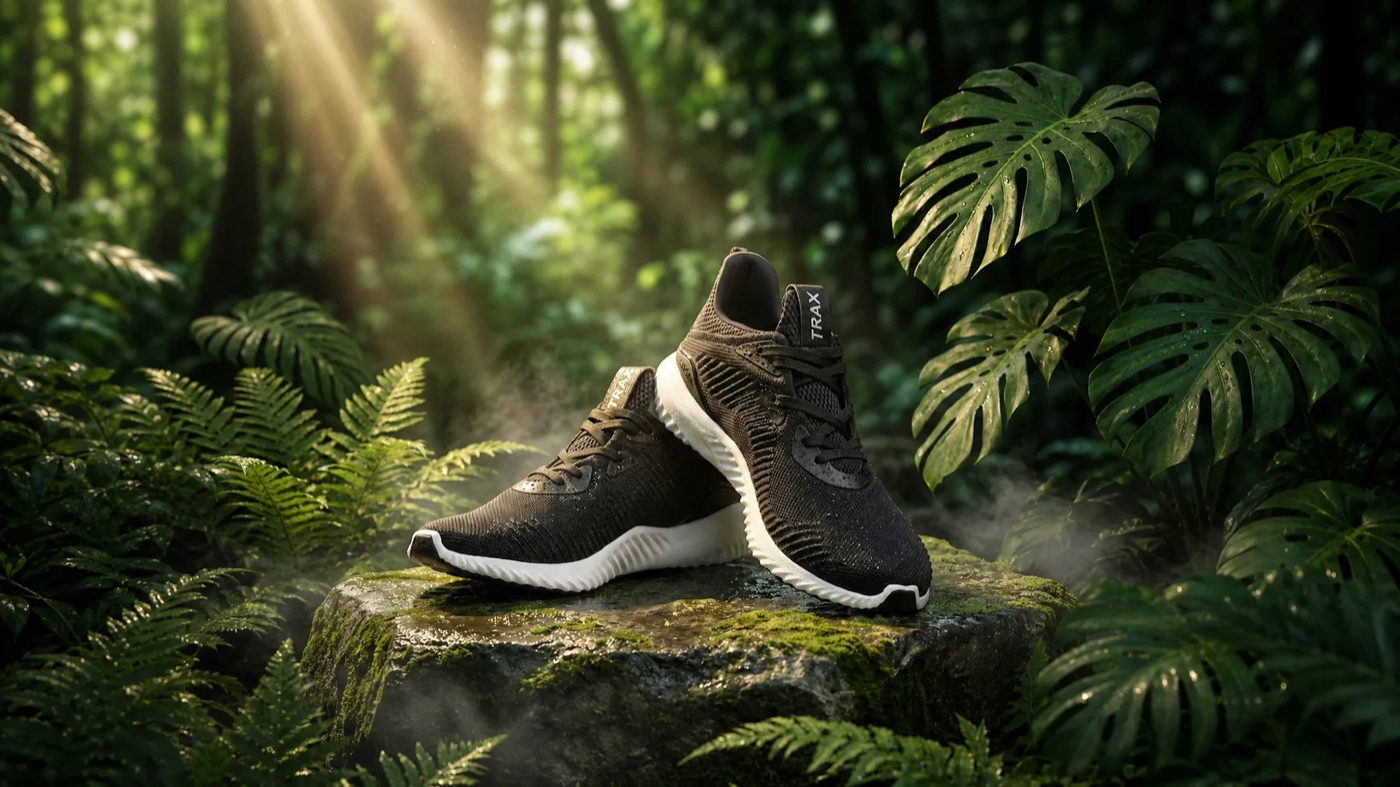
A packshot becomes a looping hero shot. Put the product in drifting fog, on open water, under hard studio light, then orbit it or push in.
10 credits on sign up, 5 credits daily.
VIDEOBLADE MIST16:9 · CINEMA
PixQuill Agent makes finished images and video from a description.
Packs start at $1.99 and stay valid while your account is active. Memberships start at $4.99 a month. One balance covers every image and video tool. The console prices every run before you commit.
Starter Pack
$1.99
100CREDITS
≈ 50images
≈ 4SOTA images
≈ 8svideo
≈ 6sSOTA video
A quick test run.
ONE PAYMENT · NEVER EXPIRE
Standard Pack
$9.99
700CREDITS
≈ 350images
≈ 30SOTA images
≈ 88svideo
≈ 43sSOTA video
A full issue's worth of art, plus videos for the launch.
ONE PAYMENT · NEVER EXPIRE
Pro Pack
$19.99
1,600CREDITS
≈ 800images
≈ 69SOTA images
≈ 208svideo
≈ 100sSOTA video
Batch season. Whole chapters and the videos that sell them.
ONE PAYMENT · NEVER EXPIRE
STANDARD MEMBERSHIP
$4.99/ month
1,000CREDITS EVERY MONTH
For weekly creators and side projects.
≈ 500images
≈ 43SOTA images
≈ 128svideo
≈ 62sSOTA video
NO LOCK-IN · CANCEL ANY TIME
Membership credits are available while the membership is active. Unused membership credits expire when the membership ends.
Image estimates use Flux 3 Klein at 1K, the lowest-priced run on the site. Video estimates use 8-second Veo 3.1 Lite videos at 720p, or Wan 3.0 at 480p for the SOTA row. The console shows the exact cost before every run.
Every frame and video below came out of the console above. One prompt, one run, no retouching.
One console, a lot of different jobs. These are the ones people bring to it most.
FOR VIDEO
A packshot becomes a looping hero shot. Put the product in drifting fog, on open water, under hard studio light, then orbit it or push in.
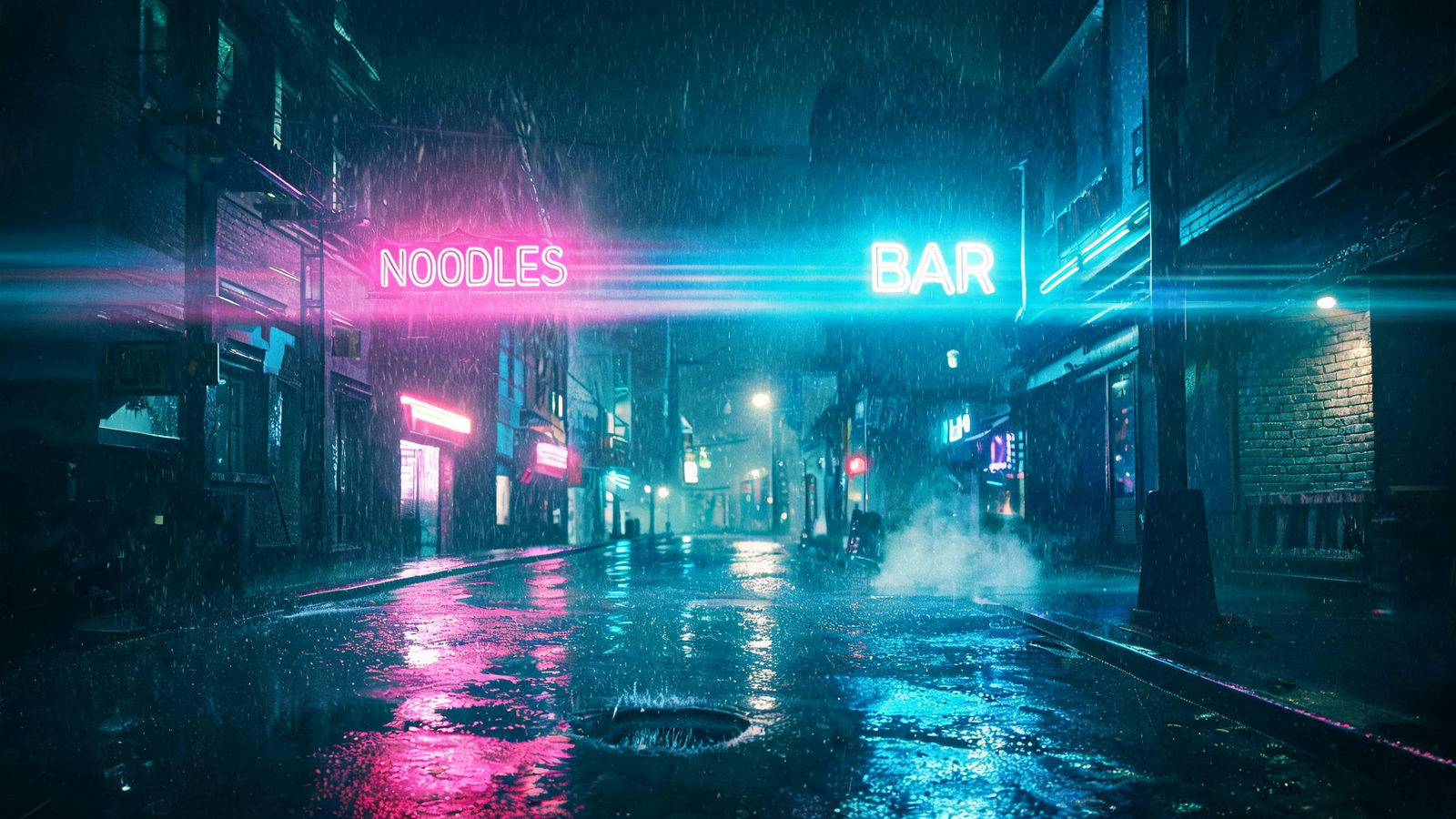
Reels and Shorts run on mood. Render vertical 9:16 straight from the console, one hook per video, from rainy neon streets to slow morning light.
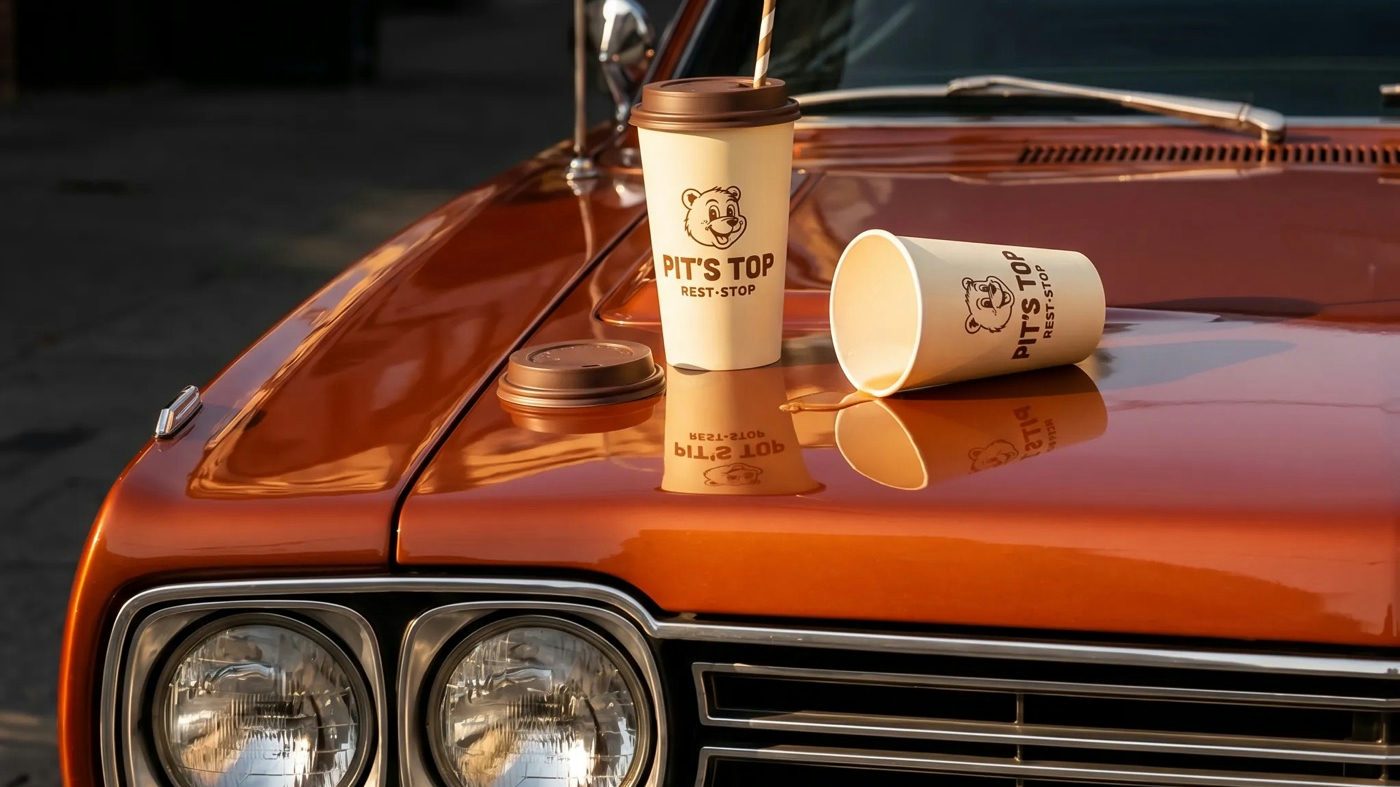
Test directions before anyone books a shoot. Generate the coffee-on-the-car-hood frame and nine other takes, keep the two that survive review.
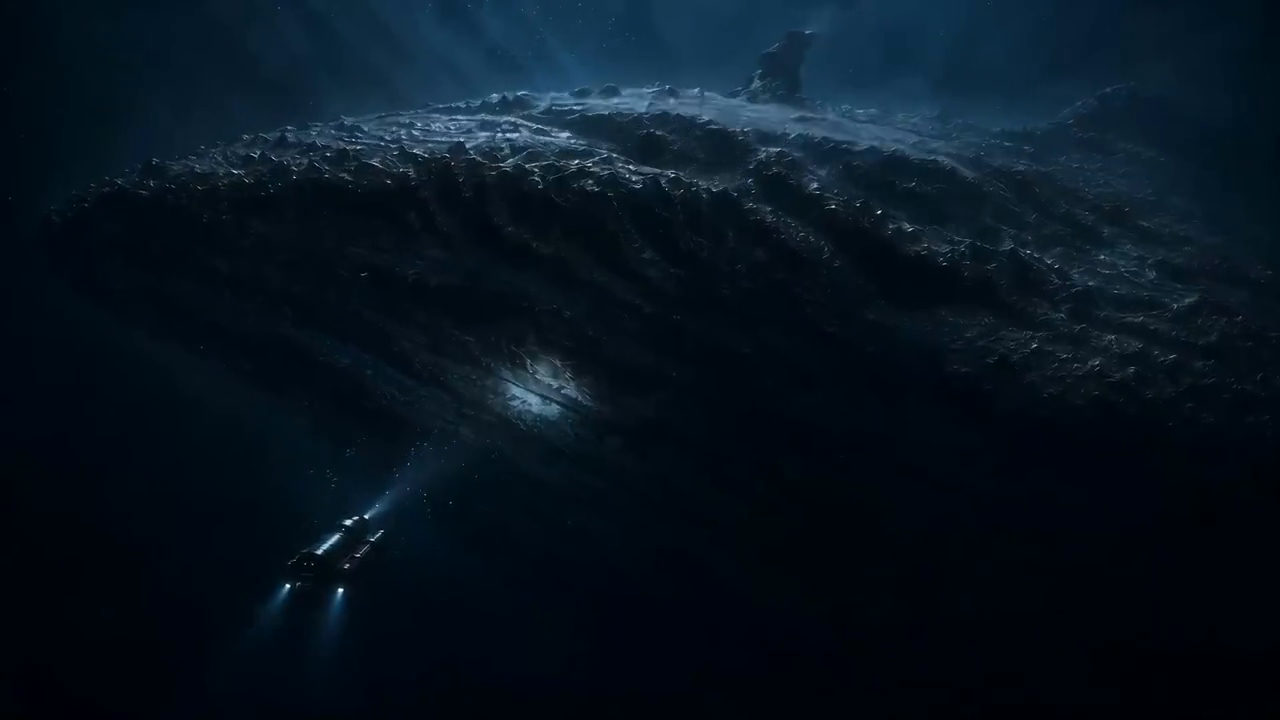
Lock the first and last frame and the model fills the motion between. Previz a march through fog or a full action beat before the shoot day.
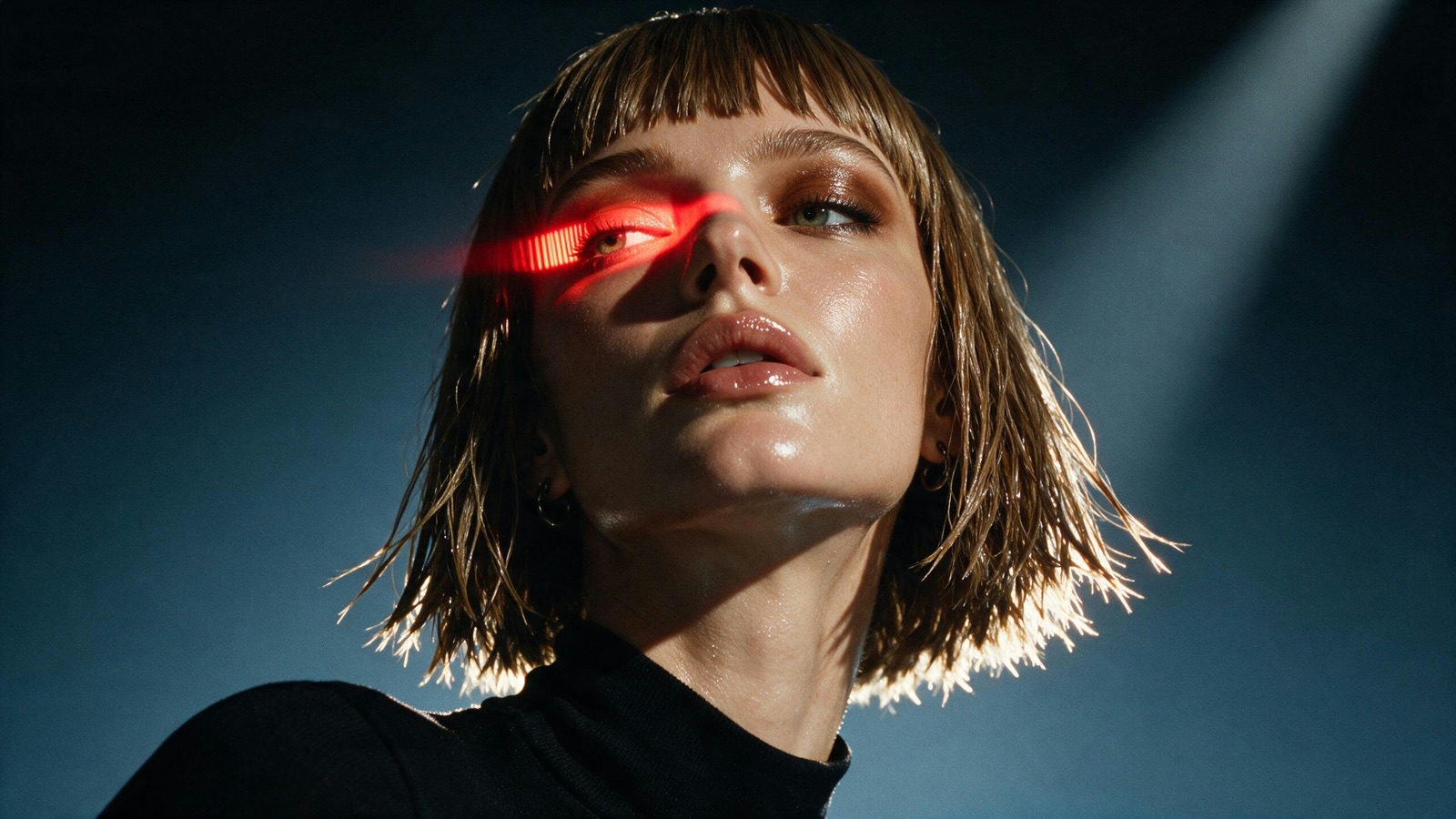
Reference images hold the same face across shots. Take a character from still portrait to moving performance, lit any way the scene needs.
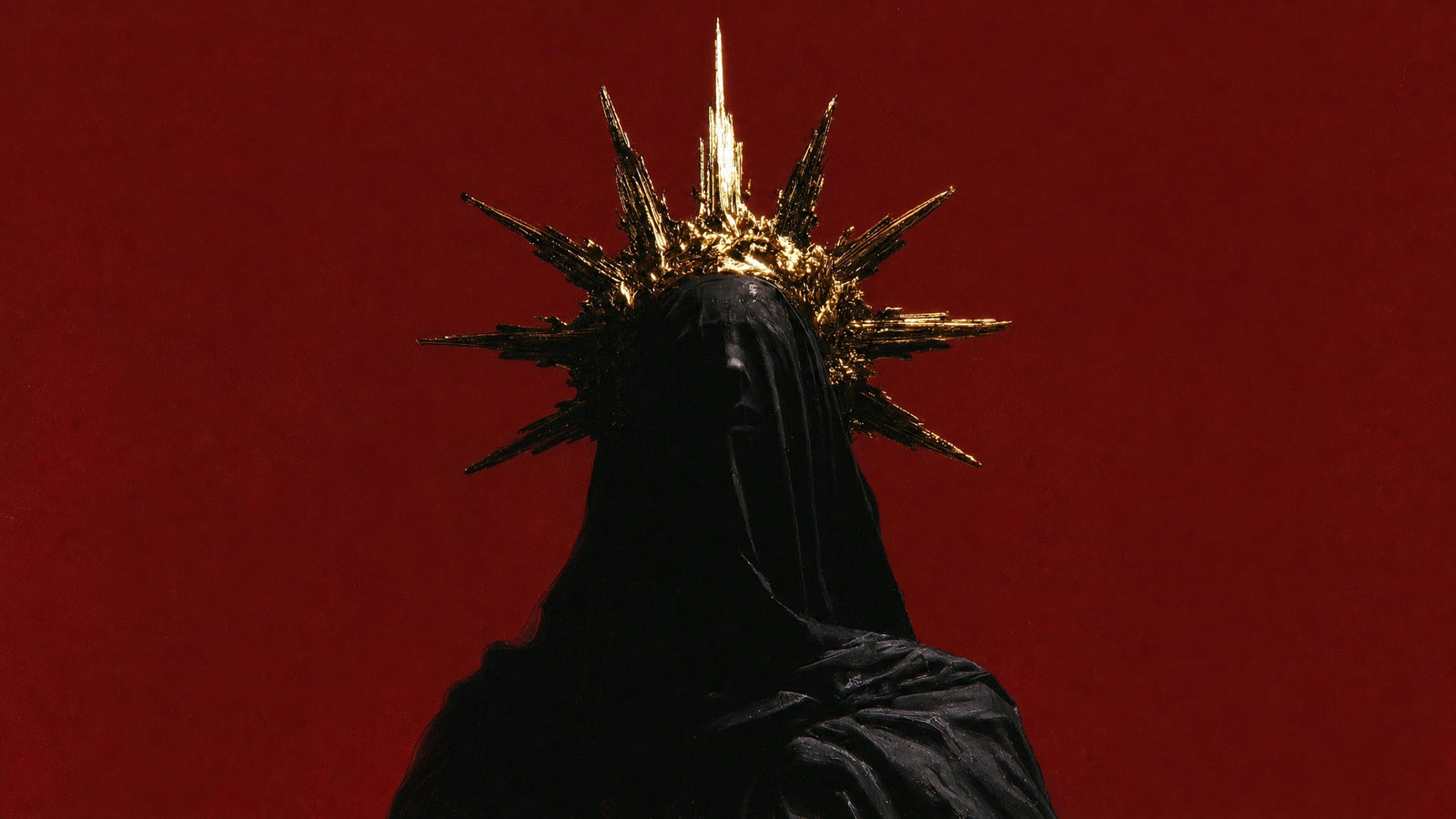
Give a track its look: veiled figures, gold light, slow reveals. On models that take audio reference, the cut follows the music.
FOR IMAGES
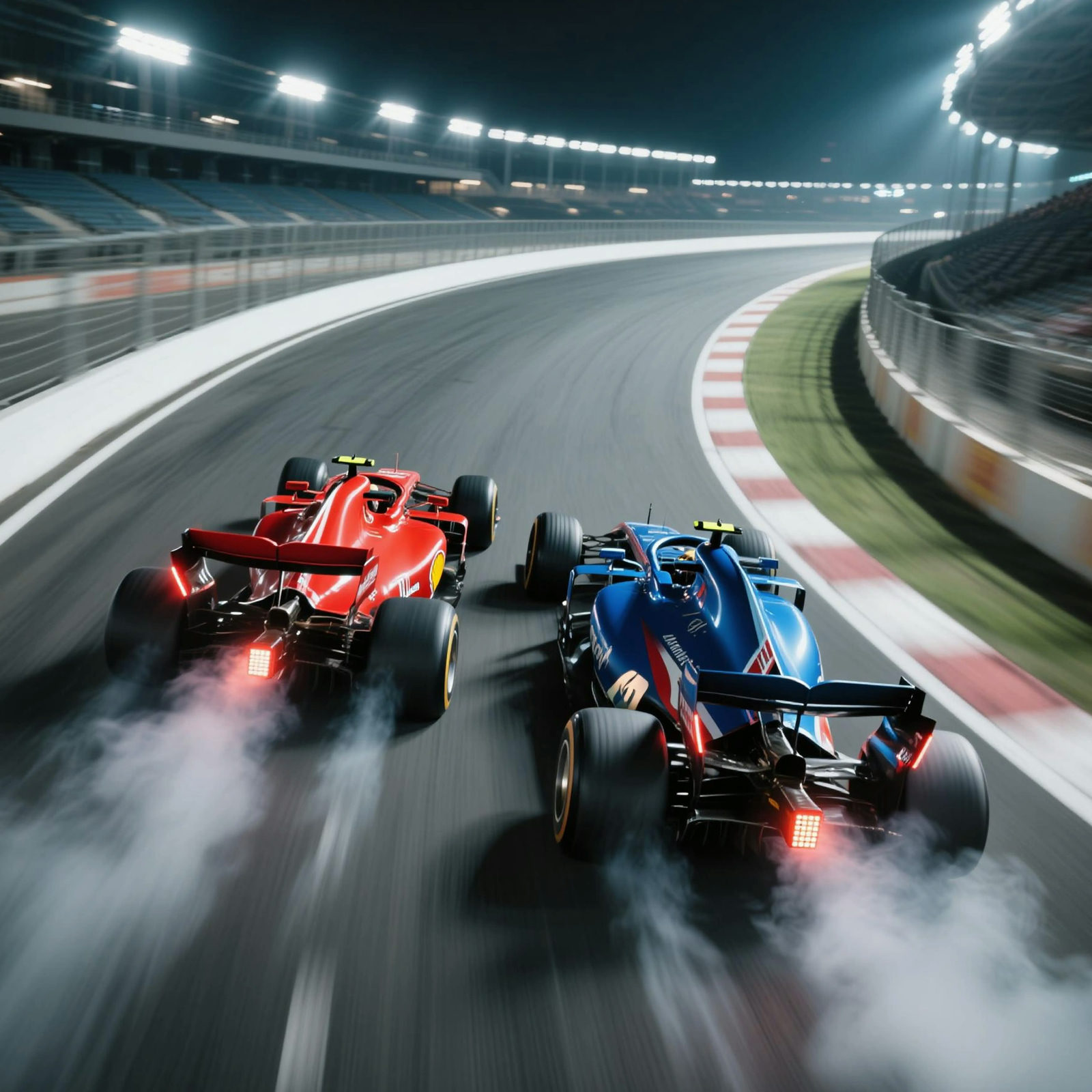
Campaign key visuals and ad concepts without a shoot. Describe the scene once, run a batch of options, and send the frames that survive the review.
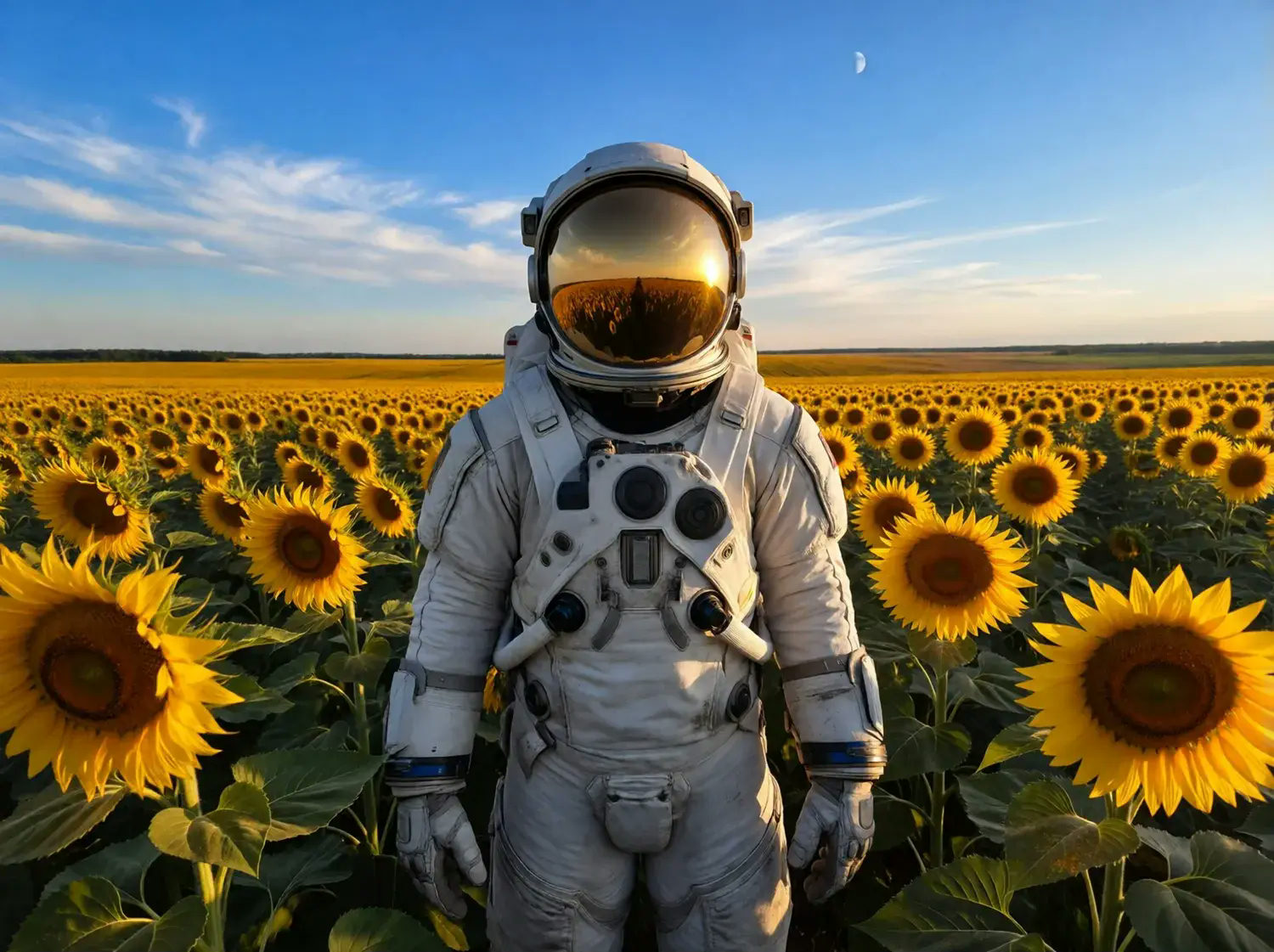
Feed the calendar with frames people stop scrolling for. Frames come out at the ratio each platform wants, and every image is yours to post.
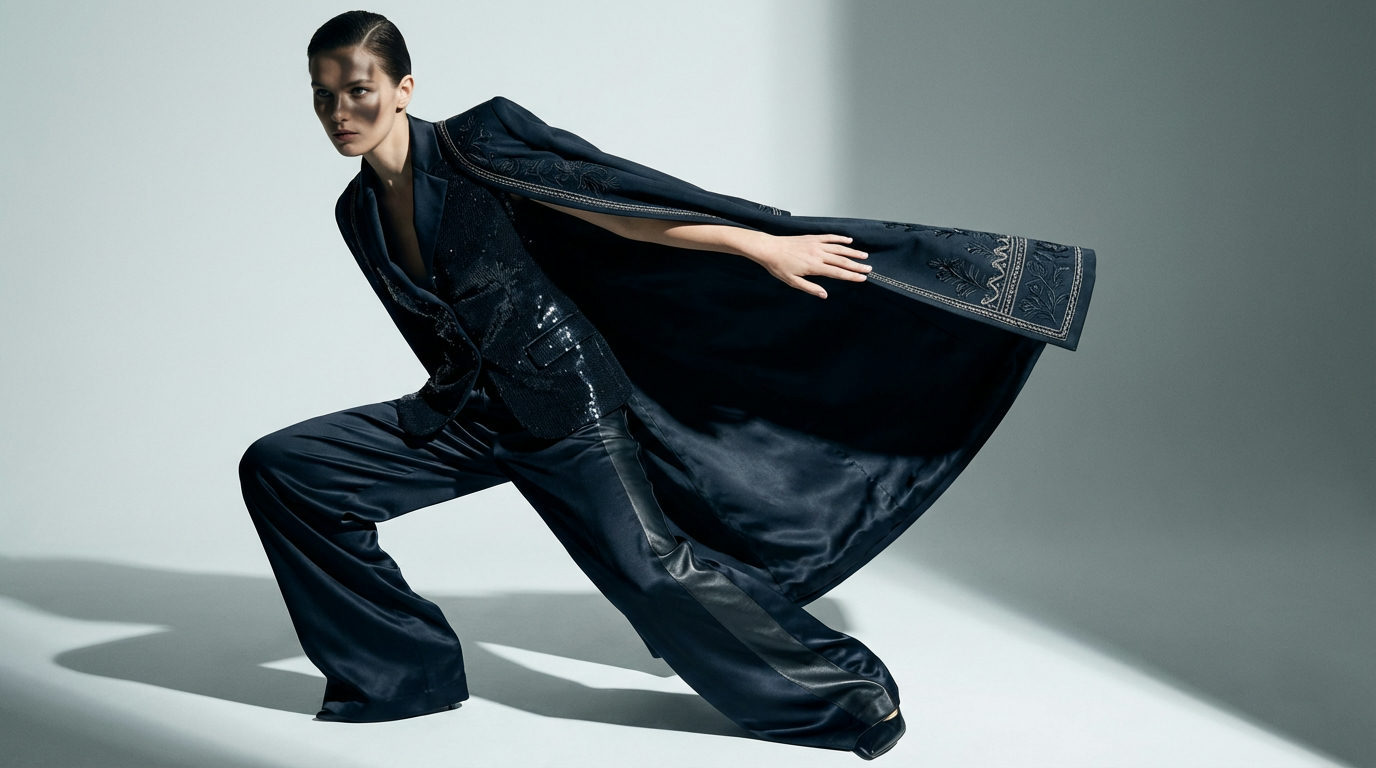
Listings, lookbooks and catalog pages. Stage apparel on studio backdrops, then cut transparent PNGs for the product page.
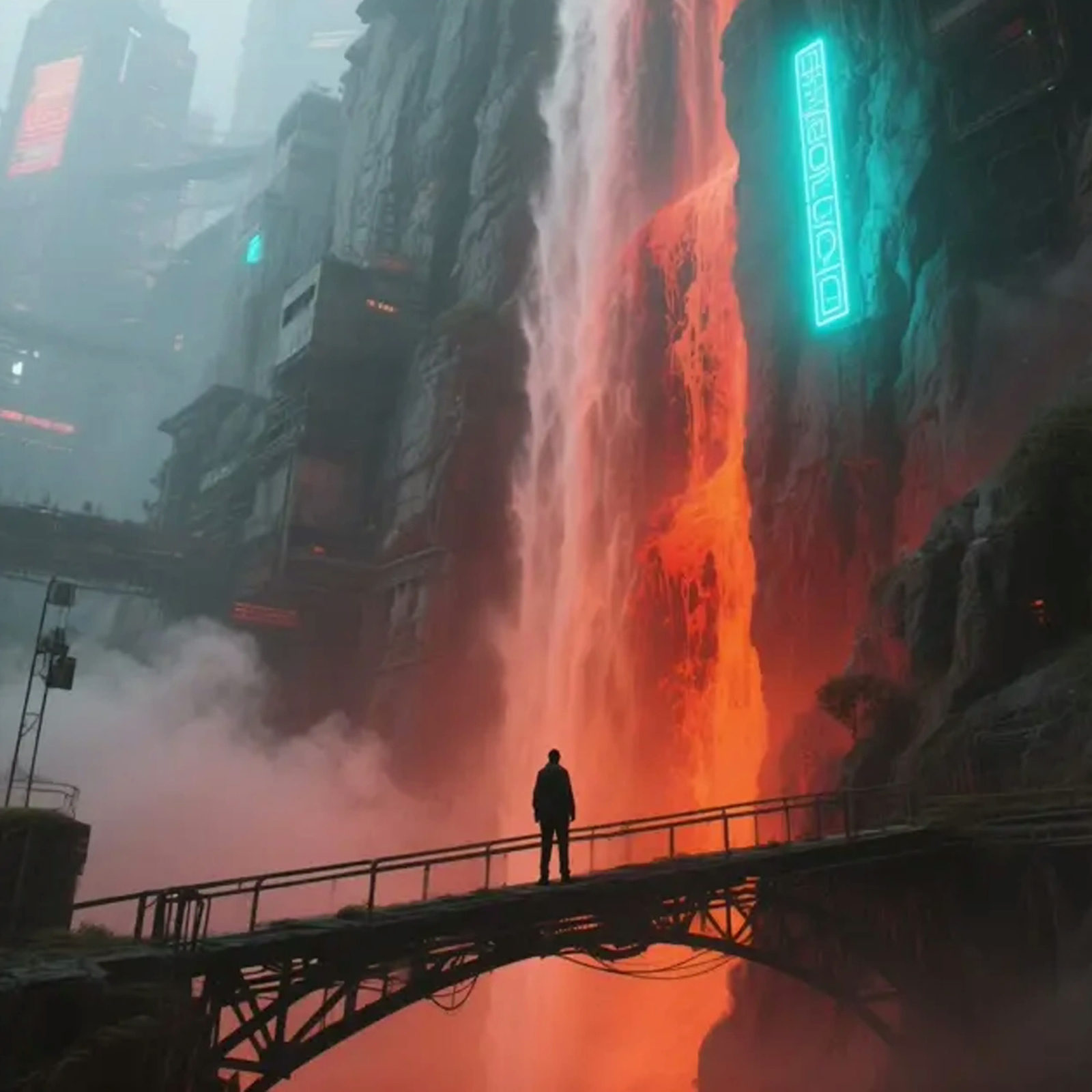
Attach reference sheets and @mention them by number to keep a character steady across a whole set.
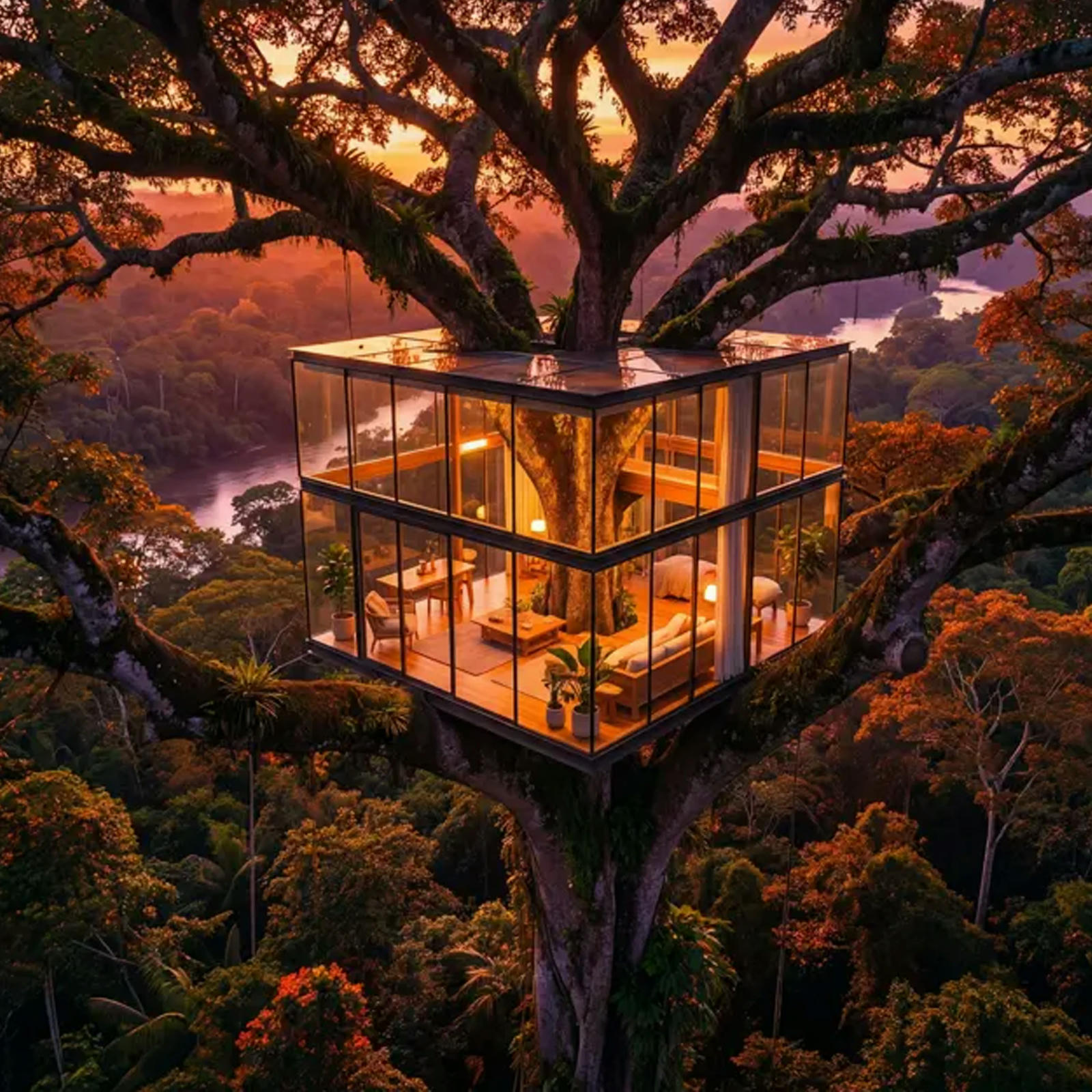
Poster work needs size. Frames render up to 4K in print-friendly ratios, and the keeper downloads as a clean file.
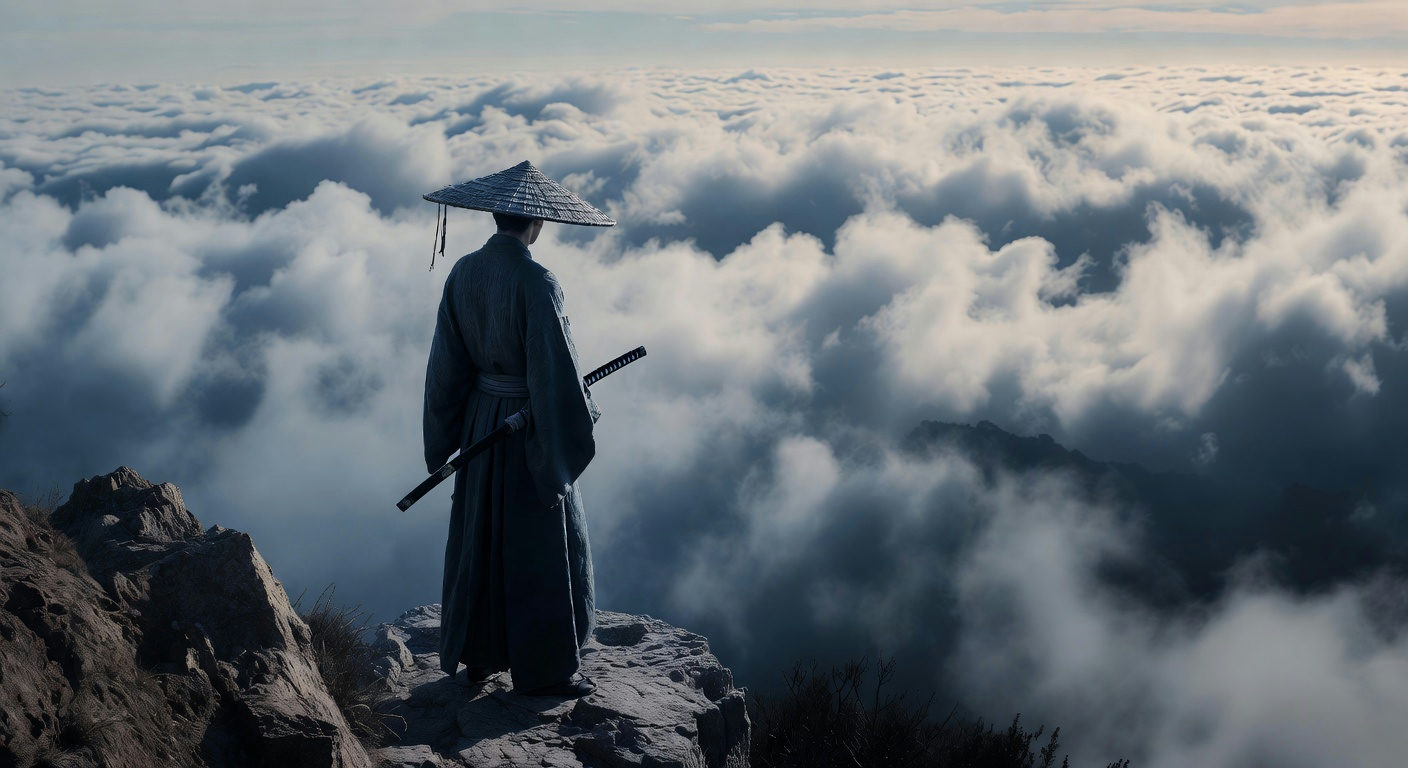
Album covers, book jackets, episode art. Set the mood, run a set, and pick the frame that reads at thumbnail size.
Each tool has its own console and its own job. Your uploads and credits carry over, so nothing gets done twice.
Cinematic still of a lone traveler crossing a neon-lit station at night, 35mm film grain
✦ GENERATEVideo or image, the tab above the console sets the bench. Write what you want in plain language, and @mention references when words are not enough.
Pick a model, then the parameters that medium takes: ratio and resolution for images, duration and sound for video. The exact credit price shows before you commit.
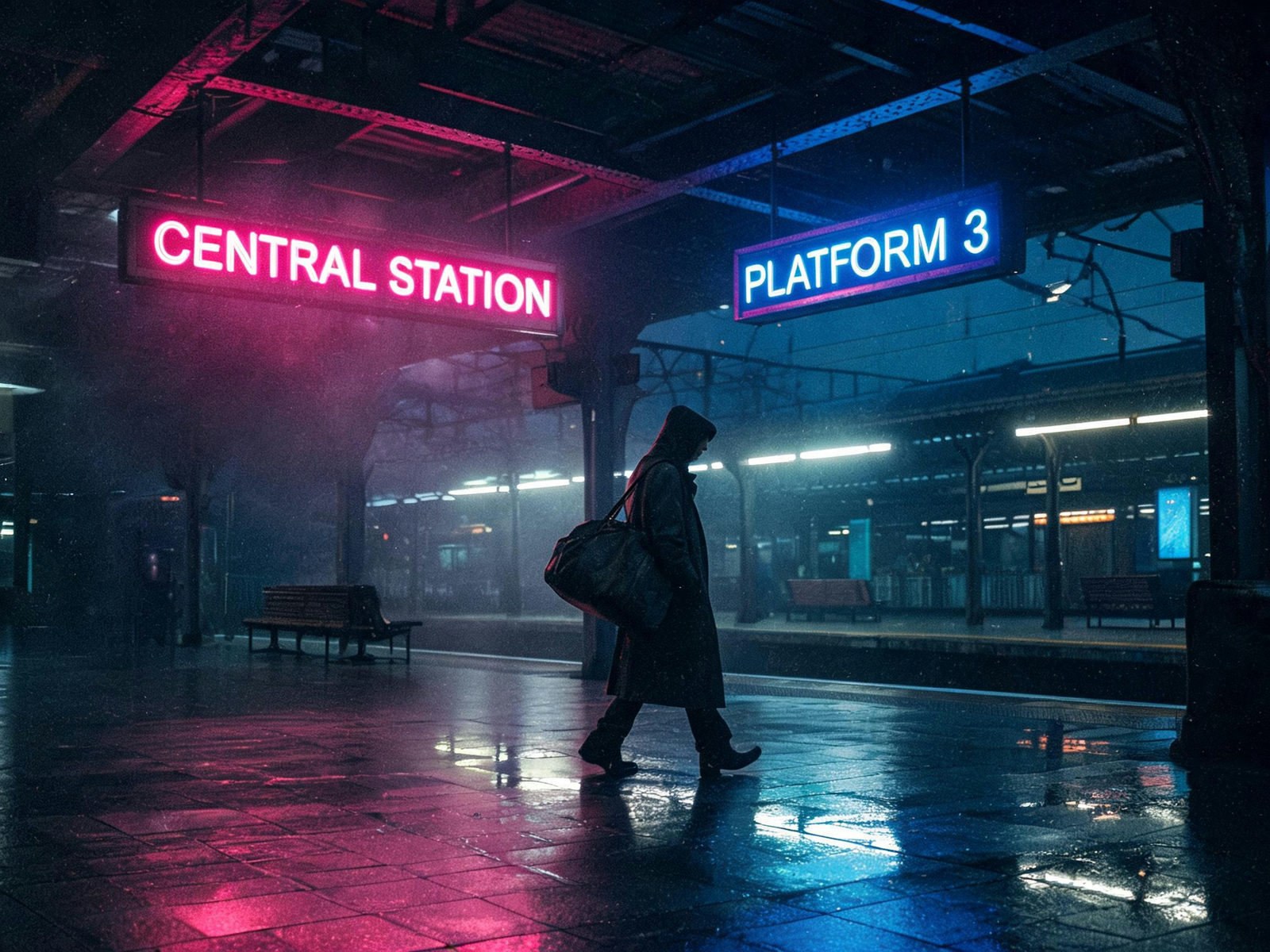
traveler-neon-station.jpg✓ 2K · JPG · READY
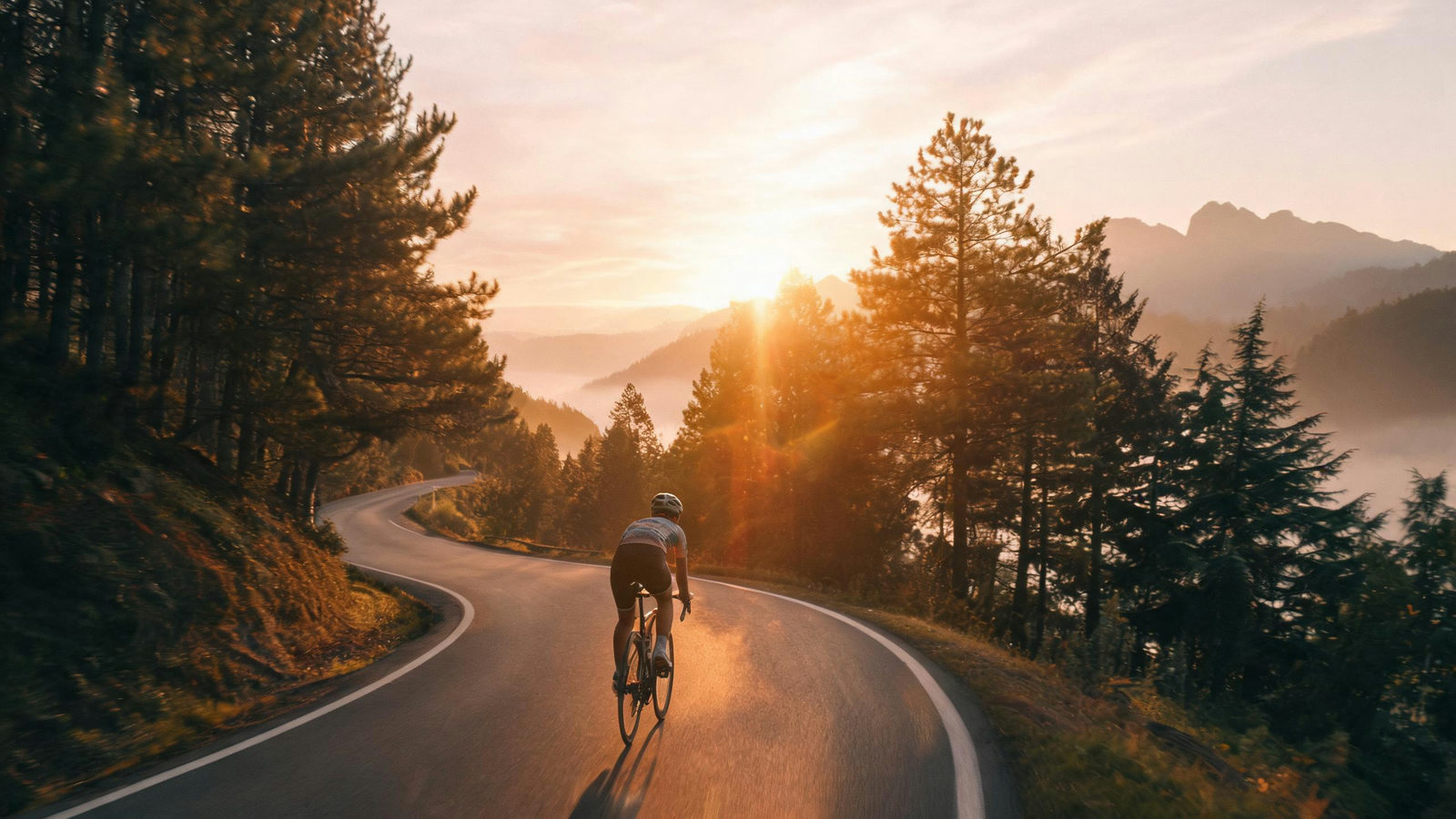
video-cyclist-dawn.mp4✓ 5S · 480P · READY
Image runs take 30 to 60 seconds. Videos usually take 1 to 3 minutes and keep rendering in the background. Results land in the console and your library, one click per file.
One balance, two benches. The console runs 20+ image models and 10+ video models, and names the engine and the price of every run before you commit. Specs and entry pricing sit on each card.
VIDEO ENGINES
DEFAULT
The model the console opens on. The Flash tier of Seedance 2.5 turns text, a first frame, first and last frames or mixed references into 4 to 30 second runs at 480p and 720p, with synced audio you can switch off. A music track plus a scene description is enough to start.
4-30S · ALL 5 MODES · 480P-720P · AUDIO OPTIONAL
FROM 24 CREDITSPER SECOND
FLAGSHIP SEEDANCE
ByteDance's Seedance flagship covers all five modes and takes the largest reference load on the bench: up to 30 images, or 10 videos and 10 audio tracks. Runs go from 4 to 30 seconds, and runs that use video references bill at a lower per-second rate.
4-30S · ALL 5 MODES · UP TO 30 REF IMAGES
FROM 56 CREDITSPER SECOND
BUDGET PICK
MiniMax's video model renders sound with every video, takes up to 5 reference images, and bills per second, so short drafts stay cheap.
768P-2K · AUDIO ON · 4-15S · 5 REF IMAGES
FROM 16 CREDITSPER SECOND
NEWEST KLING
Kuaishou's newest Kling. Up to ten reference images or a few short reference videos can hold one subject or a style across a run, and first and last frames lock in the move between them. Audio comes with every video, runs reach 30 seconds, and output tops out at 1080p.
3-30S · ALL 5 MODES · 720P-1080P · AUDIO ON · 10 REF IMAGES
FROM 57 CREDITSPER SECOND
BUDGET VEO
The entry tier of Google's Veo 3.1 line. Audio comes standard, output reaches 4K, and pricing is per video, so an 8-second cut costs the same as a 4-second one at the same resolution.
720P-4K · AUDIO ON · 4/6/8S · PER-VIDEO PRICE
FROM 60 CREDITSPER VIDEO
PIXVERSE FLAGSHIP
PixVerse's top tier turns a prompt or a single frame into up to 15 seconds at 1080p, with native audio on a switch. It is the PixVerse with stronger prompt adherence and camera control, the one to pick for the shot that has to land the first time.
1-15S · TEXT + 1 FRAME · 360P-1080P · AUDIO OPTIONAL
FROM 10 CREDITSPER SECOND
LONG RUNS
Alibaba's video flagship. It covers all five modes, runs from 2 to 30 seconds, and accepts images, videos or audio as references. Sound is a switch you control.
2-30S · ALL 5 MODES · 480P-1080P · 10 REF IMAGES
FROM 16 CREDITSPER SECOND
4K FLAGSHIP
Google's highest-fidelity video model and the most expensive engine on this page. Sound is always on, output reaches 4K, and videos run 4, 6 or 8 seconds. Reserve it for the cut that has to hold up on a big screen.
720P-4K · AUDIO ON · 4/6/8S · PER-VIDEO PRICE
FROM 500 CREDITSPER VIDEO
FUSION REFERENCE
The standard PixVerse covers text to video, image to video and Fusion reference, where up to seven stills hold subjects and backgrounds in place. Runs go from 1 to 15 seconds with audio as a switch, and per-second prices start below the Max tier, so it is the PixVerse to draft with.
1-15S · 360P-1080P · 7 REF IMAGES · AUDIO OPTIONAL
FROM 8 CREDITSPER SECOND
SYNCED DIALOGUE
ShengShu's cinematic model is built around references: a first frame or up to 15 images, plus up to three voice tracks. Dialogue and sound arrive in the same pass as the picture, already in sync. Pick it for character scenes that need to speak.
540P-4K · AUDIO OPTIONAL · 3-16S · 15 REF IMAGES
FROM 15 CREDITSPER SECOND
OMNI REFERENCE
Kuaishou's flagship runs all five modes, including omni reference, where images, video and voice join one brief as elements. Videos run 3 to 15 seconds, output reaches 4K, and the audio track is optional.
3-15S · 720P-4K · 5 MODES · AUDIO OPTIONAL
FROM 28 CREDITSPER SECOND
MID TIER
The mid tier of the Veo 3.1 line. It carries the same audio and 4K ceiling as Quality, adds multi-image reference that Quality does not take, and prices per video between the two.
720P-4K · AUDIO ON · 4/6/8S · 3 REF IMAGES
FROM 120 CREDITSPER VIDEO
PREVIOUS GEN
The previous Seedance generation. It covers all five modes, reaches 4K, and runs 4 to 15 seconds at a lower per-second rate than 2.5.
4-15S · 480P-4K · ALL 5 MODES · 9 REF IMAGES
FROM 38 CREDITSPER SECOND
SILENT OUTPUT
Alibaba's motion model without an audio track: the video leaves sound to your edit. Three input modes, 720p and 1080p output, and up to 9 reference images. Made for B-roll you will score in the edit anyway.
3-15S · 720P/1080P · NO AUDIO · 9 REF IMAGES
FROM 45 CREDITSPER SECOND
DRAFT TIER
The draft tier of the Seedance line. Every mode is open at 480p and 720p, and video references bill at a further per-second discount. Iterate here, then render the keeper on a 4K engine above.
4-15S · 480P/720P · ALL 5 MODES · 9 REF IMAGES
FROM 24 CREDITSPER SECOND
IMAGE ENGINES
DEFAULT
The model the console opens on for text prompts. ByteDance's newest Seed edits the same image round after round while untouched regions stay put, and takes up to 10 references at 1K to 2K.
1K-2K · 10 REF IMAGES · JPG + PNG OUT
FROM 2 CREDITSPER IMAGE
BYTEDANCE FLAGSHIP
ByteDance's flagship, tuned for texture and fine detail at up to 2K. References stay faithful to the source, and photographs hold up at full size.
UP TO 2K · 10 REF IMAGES · JPEG + PNG OUT
FROM 10 CREDITSPER IMAGE
NEWEST OPENAI
OpenAI's newest 2.6, tuned for detail work. It follows long written instructions closely, keeps edits consistent across rounds, and takes up to 16 reference images at 1K to 4K.
1K-4K · 16 REF IMAGES · DETAIL WORK
FROM 8 CREDITSPER IMAGE
OPENAI SPEED
The fast tier of GPT Image 2.6. OpenAI built it for quick iteration on posters, product shots and campaign layouts, with the same 16-reference editing at up to 4K.
1K-4K · 16 REF IMAGES · FAST ITERATION
FROM 8 CREDITSPER IMAGE
OPENAI VALUE
The 2.6 model served through OpenAI's economy channel. One fixed 1K output at the lowest GPT price on the bench, for drafts, batches and the options round.
1K OUT · 16 REF IMAGES · SINGLE TIER
FROM 6 CREDITSPER IMAGE
EDITS DEFAULT
Google's everyday engine and the default for reference-image runs. It takes up to 10 references, keeps lettering steady inside the frame, and scales from 1K drafts to 4K finals.
1K-4K · 10 REF IMAGES · TEXT + IMAGE IN
FROM 5 CREDITSPER IMAGE
LOWEST ENTRY
Black Forest Labs' newest Flux and the lowest entry price on the site. It takes up to 10 reference images for edits and outputs up to 4K. A strong pick when speed and price both matter.
1K-4K · 10 REF IMAGES · TEXT + IMAGE IN
FROM 2 CREDITSPER IMAGE
FLAGSHIP
Google's highest-fidelity image model. It renders the sharpest lettering in the lineup, takes 8 reference images, and outputs up to 4K for print-size work.
UP TO 4K · 8 REF IMAGES · TEXT + IMAGE IN
FROM 23 CREDITSPER IMAGE
OPENAI PRO
OpenAI's previous-generation detail model. It follows long written instructions closely, accepts up to 16 reference images, and handles edits described in plain language. Built for detailed briefs.
1K-4K · 16 REF IMAGES · LONG BRIEFS
FROM 8 CREDITSPER IMAGE
NEWEST KLING IMAGE
Kuaishou's image engine with camera-grade realism and up to 2,000 characters of text inside the frame. Takes 10 references and renders print-sized work at 2K and 4K.
2K-4K · 10 REF IMAGES · IN-IMAGE TEXT
FROM 2 CREDITSPER IMAGE
NEWEST MINIMAX
MiniMax's 16-megapixel engine. It generates poster-size frames at every aspect ratio without an upscaler and edits with up to 16 references, each numbered in the prompt.
1K-4K · 16 REF IMAGES · 16MP NATIVE
FROM 1 CREDITSPER IMAGE
TEXT SPECIALIST
Alibaba's top image model and the strongest in this console at rendering words inside the frame. Use it for posters, menus and packaging, where in-frame text has to be spelled right.
UP TO 2K · 3 REF IMAGES · IN-FRAME TEXT
FROM 8 CREDITSPER IMAGE
REALISM PICK
Black Forest Labs' latest generation. It leans toward natural light and believable skin tones, with a film-like grain. The pick when a job wants a photographic look rather than a house style.
UP TO 2K · 8 REF IMAGES · PHOTO LOOK
FROM 6 CREDITSPER IMAGE
WORKHORSE
ByteDance's volume engine. It takes up to 14 references, builds multi-image sets of up to 15 frames, and still reaches 4K. A natural fit for batches and option rounds.
UP TO 4K · 14 REF IMAGES · MULTI-IMAGE SETS
FROM 5 CREDITSPER IMAGE
BUDGET PICK
The low-cost tier of the Nano Banana 2 family. Same look and reference handling as 2.1 at a fixed 2K output, one price per run. Made for drafts, batches and the options round before the final.
2K OUT · 10 REF IMAGES · SINGLE TIER
FROM 5 CREDITSPER IMAGE
VALUE PICK
OpenAI's value tier. It accepts 16 reference images, follows long instructions patiently, and holds quality from 1K up to 2K.
UP TO 2K · 16 REF IMAGES · LONG BRIEFS
FROM 5 CREDITSPER IMAGE
PixQuill is an AI image maker and video maker built for people who need finished files, not a new hobby. An AI generator makes a picture or a video from a prompt. The maker takes the whole job: you describe it in plain language, attach reference material when words are not enough, and it picks the model and renders the result. There is nothing to install: you work in the browser, everything is processed on our servers, image runs land in 30 to 60 seconds and video runs in 1 to 3 minutes.
One console carries a job from first sketch to final file, and the tab above it switches between the two benches. Draft an image, upscale the keeper to 4K, cut out the background, fix a corner in the editor; hand the frame to the video bench when it needs motion, or hold a character steady across shots with references. Credits, uploads and the library are shared, so a job you set down today is a job you can pick back up next month.
Designers mock up concepts, sellers dress their product pages, marketers feed the content calendar with stills and cuts, photographers rescue real shots. Runs are priced in credits and the cost shows before you commit; if a run fails on our side, the refund is automatic. The console at the top of this page is the fastest way to find out whether PixQuill fits.
PixQuill Agent is an AI image maker and video maker in one console. You describe the job in plain language (with reference photos or frames when words aren't enough), and it picks the model, renders the result and files it in your library. Switch the tab above the console between video and image. No parameters to learn unless you want them.
The Image Maker runs more than 20 image models, including Nano Banana, GPT Image 2.6, Kling Image 4.0, Seedream 5.5, MiniMax H3 Image, Flux, Qwen and Ideogram. Seedream 5.5 is the default for text prompts, and Nano Banana 2.1 is the default all-rounder for reference-image work. The Video Maker adds 10+ video models, including Veo 3.1, Seedance 2.5 Flash, Kling, Wan, Vidu Q4 and MiniMax H3. You switch models per run, and the console shows the exact credit price before you generate.
Text to video starts from a prompt alone. First frame and start and end frames animate from one or two stills, which is what image to video means here. Multi-image reference holds a subject or style steady across several stills, and omni reference reads images, videos and audio together on the models that support it.
Everything runs on credits. Image prices depend on the model and resolution; video prices also depend on duration and mode. The console shows the cost before you click generate. Credit packs and memberships are on the pricing page. No surprise charges.
Credit packs you buy do not expire for as long as your account is active. Membership credits work differently: they are yours to spend while the membership is active, and unused membership credit ends when the membership period ends.
Yes. Attach your photos and mention them inline, like 'the jacket in [Image 1]'. Drag the thumbnails to reorder. That order is the order the model sees.
Yes. Open any result in the AI Image Editor and point, box or brush the change onto the canvas. To remove something completely, the Object Remover does it in one pass.
Yes. Switch the console above to video, choose First Frame and attach the image, or open the Video Maker for the full-page bench. Start and end frames, multiple references and plain text prompts all work, and the same credit balance covers everything.
Ratios cover square, portrait, landscape and widescreen, plus an auto option that lets the model pick. Resolutions run up to 4K on the models that reach it. Format options follow the model: most write JPG or PNG, a few are JPG only. Files that start too small can still get there: the Image Upscaler takes them to 4K.
Durations depend on the model, from a few seconds up to 30, and resolution runs up to 4K. On most models the sound is included: Veo 3.1, MiniMax H3 and Kling 4.0 always render audio, and Seedance, Wan and Seedance 2.5 Flash make it a switch, with Flash generating its audio in the same pass as the picture. A few draft models render silent. The console only offers what the picked model can actually do.
Image runs usually take 30 to 60 seconds depending on the model, resolution and batch size. Video runs usually take 1 to 3 minutes and keep going in the background, so you can close the tab and pick the video up in your library. The console shows live progress while you wait.
No. If a run fails because of something on our side, the credits are refunded automatically. Auto sets are pre-charged at the cap and the difference comes back after the run.
Images and videos you generate are yours to use in commercial projects, within the limits of our terms of service. You're responsible for the references you upload.
No. PixQuill runs in your browser and the images and videos are processed on our servers. Every new account starts with free credits, enough to run real jobs and judge the quality.
Describe the job, watch the console price the run, keep the frames and videos that survive the review. New accounts start with free credits, and runs that fail on our side refund automatically.