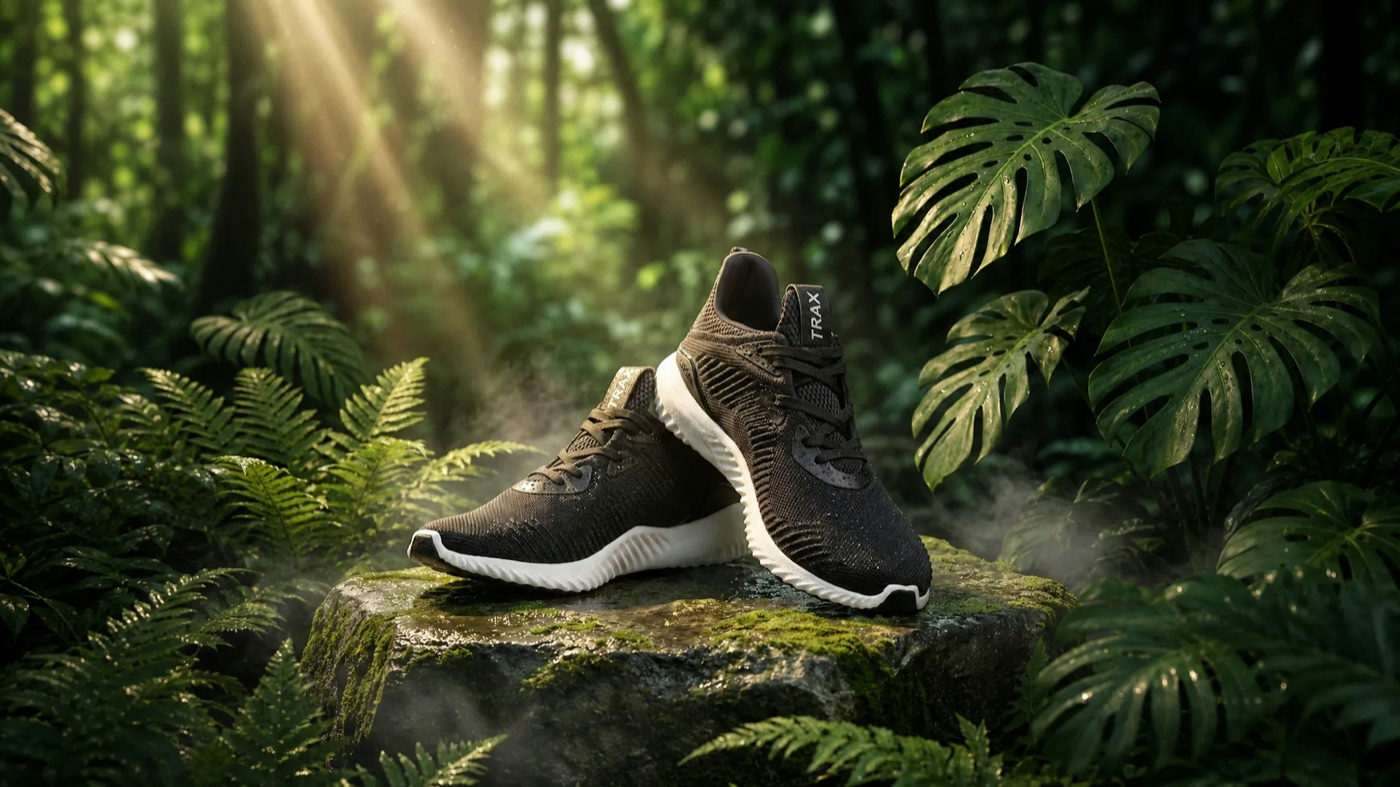
PRODUCT VIDEO
A packshot becomes a looping hero shot. Put the product in drifting fog, on open water, under hard studio light, then orbit it or push in.
10 credits on sign up, 5 credits daily.
✦ VIDEO AGENT
Start with an idea or a still. Describe your scene and make a video that looks and moves the way you pictured it.
10+ MODELSVIDEOS UP TO 30SUP TO 4K
0 / 2000
Recommended packs start at $9.99 and stay valid while your account is active. Memberships start at $4.99 a month. One balance covers every image and video tool. The console prices every video before you render.
Standard Pack
$9.99
700CREDITS
≈ 350images
≈ 30SOTA images
≈ 88svideo
≈ 43sSOTA video
A full issue's worth of art, plus videos for the launch.
ONE PAYMENT · NEVER EXPIRE
Pro Pack
$19.99
1,600CREDITS
≈ 800images
≈ 69SOTA images
≈ 208svideo
≈ 100sSOTA video
Batch season. Whole chapters and the videos that sell them.
ONE PAYMENT · NEVER EXPIRE
STANDARD MEMBERSHIP
$4.99/ month
1,000CREDITS EVERY MONTH
For weekly creators and side projects.
≈ 500images
≈ 43SOTA images
≈ 128svideo
≈ 62sSOTA video
NO LOCK-IN · CANCEL ANY TIME
PRO MEMBERSHIP
$19.99/ month
5,000CREDITS EVERY MONTH
For daily image and video production.
≈ 2,500images
≈ 217SOTA images
≈ 664svideo
≈ 312sSOTA video
NO LOCK-IN · CANCEL ANY TIME
Membership credits are available while the membership is active. Unused membership credits expire when the membership ends.
Image estimates use Flux 3 Klein at 1K, the lowest-priced run on the site. Video estimates use 8-second Veo 3.1 Lite videos at 720p, or Wan 3.0 at 480p for the SOTA row. The console shows the exact cost before every run.
Real output from the engines in this console. Videos play as you scroll, tap any card for the full cut.
Six jobs the console handles daily, one cover frame each. Match yours, describe the shot, hit generate.
A packshot becomes a looping hero shot. Put the product in drifting fog, on open water, under hard studio light, then orbit it or push in.
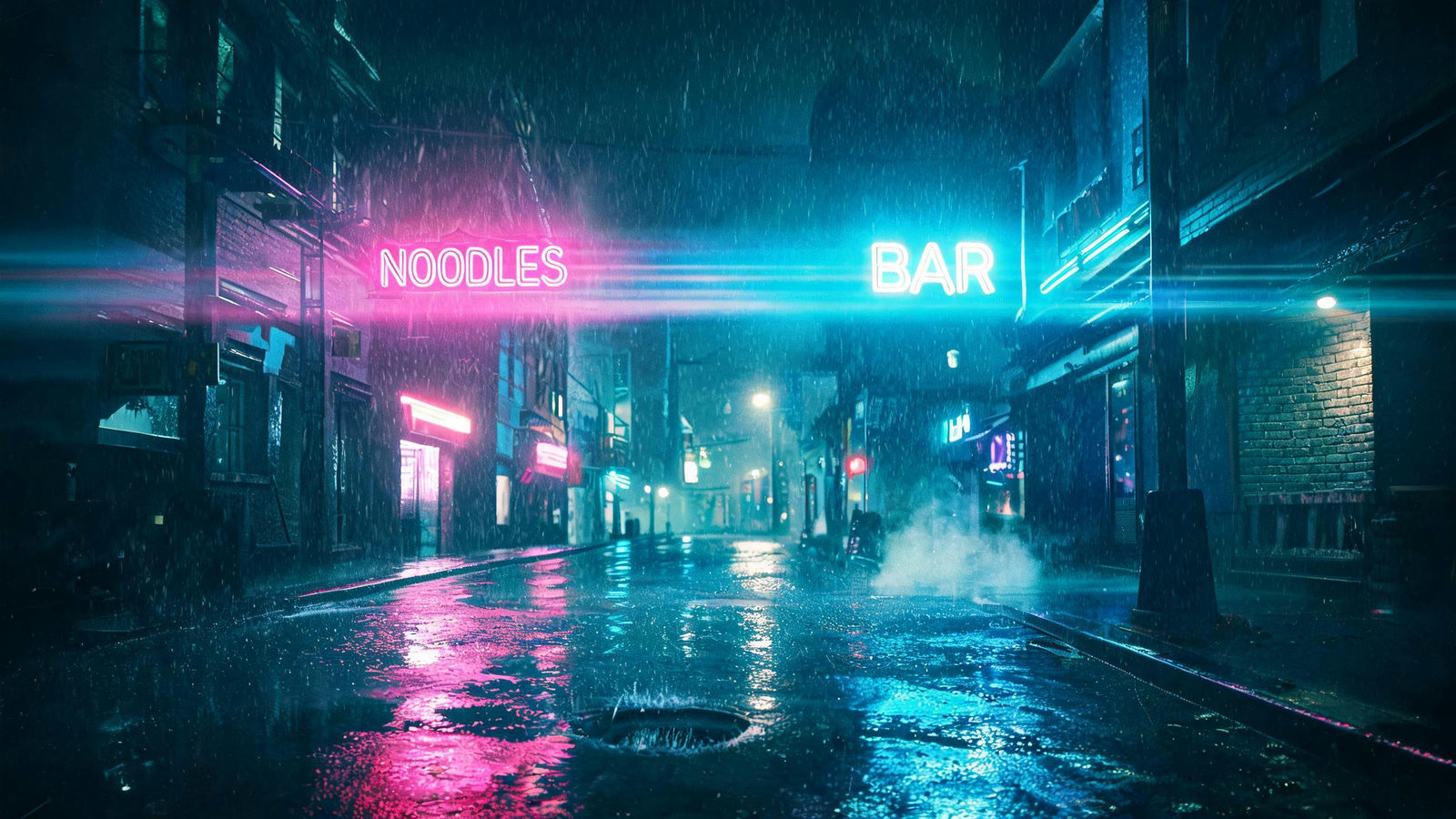
Reels and Shorts run on mood. Render vertical 9:16 straight from the console, one hook per video, from rainy neon streets to slow morning light.

Test directions before anyone books a shoot. Generate the coffee-on-the-car-hood frame and nine other takes, keep the two that survive review.

Lock the first and last frame and the model fills the motion between. Previz a march through fog or a full action beat before the shoot day.
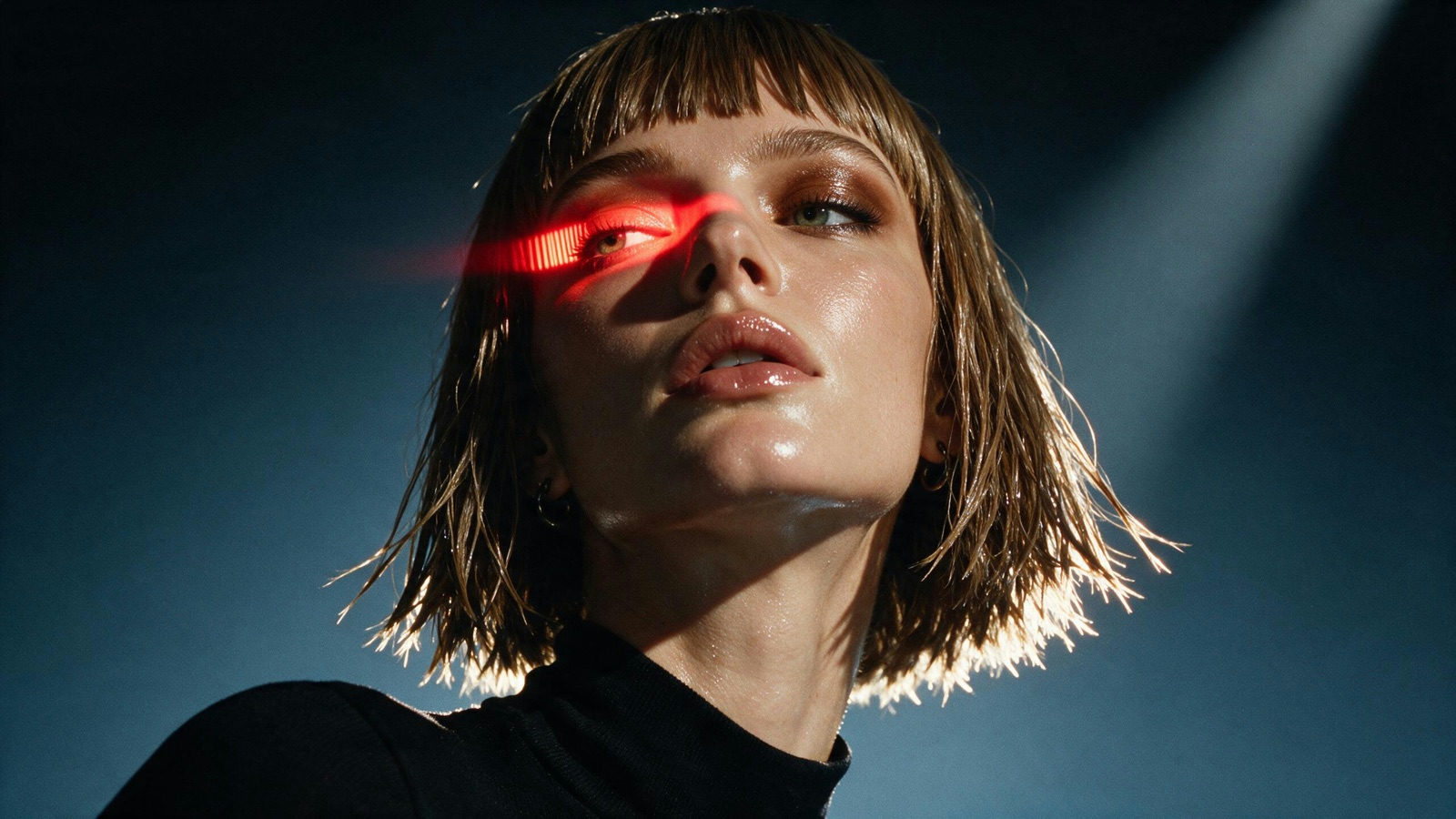
Reference images hold the same face across shots. Take a character from still portrait to moving performance, lit any way the scene needs.
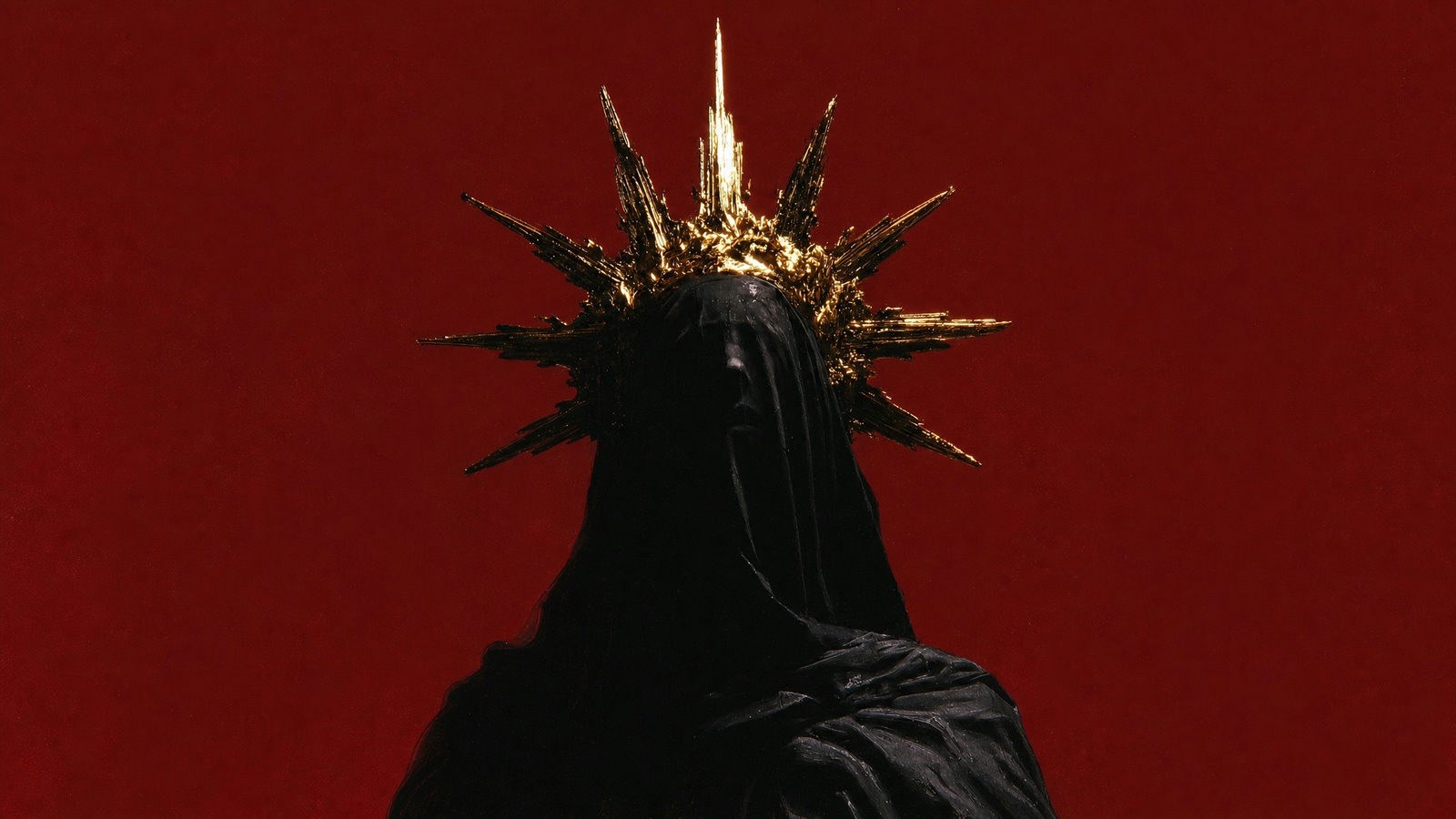
Give a track its look: veiled figures, gold light, slow reveals. On models that take audio reference, the cut follows the music.
A video usually starts or ends as an image. The rest of the studio shares your uploads and credits.
Text to video, first frame, start and end frames, multi-image reference or omni reference. The console only asks for the attachments that mode takes.
A cyclist descends a mountain road at dawn, slow drone follow
Say the subject, the motion and the camera in plain language, and @mention your uploads when it helps. Pick a model, a duration, a ratio and a resolution: the exact credit price shows before you generate.

video-cyclist-dawn.mp4✓ 5S · 768P · READY
A run usually takes 1 to 3 minutes. The finished video lands in the console and in your library, ready to download.
10+ video models share one console and one credit balance. The picker pins the featured six on top and groups the rest by vendor. Specs and the entry price sit on each card; every run is priced before you commit.
DEFAULT
The model the console opens on. Sound comes with every video, up to 5 reference images are supported, and per-second billing keeps short drafts cheap.
768P-2K · AUDIO ON · 4-15S · 5 REF IMAGES
FROM 16 CREDITSPER SECOND
NEWEST KLING
Kuaishou's newest Kling. Up to ten reference images or a short clip hold one subject or a style across a run, and first and last frames lock in the move between them. Audio comes with every video, runs reach 30 seconds, and output tops out at 1080p.
3-30S · ALL 5 MODES · 720P-1080P · AUDIO ON · 10 REF IMAGES
FROM 57 CREDITSPER SECOND
SYNCED DIALOGUE
ShengShu's cinematic model is built around references: a first frame or up to 15 images, plus up to three voice tracks. Dialogue and sound arrive in the same pass as the picture, already in sync. Pick it for character scenes that need to speak.
540P-4K · AUDIO OPTIONAL · 3-16S · 15 REF IMAGES
FROM 15 CREDITSPER SECOND
BUDGET VEO
The entry tier of Google's Veo 3.1 line. Audio comes standard, output reaches 4K, and pricing is per video, so an 8-second cut costs the same as a 4-second one at the same resolution.
720P-4K · AUDIO ON · 4/6/8S · PER-VIDEO PRICE
FROM 60 CREDITSPER VIDEO
LONG RUNS
Alibaba's video flagship. It covers all five modes, runs from 2 to 30 seconds, and accepts images, videos or audio as references. Sound is a switch you control.
2-30S · ALL 5 MODES · 480P-1080P · 10 REF IMAGES
FROM 16 CREDITSPER SECOND
LATEST SEEDANCE
ByteDance's newest Seedance covers all five modes and takes the largest reference load on the bench: up to 30 images, or 10 videos and 10 audio tracks. Runs go from 4 to 30 seconds, and runs that use video references bill at a lower per-second rate.
4-30S · ALL 5 MODES · UP TO 30 REF IMAGES
FROM 56 CREDITSPER SECOND
4K FLAGSHIP
Google's highest-fidelity video model and the most expensive engine on this page. Sound is always on, output reaches 4K, and videos run 4, 6 or 8 seconds. Reserve it for the cut that has to hold up on a big screen.
720P-4K · AUDIO ON · 4/6/8S · PER-VIDEO PRICE
FROM 500 CREDITSPER VIDEO
OMNI REFERENCE
Kuaishou's flagship runs all five modes, including omni reference, where images, video and voice join one brief as elements. Videos run 3 to 15 seconds, output reaches 4K, and the audio track is optional.
3-15S · 720P-4K · 5 MODES · AUDIO OPTIONAL
FROM 28 CREDITSPER SECOND
MID TIER
The mid tier of the Veo 3.1 line. It carries the same audio and 4K ceiling as Quality, adds multi-image reference that Quality does not take, and prices per video between the two.
720P-4K · AUDIO ON · 4/6/8S · 3 REF IMAGES
FROM 120 CREDITSPER VIDEO
PREVIOUS GEN
The previous Seedance generation. It covers all five modes, reaches 4K, and runs 4 to 15 seconds at a lower per-second rate than 2.5.
4-15S · 480P-4K · ALL 5 MODES · 9 REF IMAGES
FROM 38 CREDITSPER SECOND
SILENT OUTPUT
Alibaba's motion model without an audio track: the video leaves sound to your edit. Three input modes, 720p and 1080p output, and up to 9 reference images. Made for B-roll you will score in the edit anyway.
3-15S · 720P/1080P · NO AUDIO · 9 REF IMAGES
FROM 45 CREDITSPER SECOND
DRAFT TIER
The draft tier of the Seedance line. Every mode is open at 480p and 720p, and video references bill at a further per-second discount. Iterate here, then render the keeper on a 4K engine above.
4-15S · 480P/720P · ALL 5 MODES · 9 REF IMAGES
FROM 24 CREDITSPER SECOND
An AI video generator turns a prompt, a frame or reference material into finished video, no shoot and no edit suite. PixQuill's Video Agent is the console we built around that idea: 10+ models on one bench, for people who need videos this week rather than a new hobby. Marketers test ad directions, sellers animate product pages, creators feed the feed.
Start a video the way the idea arrives: a sentence, one frame, two frames, a set of stills, or a mix of images, video and audio. Everything runs on our servers, so there is nothing to install, and the console prices the run before you commit. Durations run from a few seconds up to 30, with 4K at the top of the bench.
A run usually takes 1 to 3 minutes, longer renders finish in the background and land in your library, and a run that fails on our side refunds its credits automatically. Credits are shared with every other PixQuill tool, so the image you made in the Image Agent can be the first frame here.
A tool that turns a prompt, a frame or reference material into a finished video. PixQuill's Video Agent runs 10+ models behind one console: you write or attach the input, pick a model, and the video renders on our servers, usually in 1 to 3 minutes.
PixQuill runs 10+ video models: Google's Veo 3.1 in Quality, Fast and Lite tiers, ByteDance's Seedance 2.5, 2.0 and 2.0 Fast, Kuaishou's Kling 4.0 and Kling 3.0, Alibaba's Wan 3.0, HappyHorse 1.1 and MiniMax H3 (the Hailuo line), plus ShengShu's Vidu Q4 with synced dialogue. MiniMax H3 is the default; the picker puts featured picks on top and groups the rest by vendor.
Text to video starts from a prompt alone. First frame and start+end frames animate from one or two stills, which is what image to video means here. Multi-image reference holds a subject or style steady across several stills, and omni reference reads images, videos and audio together on the models that support it.
Durations depend on the model, from a few seconds up to 30. Resolution runs up to 4K on Veo 3.1, Seedance 2.0 and Kling 3.0, with 720p and 1080p covering most of the rest. The console only offers what the picked model can actually do.
On most models, yes. Veo 3.1, MiniMax H3 and Kling 4.0 always render with audio. Seedance, Wan 3.0 and Kling 3.0 take sound as a switch you control per run. HappyHorse 1.1 renders silent.
An 8-second Veo 3.1 Lite video at 720p costs 60 credits. Per-second models price by model, duration and resolution, with Wan 3.0 starting at 16 credits per second at 480p. Reference inputs and audio can also change the price. The console shows the exact cost before you generate. Packs and memberships are on the pricing page.
Usually 1 to 3 minutes. Longer renders keep going in the background and land in your library. If a run fails on our side, the credits refund automatically, in full.
Yes. Rendering happens on our servers, so the run continues after you close the tab. When it is done, the video is in your library under Works. You can get there from the sidebar or your avatar menu.
Videos you generate are yours to use, including in commercial projects, within our terms of service. Rights in anything you upload stay where they were, so only attach material you own or have permission to use. Details live on the Copyright page.
Write the shot or pin it with frames, pick a model, and watch the console price the run. New accounts start with free credits.